What's new

I shot my daughter! Someone call 911

mindfloodz

TPF Noob!
Joined
Apr 5, 2011
Messages
231
Reaction score
7
Location
Chicago
Can others edit my Photos
Photos OK to edit
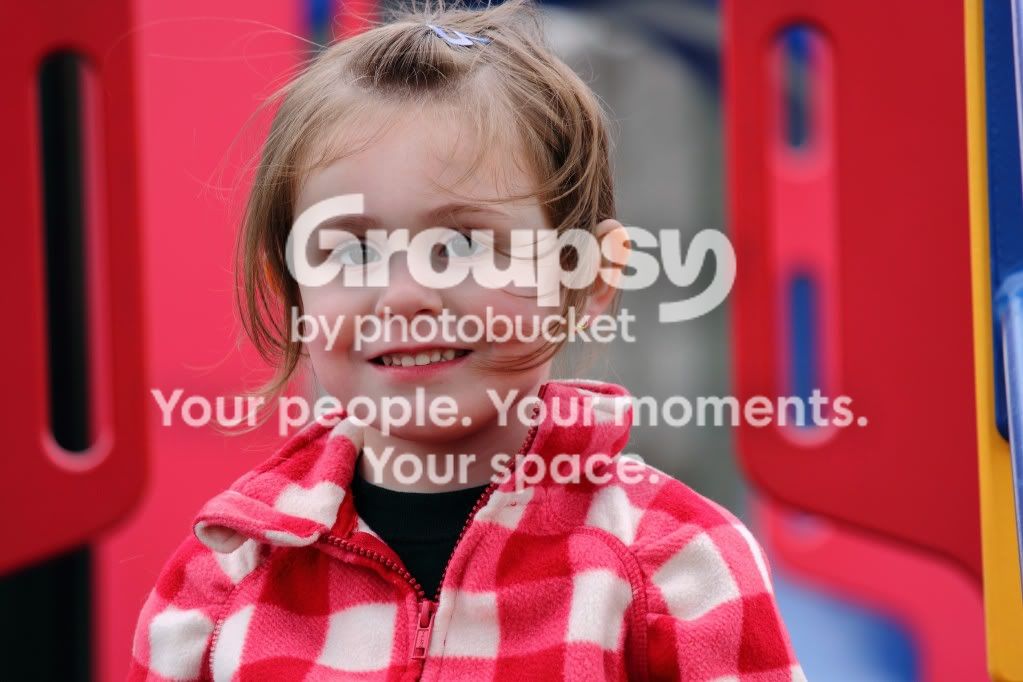
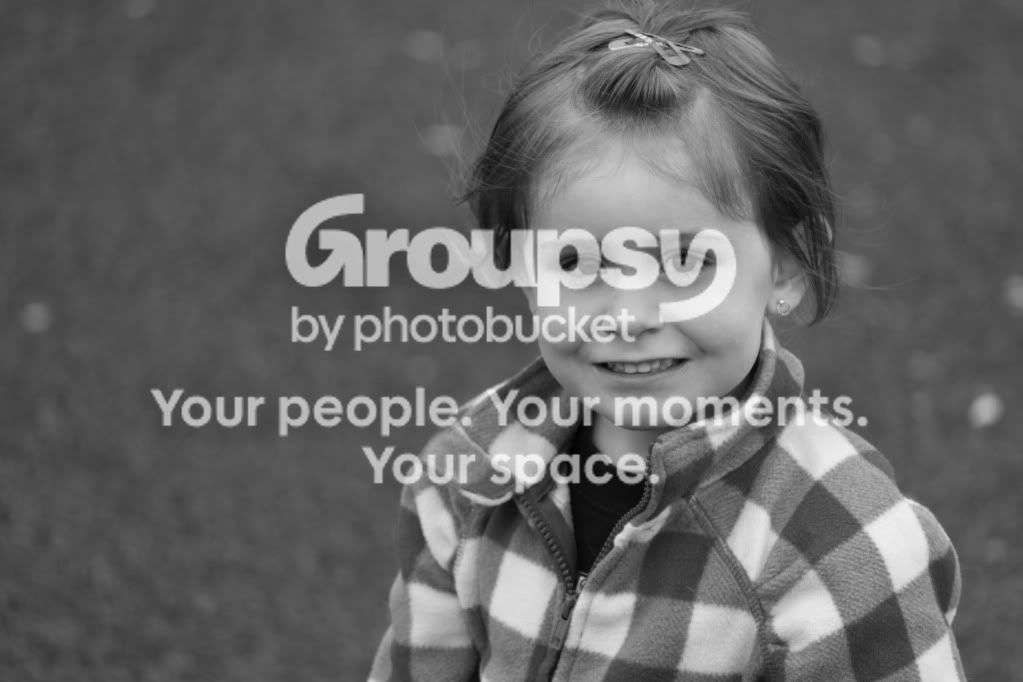
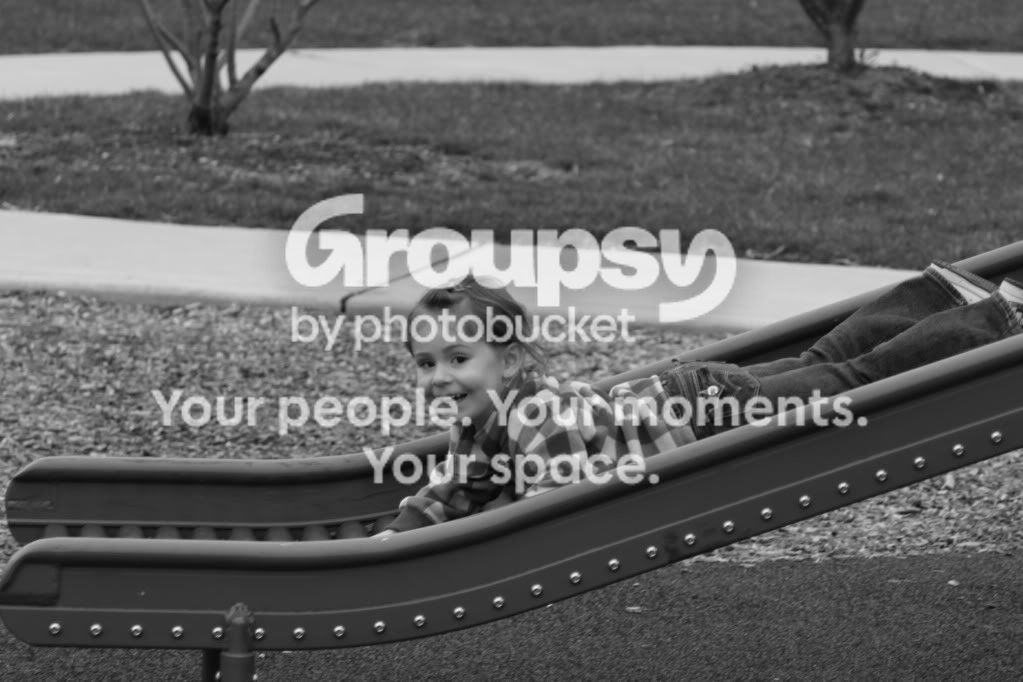
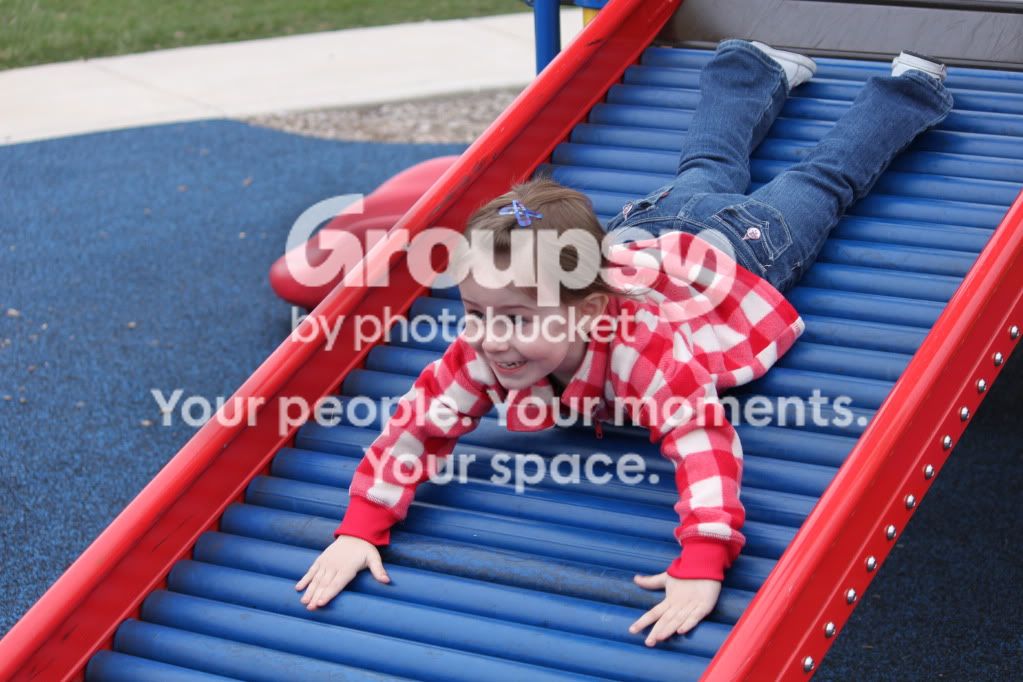
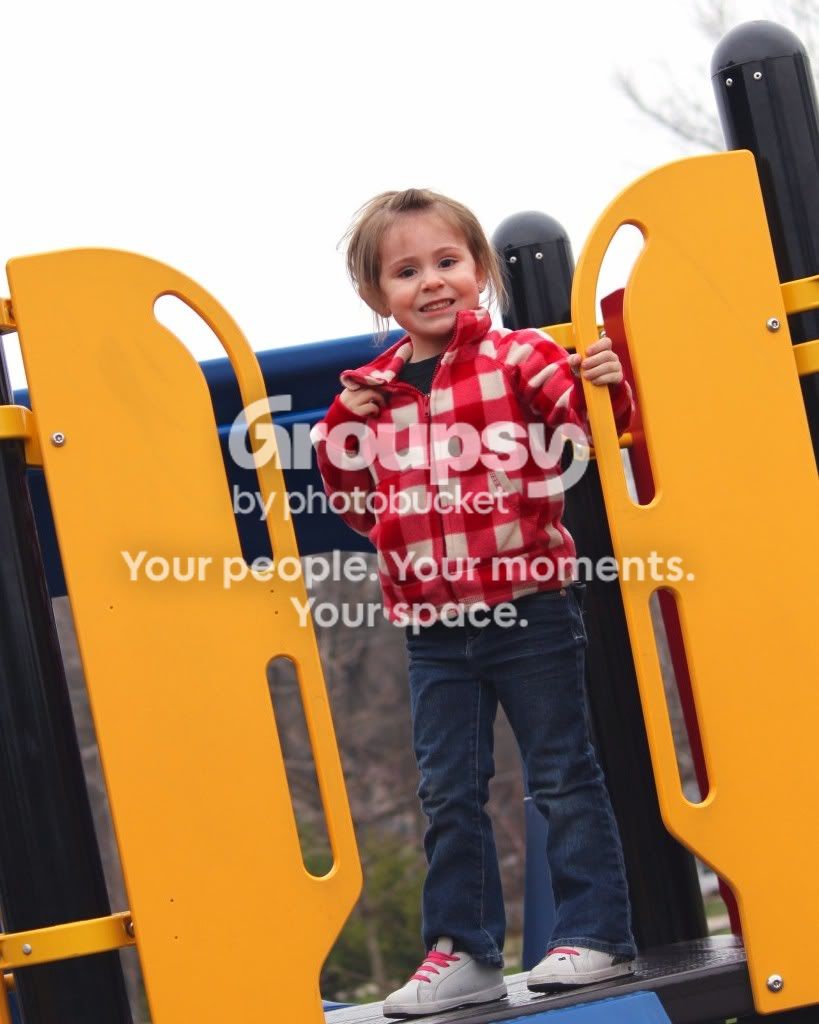
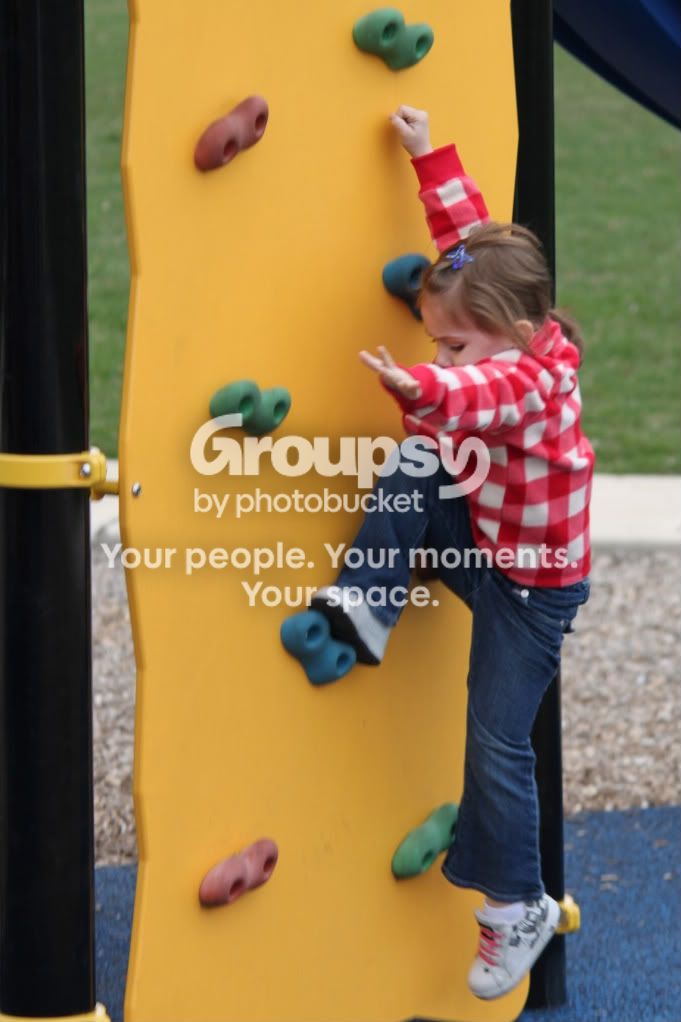
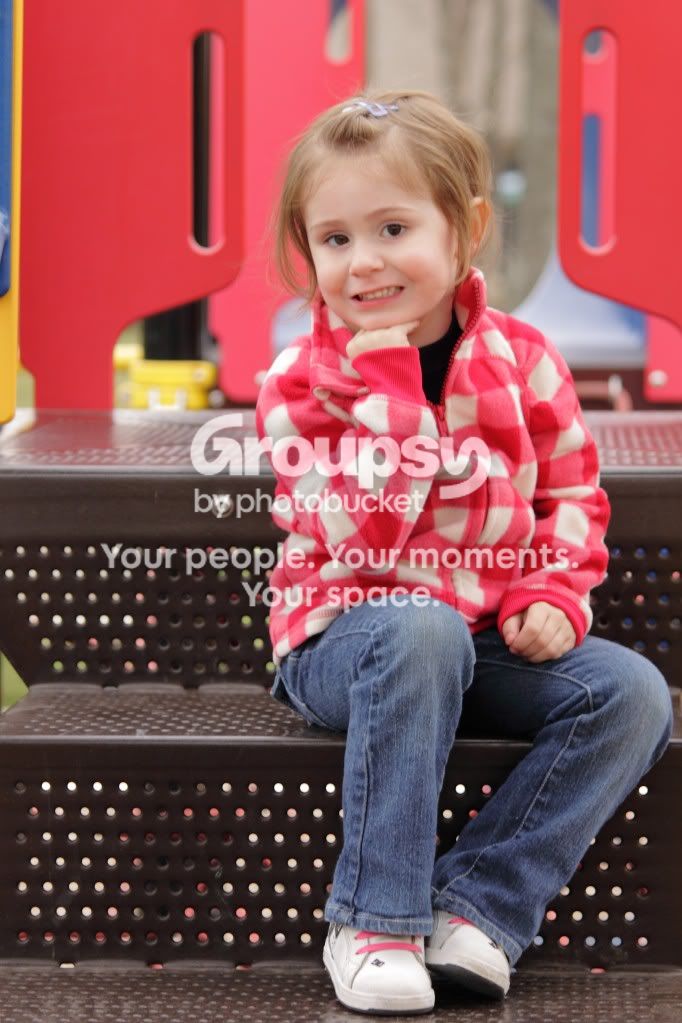
My daughter Paityn was a good sport today. I got a few good shots off.

What could I do to improve upon these photos or photos in the future? Also, we all love getting negative comments, but what am I doing right, as well as doing wrong?

1
IMG_4556.jpg


2
IMG_4564.jpg


3
IMG_4528.jpg


4
IMG_4490stra.jpg


5
IMG_4494.jpg


6.
IMG_4504t.jpg


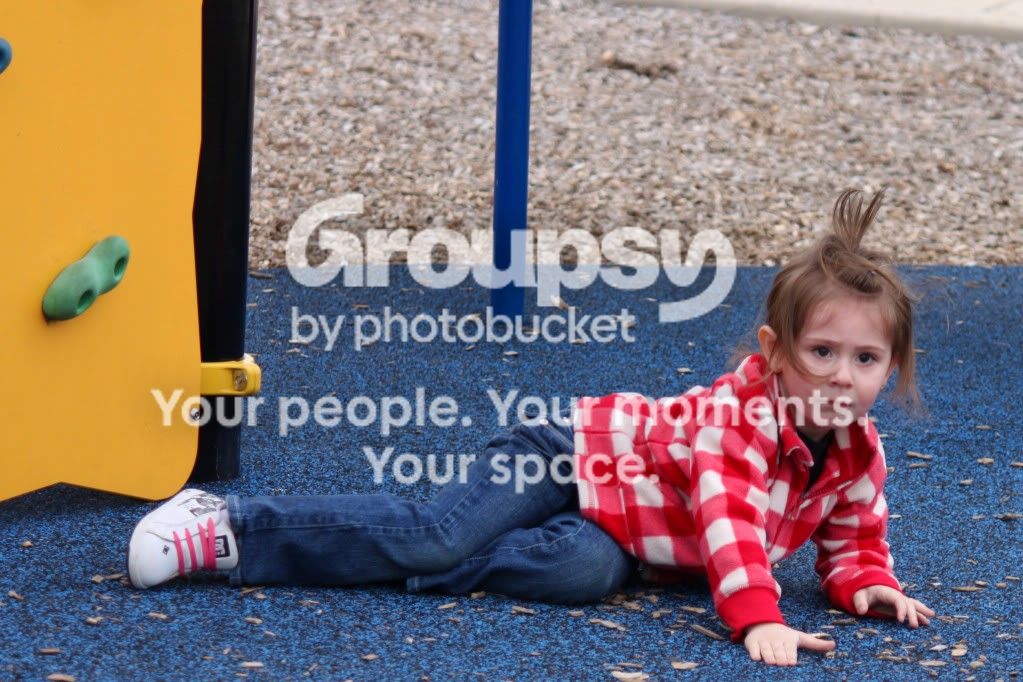
7. (I'm just throwing this in for fun, she fell off the climbing wall and was kinda in shock)
IMG_4500.jpg
 
The think I love about these photos, is that her bright red jacket goes really well against the bright playground. In a more natural setting, that jacket would stand out like a sore thumb but here it work really well.
Your exposure is mostly pretty good, except that the one with a lot of sky in the background, is underexposed. That is likely because all that bright sky has tricked your camera's meter, causing it to recommend settings that cause underexposure. When you scene is brighter than mid tone, you need to add exposure (when it's darker, you may need to subtract exposure).

Also, watch your white balance & color. The first one is rather yellow, while some of the others seem to have a reddish hue.

The one thing that I think is lacking, is good light in her eyes. She appears to have a rather dark eye color so unless there is a bright light source in front of her, her eyes will look very dark. In this case, a tiny bit of on-camera flash could have added a bit of fill light and given her eyes a nice little catch light.
 
I don't know much about photography yet so these are just general observations. Firstly I really like your photos =D the first one looks a bit too posed for a children's photos - I personally love the candid photos with kids they seem more comfortable that way. your daughter has a gorgeous little smile! and I think the one where she was in shock is great! you can't have ALL your photos happy and smiling. I have a photo of my son that's one of my favourites, and he's bawling his eyes out! you can see his little gummy mouth wide open and everything its so cute.
 
Big Mike - I have the RAW images of some of these. I started our time at the park shooting JPEG, but wanted more control of the situation, so I switched to RAW. I wish I'd shot all these photos in RAW. I also noticed that some were over and under exposed. I need to invest in Abobe lightroom so I can really tweak photos. I have an old version of photoshop, but lack the experience to really utilized it to the fullest. I also just need to get better at using my camera settings as well. That's why I'm here, to learn and share information with others who share my passion for photography.

Kenna - I know the first one was a little posed for such a youngin, but I've never tried it before with her, and figured I go for it and see what happened. It's cute, but the smile is forced and it didn't come out quite how I had imagined it in my head. I also love the candid photos and ones where she is genuinely having a good time rather than me asking her to smile and look like she's having a good time. I can relate to that situation because I can't smile on command in a way that doesn't look forced. My real smile versus my "fake" smile are VERY VERY different. In my Avatar, that's a fake smile. I liked the shirt I was wearing and I don't need to be all giggly in my avatar, so I threw it on for that purpose.

I actually got a picture of when she was just beginning to fall before she hit the ground and had that "what just happened" look on her face.
IMG_4499.jpg
 
I like #3... solid un-distracting background, plenty of light getting to her eyes, pleasing composition. It seems a bit soft, but if you shot that in RAW and didn't add sharpening, that could be the explanation as opposed to missed focus.
 
Big Mike - I have the RAW images of some of these. I started our time at the park shooting JPEG, but wanted more control of the situation, so I switched to RAW. I wish I'd shot all these photos in RAW. I also noticed that some were over and under exposed. I need to invest in Abobe lightroom so I can really tweak photos. I have an old version of photoshop, but lack the experience to really utilized it to the fullest. I also just need to get better at using my camera settings as well. That's why I'm here, to learn and share information with others who share my passion for photography.
Try not to think in terms of 'I'll learn photoshop and then fix my photos" Rather, try to get it right, in camera, so that you don't have much (or any) fixing to do.

How to use a Grey Card ~ Mike Hodson Photography
 
I will be looking into getting a grey card! Thanks for the info
 
I will be looking into getting a grey card! Thanks for the info


FWIW, I use a Robin Myers. Solid-color plastic. So if it scratches or otherwise discolors, just buff it out with 240-grit sandpaper. Weather proof, water proof... color won't run like ink on paper or cardboard.
 

Create an account or login to comment

You must be a member in order to leave a comment

Create account

Create an account on our community. It's easy!

Log in

Already have an account? Log in here.

Back
Top Bottom