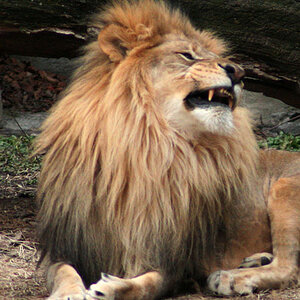
Thanks very much!! What you have done on all the photos is very impressive!!! I have adope photoshop CS - could i have done what you did by myself? I guess if i google the techniques you mentioned then i can try to work it out myself?? I am eager to improve my shots. I have many that you might call 'flat' and i dont really know how to improve them. What you did with the tigers was amazing! I see what you mean about the curve - that line in the rocks is usually straight? Is there anyway i can make it straight again???
Thanks so much for taking the time to help us!!!
Kat
I think i understand now. I would love to see what you do with this. I am extremely new to it all and have just started experimenting with photoshop CS.
Looking forward to seeing what you do!!
Kat
Hi Kat,
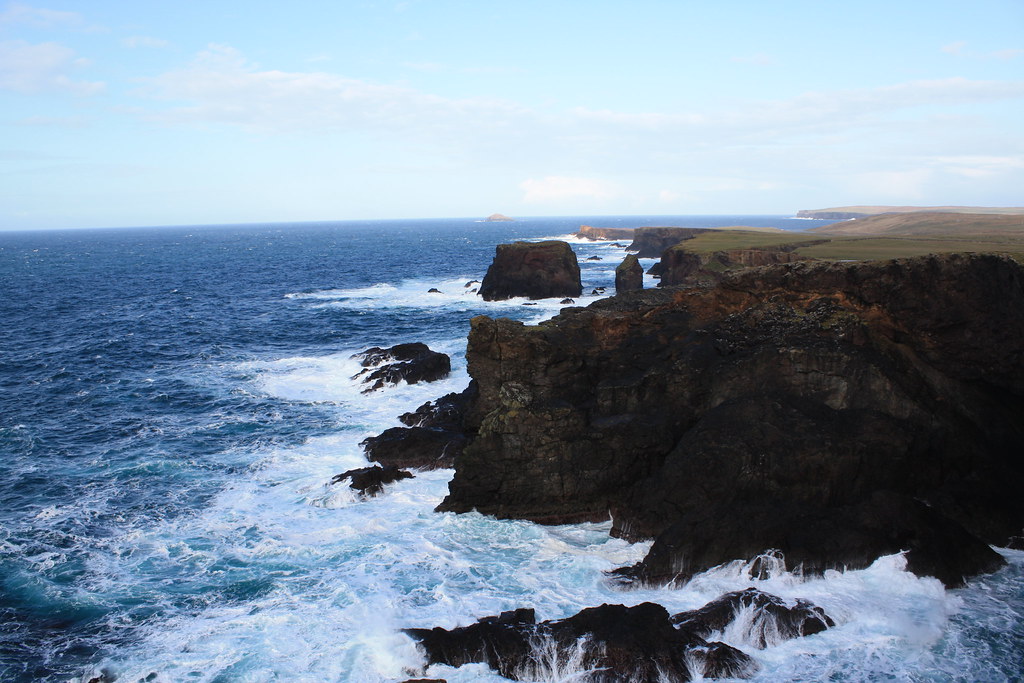
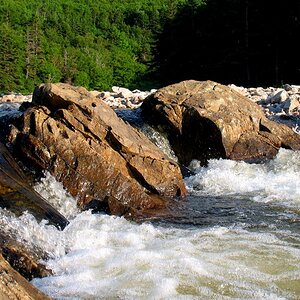
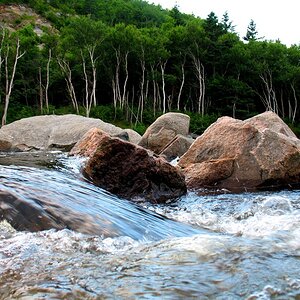
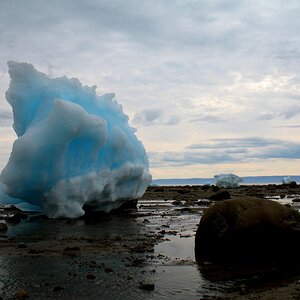
Great seascape !
good
-amazing place
-great comp (1/3 rule,sky vs land)
-nice color (blues) and contrast
-low noise and no sensor dust
nit
-lens barrel distortion (cuvre in the horizon) typical at wideangle
-photo has a slight tilt to the left when placed on a grid
-dark shadow (rockface)
tweak
-used lens distortion tool to fix the curve in the horizon
-straightened the photo
-lightened (dodge) the shadow in the rockface
-added selective color saturation to just the orange iron deposits
in the rockface, grass on top of the rockface flat and the little
turquesa color area in the sea in the bottom left corner
-added a tad of global contrast boost
-added a tad global USM (sharpening) to get over the AA filter
Hope this helps and thanks for posting.
Take care,
Dwayne Oakes
Hi Kat,
Thank you very much for the kind words !
For sure you can do your these tweaks your self ! PS CS will do all these
tweaks no problem. But your are right if there is any terms you are not
familiar with just google them lots of info on all these terms and how to
use them (tutorials)
Learn the terms in step form or one at a time. Then go into your help
section menu in your software to find out how to use each tool. Practice
that tool untill you get good at using it on your photos then move on to
the next term etc. So here is a list of terms for study that are used most.
-cropping tool and cropping tighter to get rid of clutter
-1/3 rule compositions
-setting the black and white points
-histogram (exposures)
-clipped highlights
-straightening photo tool with the aid of a grid (also camera grid)
-fixing lens barrel distortion
-using levels and curves
-global vs local (selective) adjustment editing
-dodge and burn (very powerful technique)
-color saturation and contrast adjustments
-healing out or cloning out
-USM (sharpening) and artifacts
-U-point technology for Nikon users
-white balance
-color cast problems
-EXIF data
-jpeg, TIFF and RAW file formats
-digital noise and third party NR software
That should keep everyone busy for awhlie. Remember don't let all this
overwhelm you. Take one term at a time learn and practice it untill you
get good at it then move on to the next.
PS If you are shooting at 18mm try shooting at 24mm in the field. You
will loose some wideangle but it should fix the lens barrel distortion Kat.
Everything in photography is a trade off.
Hope this helps and thanks for posting.
Take care,
Dwayne Oakes