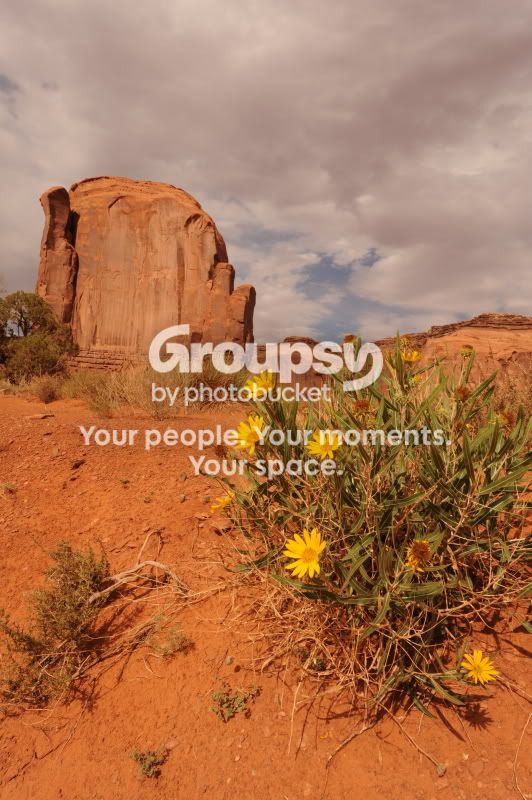
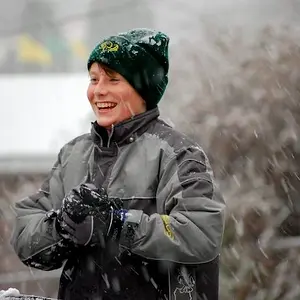
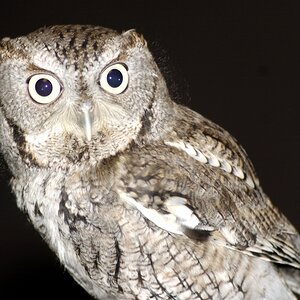
Great thread. I downloaded Photoshop and found it to be completely overwhelming. Here is what I consider to be my best photo so far.
![]()
I was wondering how i could make the subject in this picture pop out more.
![]()
Not really landscape, but what do you think about this and what can you do? I know its centered, i cant get away from that.
![]()
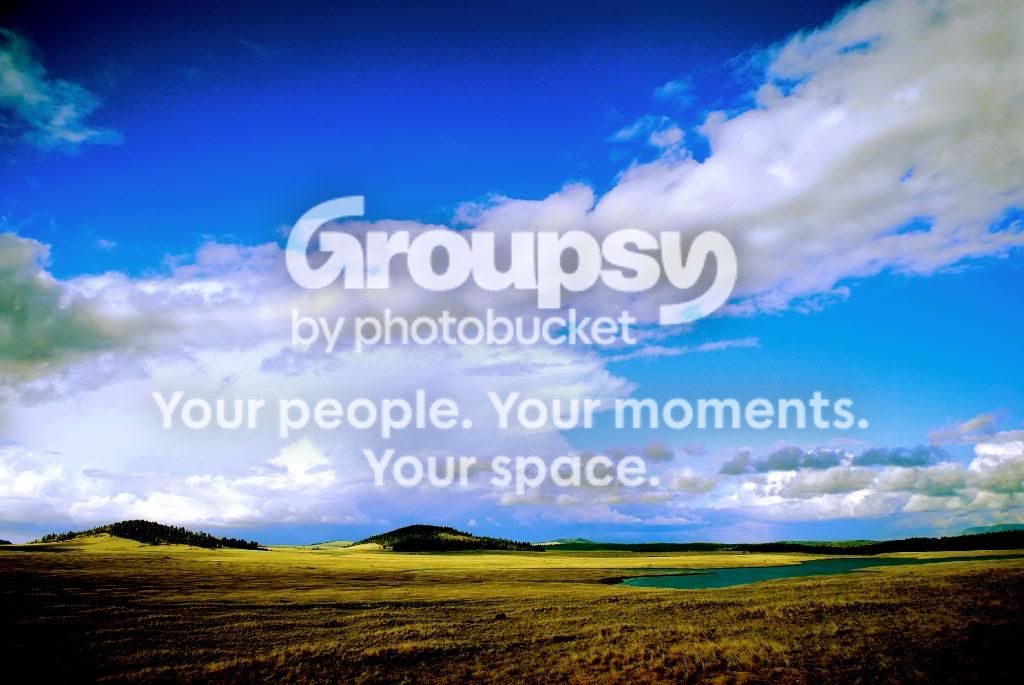
I don't know if we are full yet buy hows about this one....
![]()
I have a few similar ones that I have messed with in CS4 but I thought I would give you a go.
Hi !
![]()
Thanks to C&C![]()
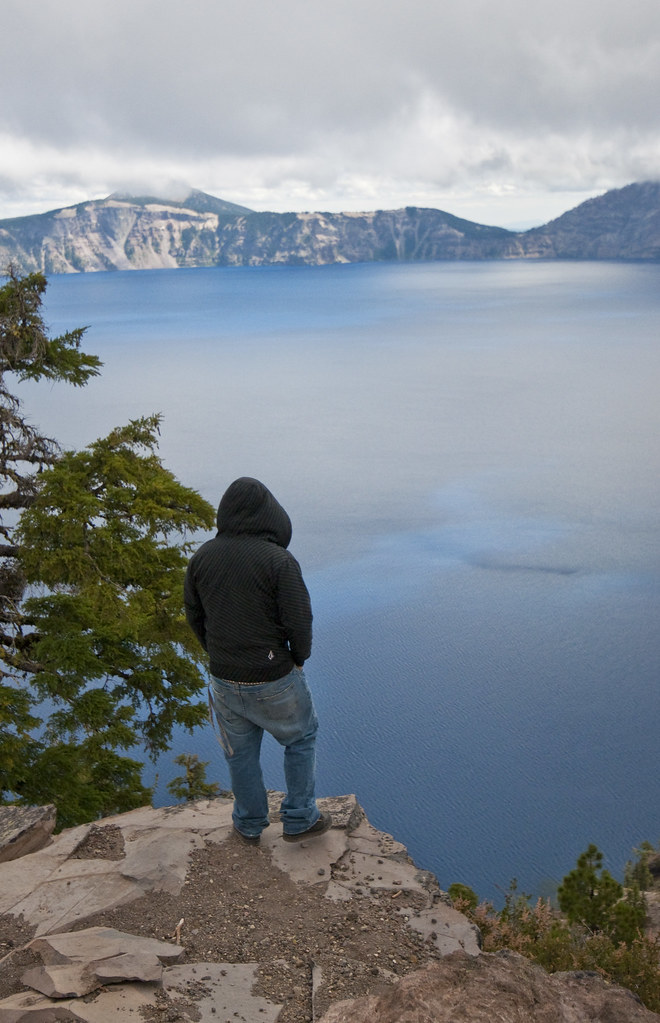
A cloudy day at Crater Lake, I did some PP myself but nothing I do seems to do the lake justice
![]()
![]()
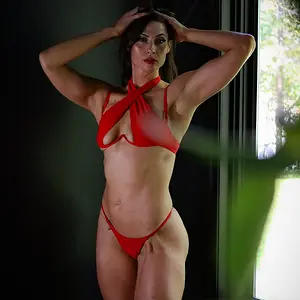
good
-beautiful capture
-great pose
-great highlight control (no clipping)
-exposure is right on
-good DOF
-great colors and contrast
nit
-to much clutter
-photo has a tilt to the left when placed on a grid
-photo is a tad noisy at 100% crop (walls)
tweak
-straightened the photo
-cropped the photo tighter to get rid of the clutter
-used gaussian blur (soft-focus) tool around the edges of the photo
-put the photo through NR software
-healed out the shirt of the chair on the left
-healed out the door knob and string on the right
-healed out the door hinge on the right
-healed out the blue object on the top self in the center
-put a frame around the photo from a plug-in from Ulead PhotoImpact 12
software.
Hope this helps and thanks for posting.
Take care,
Dwayne Oakes

![]()
good
-beautiful capture
-great pose
-great highlight control (no clipping)
-exposure is right on
-good DOF
-great colors and contrast
nit
-to much clutter
-photo has a tilt to the left when placed on a grid
-photo is a tad noisy at 100% crop (walls)
tweak
-straightened the photo
-cropped the photo tighter to get rid of the clutter
-used gaussian blur (soft-focus) tool around the edges of the photo
-put the photo through NR software
-healed out the shirt of the chair on the left
-healed out the door knob and string on the right
-healed out the door hinge on the right
-healed out the blue object on the top self in the center
-put a frame around the photo from a plug-in from Ulead PhotoImpact 12
software.
Hope this helps and thanks for posting.
Take care,
Dwayne Oakes
![]()
Thank you so much, your touch is gorgeous I'm very grateful.
Thanks for everything you do for everybody !!!!