What's new

LOL... I thought these were AMAZING!

Nice edit with the poster. If I may ask, how much did you get the lighting setup for?

Around $150-$250... I don't remember the exact price for the whole setup. Just type in "lighting kit" on eBay
 
Thanks everyone for the comments! You've all inspired me to get to working on these photos! haha
 
I have two Alienbees I just got and two sb600. I think that will cover all I need it for! I would like to up grade to SB700 or SB 900 but I am good for now! You have any new pics of him to post from recent? You think you have improved! I know I have so I would like to see! if you dont mind!
 
I have two Alienbees I just got and two sb600. I think that will cover all I need it for! I would like to up grade to SB700 or SB 900 but I am good for now! You have any new pics of him to post from recent? You think you have improved! I know I have so I would like to see! if you dont mind!

What AB do you have? I want to get another b800, and with my sb600 I think I will be set!

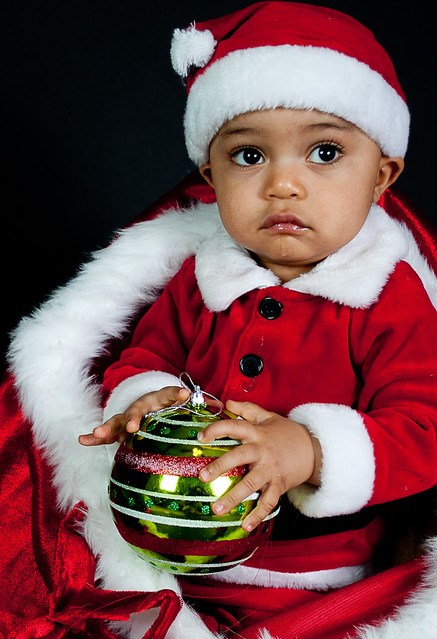
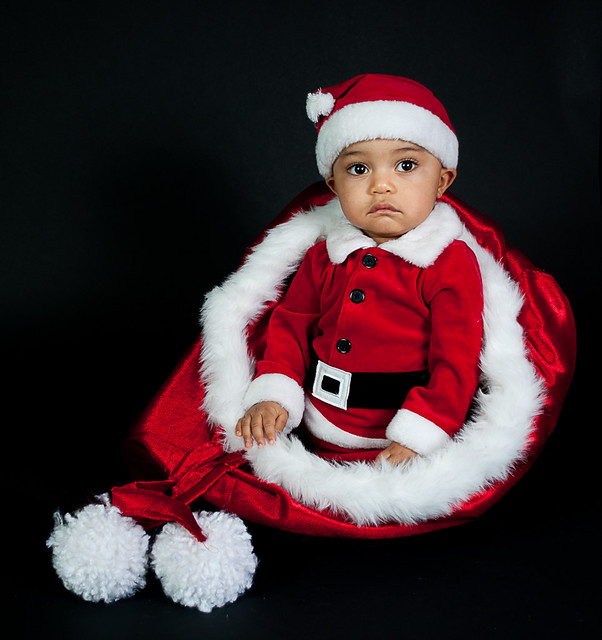
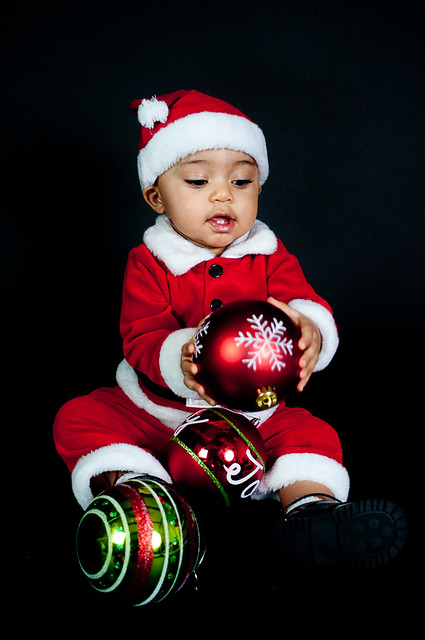
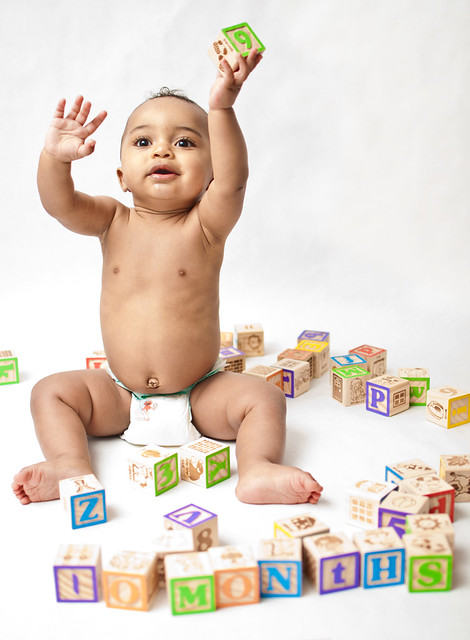
Here are some shots from this christmas. I got it super black in pp and im trying to find a way to make it straight black sooc:
5281309905_880457bec4_z.jpg


5281910844_fa99670109_z.jpg


5281912048_206f516daa_z.jpg


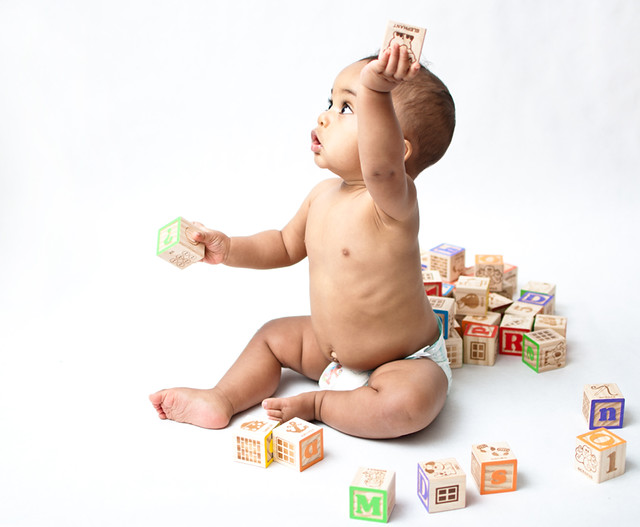
and here are some shots 2 months before the christmas with a white paper backdrop...


5100770336_3813e633ab_z.jpg


5100171725_e963466834_z.jpg


5100171183_010d89948e_z.jpg


I think ive come a long way in such a short amount of time mainly because im so passionate about photography and I'm always studying and wanting to learn more! I know I still have sooo much more to learn, but I've learned so much from this forum and all of you...its been awesome!
 
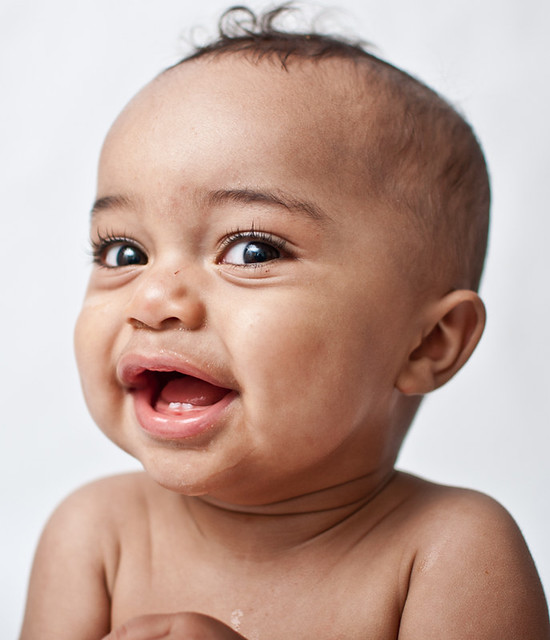
You should try to soften his skin a little bit, but use selective layers so you can keep those eyes in focus!

I have just about the same set up as you! I got 2 AB 400! Hope to move up to 800 one day but from what I have done so far really dont need them in my little room!

 
You should try to soften his skin a little bit, but use selective layers so you can keep those eyes in focus!

I have just about the same set up as you! I got 2 AB 400! Hope to move up to 800 one day but from what I have done so far really dont need them in my little room!

Yeah I noticed that they look a little too sharp and happened in either in PP or the "sharpen for web" setting.
So is that the best way to smooth/soften skin? I tried the clarity brush(reduced to 0) in Lightroom in some of my other photos, but I want to know the best way.
So what are you saying? What should I do after I add a new layer? You are talking about in photoshop right?
 
PS VERY NICE Images! You are doing great!

Thank you. I just came from your website... great work also! I love all the colors. I can't wait to start working outside in natural light! I hate winter! lol
 
There are many ways to do it and I have tried a bunch of them! one way to start is in lightroom with a brush and use skin softening. But I bring the sharpening to -20 or so and the clarity to -60 or so. zoom in and brush over everything but the eyes.

in Photoshop do it in two steps and two layers. 1st layer I add a sharpen layer and then add a mask and use the paint brush to sharpen the eyes lips and hair, Then I use the smart blur mask and apply a little to soften the rest of the skin! I was trying to find a good image of a baby to edit but no luck
 

Create an account or login to comment

You must be a member in order to leave a comment

Create account

Create an account on our community. It's easy!

Log in

Already have an account? Log in here.

Back
Top Bottom