I just found this thread...wow...there's so much confusion with terms and concepts. Here's what I would keep in mind. I think what you want is "shallower" depth of field, as opposed to greater depth of field. The technique you want to employ is called "selective focus", which is where the main subject is rendered sharply and the background is rendered distinctly out of focus. At the short focal lengths of an 18-55mm kit lens with apertures ranging from f/3.5 at 18mm to f/5.6 at 55mm, selective focus shots are not always easy to achieve. In fact, on a full-length human figure shot with the wider-angle lengths of 18-35mm, it's almost impossible to throw the background totally out of focus, due to the amount of depth of field those focal lengths have at the apertures available on the kit zooms.
To keep the backgrounds well out of focus, the easiest thing to do is to keep the subject close to the camera, and to keep the backgrounds as far behind the subject as is possible. Depth of field increases RAPIDLY with DISTANCE, no matter what the lens's focal length is--short,medium,telephoto--as the camera-to-subject distance gets longer, the depth of field grows, rapidly, and then by incredibly huge leaps and bounds.
You can also use longer focal length settings, and larger aperture settings; so, the 55-200 VR's slightly wider aperture at 55mm as opposed to the kit 18-55's f/5.6 aperture will mean that the longer zoom, the 55-200 VR, will produce somewhat more-blurred backgrounds at 55mm than will the slower lens.
I read your earlier post; what Ashley wanted was a bunch of shallow depth of field images. You can achieve your shallowest DOF images by using the 55-200, keeping her as close as possible to the camera, and as FAR away from the backgrounds as possible. The issue of getting shallow DOF comes when you want to show Ashley full-length, because then you need to back the camera away from her quite far--and even with a 55 to 200mm zoom range, the camera is far enough away from her that there's still reasonably deep depth of field at the f/stop range that lens provides you. This is where a wider-aperture lens like a 70-200/2.8, 300/2.8 ,or 200/2 is useful--to throw the backgrounds out of focus more than is possible with consumer gear.




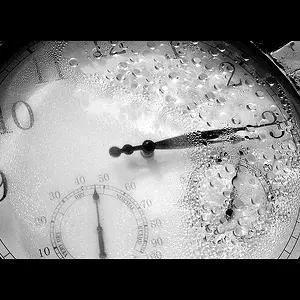
![[No title]](/data/xfmg/thumbnail/31/31979-ea92aca54ae865842d998c9cec534991.jpg?1734160756)
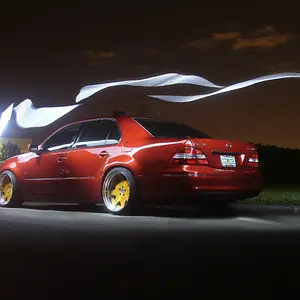
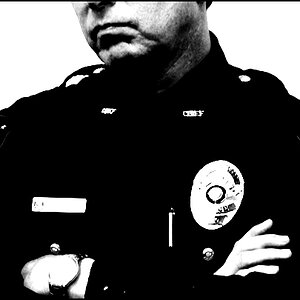
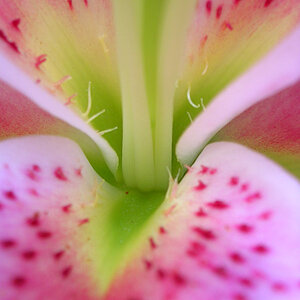
![[No title]](/data/xfmg/thumbnail/36/36421-843e629a8c32ff091e337e6880f0c323.jpg?1734168831)