What's new

My First Pics

Metimbo

TPF Noob!
Joined
Mar 11, 2004
Messages
37
Reaction score
0
Location
Memphis, TN
Hi everyone. My Fuji S7000 just came in on Friday. I have never taken Artsy-Fartsy pictures before, but I think it will be fun to learn. Suggestions welcome. Need the pointers, hehe.
~Tim

1
4.jpg

2
1.jpg

3
2.jpg

4
3.jpg
 
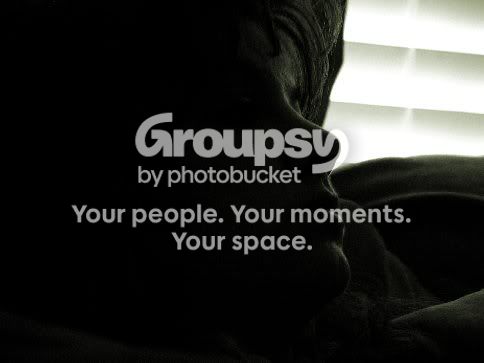
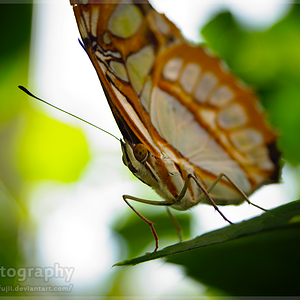
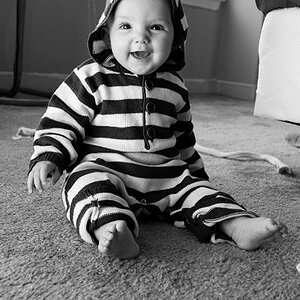
Hi, Metimbo! You will doubtless hear more of this, but....your #3 pic is beautiful. I love the tight crop. Well done!!
 
I agree. #3 is great. Mess with some lighting and contrast and you will have an even more priceless picture.

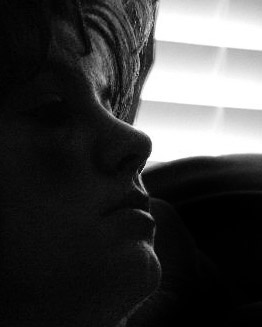
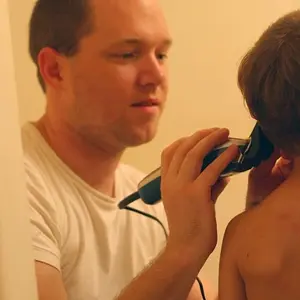
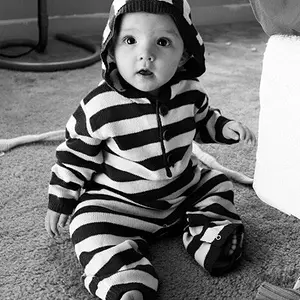
I think #4 has potential with a longer shutter. be nice to see a little more detail of the face. the face and chair just mix a bit much. You are on the rite track. Keep posting!

Enjoy the camera. :D
 
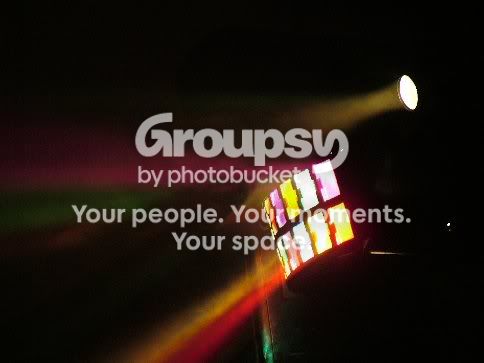
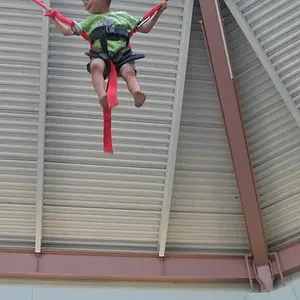
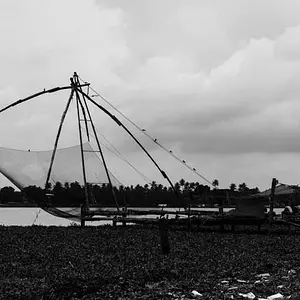
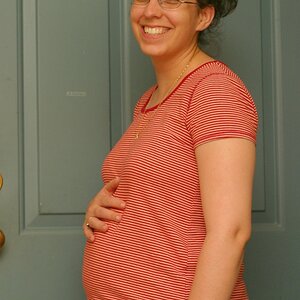
Thanks everyone. The top 2 are a couple pics for my dad's website (he's a DJ of course).

I messed around with some adjustments (need PS tho).
First_Pics_048-2.jpg


This is the original of this one...not sure what to do with it..
First_Pics_057.jpg


Why do my pics look so "grainy"? Is it b/c they are Jpegs?
~Tim
 
lovely work Metimbo, i'll go with number 3 as well, i prefer the lighter post, but see if you can get a copy of ps from someone ;)

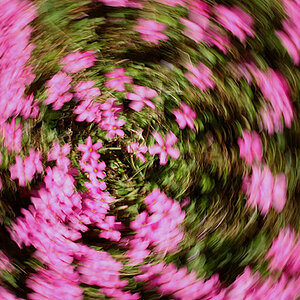
i like the colours in # 2, i think a macro of it may work better.

great stuff mate!
 
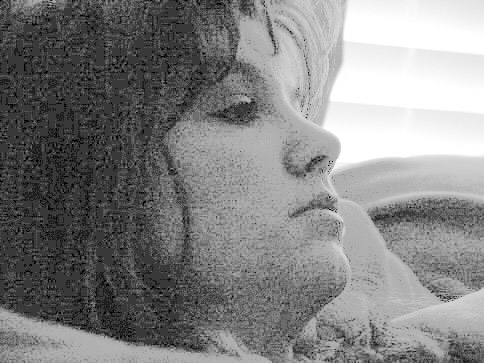
I was curious about what could be done with that fourth pic, so after giving the damp mongoose some more exercise, I played around with it a little.

I changed it to greyscale to make it easier to work with. There is some information there in the shadows, but not enough to do anything with:

First_Pics_057-mod1.jpg


Still, I liked that line of light tracing the countour of the subject's face, so I used the magnetic lasso to seperate her face from the window and the right side of the image. Then I applied a curve to her face within that selection to lighten it a touch. Next I burned in the light area in the lower right so that it wouldn't compete with the highlight of the face, and then I cropped out all that black on the left, since it wasn't adding anything important to the image (in my view). I used more of a rectangular crop this time. ;)

First_Pics_057-mod2.jpg


I think the crop could be fiddle with some more, but as a quickie this gives the idea of what I was going after.
 
Wow mark... I like that second one you worked on.... Do you DO anything else? Well, I'm glad you take the time to work with the pictures. I learn so much more by actually seeing what you are talking about. Thanks man!
 
Wow! That looks great Mark! Thanks!

That little boy is my son. Thanks for the comments! I'll get better at this after a while.
~Tim
 
Here is #3 lightened but with a little more of that dark soft look retained.
I cropped just a little more also.

What a cutie!

2.jpg
 

Create an account or login to comment

You must be a member in order to leave a comment

Create account

Create an account on our community. It's easy!

Log in

Already have an account? Log in here.

New Topics

Back
Top Bottom