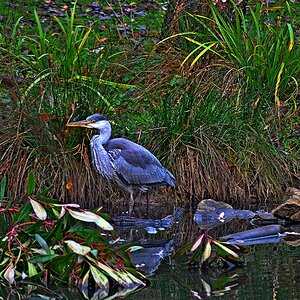
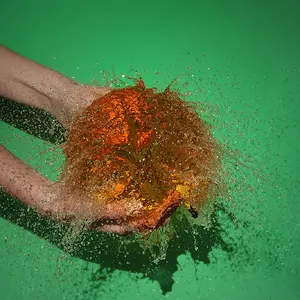
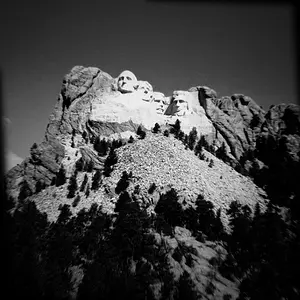
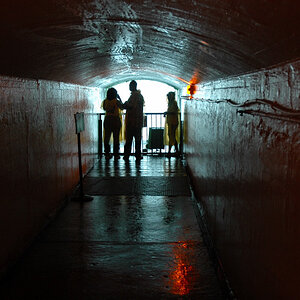
I thought I'd be brave and post this in this forum so I could get some constructive feedback. I don't know what the glare is on the bottom, and I don't know how to fix it in PS. I'd love suggestions.
What he said If you aren't sure how to do this in PS, you might wanna check out the How To Section on the forum, I found it very helpful! Anyways, this is a great shot!! You should repost it after you've played around with the cloning on PS!
Nice photo. As for the PS'd one, it does take a little practice. I'm not much for burn and dodge, but you may want to play with those tools to fix the water.
As you've seen, the clone stamp is simple to use but with some pictures it can take some real artistry (and time) to make the correction look right.
One very important tip when doing photo editing - never edit your original. Copies are so easy to make and you can experiment and mess up to your hearts content. If it gets too bad trash it and start on another copy.
The dodge tool will lighten and the burn tool will darken. For "smoothing out" corrections put the percentage very low like 2-5% and each pass with the tool will only make subtle changes.
You might experiment with the healing brush as well as dodge and burn for the water. Remember it doesn't have to look exactly like it really was, you just want it to fit in and not detract from the picture.
I would also clone out the smudge or flock of birds or whatever that is to the right of the sun. You need to work with levels and you might consider mostly or wholly desaturating this. It might look better as black and white.
Hey, good job! The second one does look a lot better. As for the water part, you'll get the hang of it, it just takes practice. The more you play around with your shots in PS, the more you'll discover!



 If you aren't sure how to do this in PS, you might wanna check out the How To Section on the forum, I found it very helpful! Anyways, this is a great shot!! You should repost it after you've played around with the cloning on PS!