Good Morning,
Alright so I am brand new to photoshop. Can anyone please explain to me how I can change a color in a photo? Basically, I want to learn how to change colors

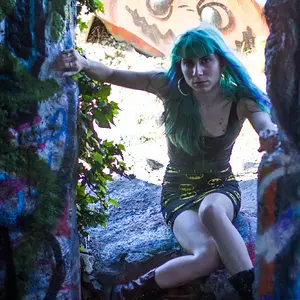
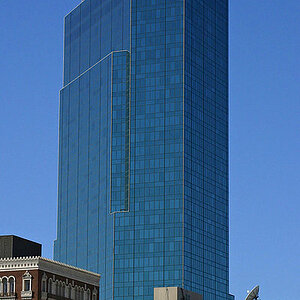
For example, how would I change the blue in this pic to red?
TIA
-Maggie
I'd use layer masks combined with the blue channel for this.
First duplicate the layer. On the duplicated layer, create a layer mask.
If you go into the channels palette, you'll see the Blue channel. This channel shows blue parts as lighter shades of grey going up to white, and where the colour gets further away from blue (or less blue in the colour), it is darker shades of grey going down to black. Select this channel, press CTRL-A, then CTRL-C. This will copy the channel to the clipboard.
Now select the composite RGB channel and go back to the layers pallete.
Now ALT-Click on the layer mask, and the screen will go white (you're looking at the actual layer mask itself). Press CTRL-V, and you will paste the blue channel in there. Basically, this is using the blue channel as a layer mask.
Now, on the duplicated layer, just use the colorise command to change the colour (or any other colour changing command). This should give you a fairly decent starting point. You might need to adjust the levels in the layer mask or even paint a bit in order to limit the changes to the parts you want, and I think you may need to invert the layer mask as well (I'm not sure).
I hope this helps!




![[No title]](/data/xfmg/thumbnail/36/36392-ee7dc51c9be334b9979003f6316db12e.jpg?1734168771)
![[No title]](/data/xfmg/thumbnail/41/41904-bc50f4d1903ad14e244dbad5cf8e5aa4.jpg?1734176269)
![[No title]](/data/xfmg/thumbnail/41/41492-467958db3420bceb7ab410a12dcc681f.jpg?1734175885)