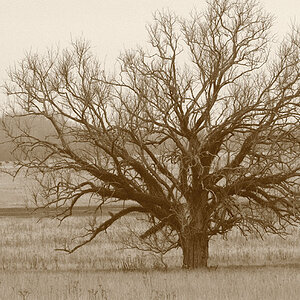
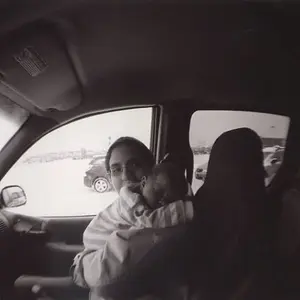
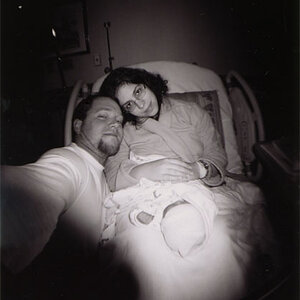
You have little there to work with since 80% of the image is OOF, and what is in focus is tonally very close to the rest of the image.
It would help to know what version/release of Photoshop you have, and if the origianl file is a Raw file or a JPEG. (JPEGs have litttle, if any, editing headroom since they have already been edited in the camera.)
First make a copy of the original to do your editing on. (Never edit an original)
I would use ACR and first adjust the Temperature/Tone, Recovery, and Clarity. Then I would use the Adjustment Brush to darken the background about 1.5 stops.
Then open the photo in Photoshop. Duplicate the Background layer. On the new layer use your favorite selection tool to select your main subject back into the background. Use the Refine Edge feature to feather the edge of the selection 3 to 5 pixels.
With the selection active go up under Filter > Sharpen > UnSharp Mask. When the USM dialog box pops up, set the Amount to 10, and the Radius to 200. That will enhance the local contrast of only what is inside the selection you made, and not actually so much in the way of sharpening.
For whatever reason you uploaded the photo here as a .png file which ACR won't open.

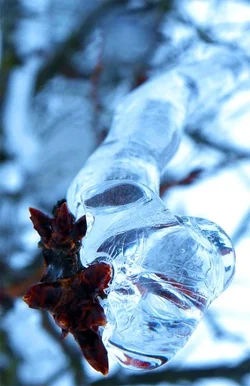
 I'm using a photo I took over the winter.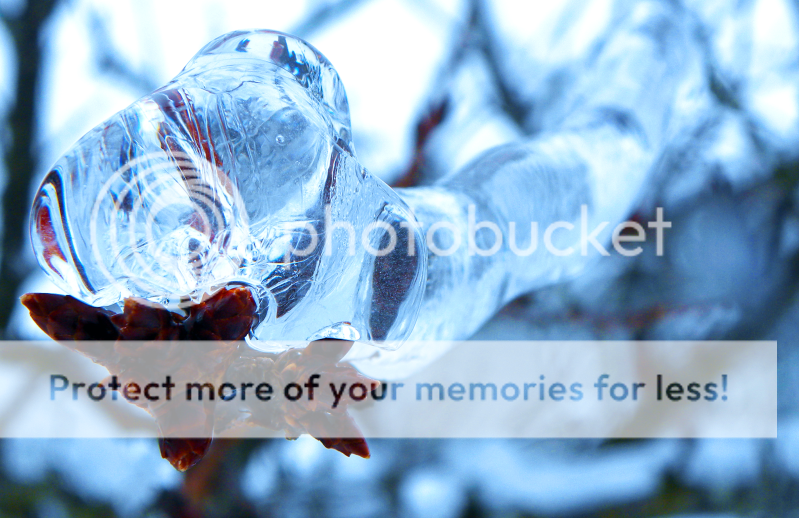


 So what's the difference between using ACR vs. regular photoshop?
  help?
help?



![[No title]](/data/xfmg/thumbnail/34/34345-5642c495cae8d6c7bb83c28664146cf1.jpg?1734164882)