What's new

Soft coloured photos

ksenxx

TPF Noob!
Joined
Aug 7, 2011
Messages
2
Reaction score
0
Hello!

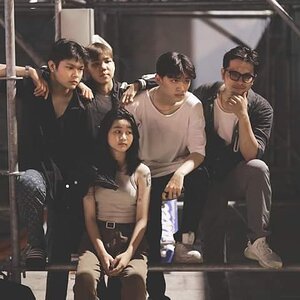
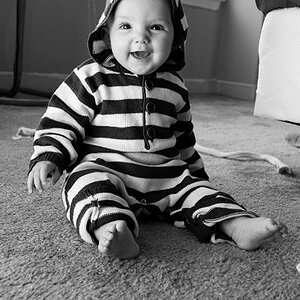
I'm a beginning photographer with a Sony DSC-HX100V. I was wondering how it is possible to take soft-coloured looking photos (link below)- what kind of light, exposure, etc should I use when taking them? I believe that these photos have been further processed, so if you guys could give me some tips on how to edit them afterwards, that would be great, too! I have Photoshop CS5.

vaporous | Flickr - Photo Sharing!

Thank you in advance for your help!
 
I'm no photoshop master, but it just looks to me like it was desaturated a bit and then a low opacity color adjustment layer was added. Or something to that effect. :lol:
 
The example you posted ws done mostly post process.

The look has been popular for a couple of years now, but the popularity seems to be losing steam quickly.

In Photoshop many use a 'Curves' adjustment to make the photo more yellow, which simulates that is has aged.

the vintage look for a photograph - Bing
 
There are also some "vintage" actions in Lightroom aimed at producing more or less that effect.
 
I have tried adjusting the curve settings, and also found hundreds of actions that claimed to provide this look, but my photos never look like that! I can only assume that my initial photos aren't right for it?:confused:
 
Well, a number of years ago, Agfa marketed a slide film that rendered in pastel colors. Alas, it is now gone forever. I would experiment and find the film that gives you the most advantageous starting point, however. Maybe one of the very neutral studio films might work. I am reminded that even my little Leica X1 has a menu where I can pick a level of saturation, but it is not too specific. Other DSLRs have elaborate color settings menus where one could easily desaturate the colors and even save the settings in a custom menu option.
 
Last edited:
I have tried adjusting the curve settings, and also found hundreds of actions that claimed to provide this look, but my photos never look like that! I can only assume that my initial photos aren't right for it?:confused:

samples, please.
 

Create an account or login to comment

You must be a member in order to leave a comment

Create account

Create an account on our community. It's easy!

Log in

Already have an account? Log in here.

New Topics

Back
Top Bottom