What's new

Some flowers and a bird shot

rhino123

TPF Noob!
Joined
Nov 3, 2010
Messages
62
Reaction score
0
Location
Somewhere out there... in Limbo
Can others edit my Photos
Photos OK to edit
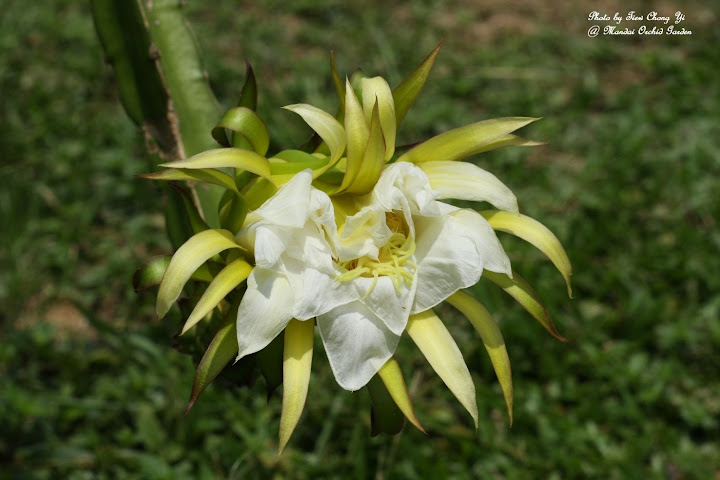
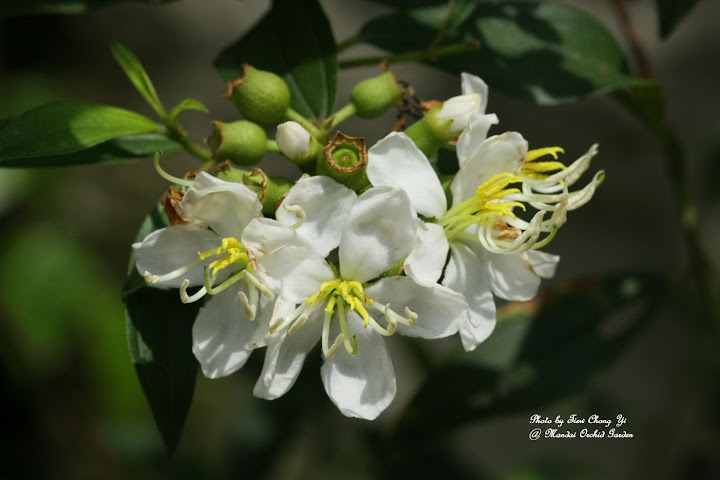
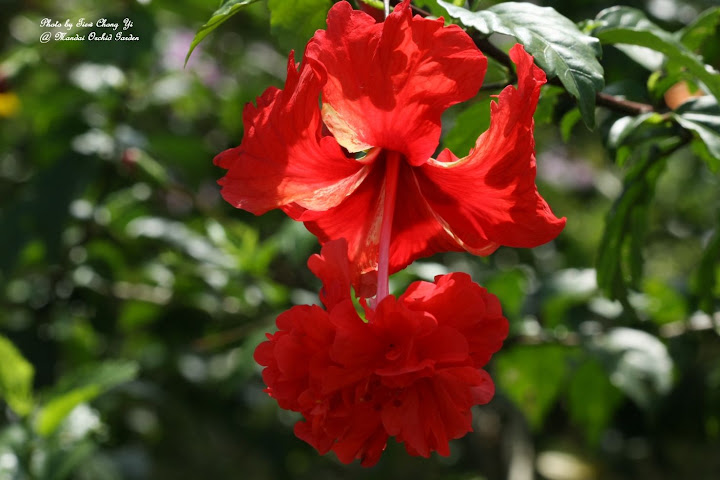
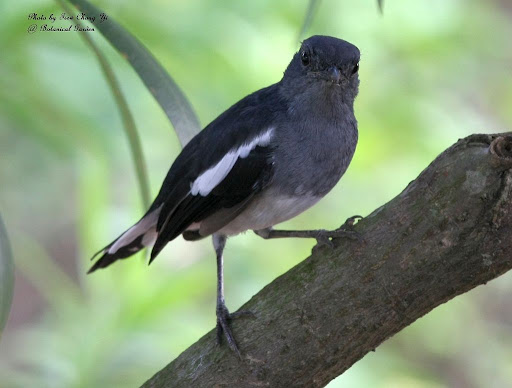
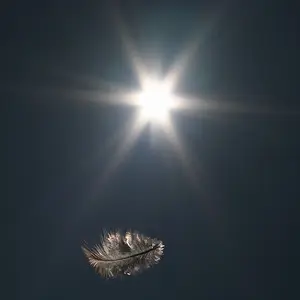
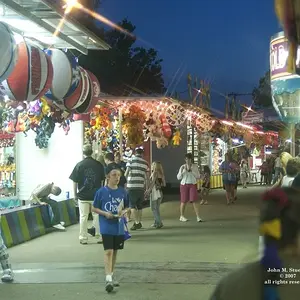
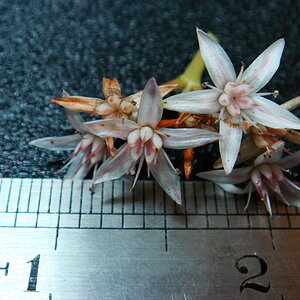
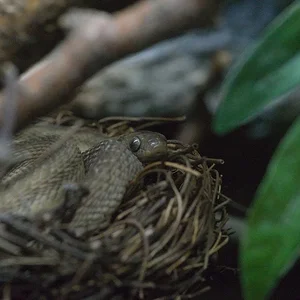
Hi, just sharing some flowers and a bird shot. Criticism most welcome.

1)
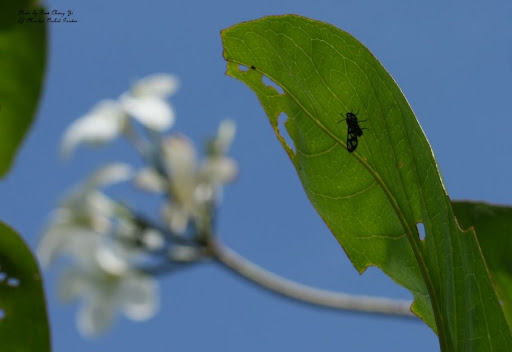
IMG_2682.JPG


2)
IMG_2776.JPG


3)
IMG_2803.JPG


4)
IMG_2644.JPG


5)
IMG_3360edit.jpg
 
I am surprised that you did not brighten and bring out the colour in the bird, as well as cloning out the background distractions in post.

skieur
 
Nice images....details a spot on the flowers!

What kind of bird?

Thanks. The bird is an Oriental Robin (i was told).

I am surprised that you did not brighten and bring out the colour in the bird, as well as cloning out the background distractions in post.

skieur

Er... sorry, I am quite a newbie here... but how do you brighten the bird? I did not do any post pocessing except to crop out some from the original photo. Need more tips.

Thanks in advance.
 
Hi
@1= i think you lost your focus altogether here
@2&3: these have come out well; but the flowers you chosen are not much pleasing in appearance
@4: good, yet the lighting is not favourable at the time of your click
@5: exposure has to be increased

All begin this way; so no worry at all...All the Best
 
Nice images....details a spot on the flowers!

What kind of bird?

Thanks. The bird is an Oriental Robin (i was told).

I am surprised that you did not brighten and bring out the colour in the bird, as well as cloning out the background distractions in post.

skieur

Er... sorry, I am quite a newbie here... but how do you brighten the bird? I did not do any post pocessing except to crop out some from the original photo. Need more tips.

Thanks in advance.

Do you have a post processing program and is it Photoshop or Paintshop Pro?
If you do have one of these, then I can tell you how to do it and even show you the results if you permit me to copy the original, work on it, and send it back to you.

skieur
 
With the bird being the exception, the compositions aren't fabulous in the first ones.Dead spot on center is not always the way you want to present your photo. Rule of thirds..it really does change up the way you see things as a final product.
 
Hi
@1= i think you lost your focus altogether here
@2&3: these have come out well; but the flowers you chosen are not much pleasing in appearance
@4: good, yet the lighting is not favourable at the time of your click
@5: exposure has to be increased

All begin this way; so no worry at all...All the Best

Thanks for the advise... but for my first pic, I am actually focusing on that bug on the leaf... but it didn't seemed to come up the way I wanted it... got to learn alot more.

Do you have a post processing program and is it Photoshop or Paintshop Pro?
If you do have one of these, then I can tell you how to do it and even show you the results if you permit me to copy the original, work on it, and send it back to you.

skieur

I do not have any photoshop... but is planning to get one as soon as my pay check come in this month. But I would be really happy and appreciative if you could teach me some tricks with the photoshop.

And sure, I would like it very much if you could copy and edit my original and show me the final result. That is one way I will learn. Cheers.


With the bird being the exception, the compositions aren't fabulous in the first ones.Dead spot on center is not always the way you want to present your photo. Rule of thirds..it really does change up the way you see things as a final product.

Hmm... I need to read up more on the rule of thirds. Thanks for the advice.
 
Last edited:
Well, the bird looks appropriately brighter on my screen now. I hope it does on yours as well. I simply used freehand selection in the menu, traced the outline of the bird and went to brighten in the pull down menu. Paintshop Pro is even faster than Photoshop with a default which sometimes works very well.

skieur

bird_m.jpg
 
If you want to post-process your photos without spending big bucks yet, you can try GIMP.
 
Well, the bird looks appropriately brighter on my screen now. I hope it does on yours as well. I simply used freehand selection in the menu, traced the outline of the bird and went to brighten in the pull down menu. Paintshop Pro is even faster than Photoshop with a default which sometimes works very well.

skieur

bird_m.jpg

Look really nice... and sounded simple enough. Hmmm... can't wait to get my hands on the photoshop and experiment on more of my photos.

If you want to post-process your photos without spending big bucks yet, you can try GIMP.

Heard of this program, I have tried downloading it from the net before, but somehow my computer doesn't seemed to recognise it... don't know why, I hope it won't happen when I buy the photoshop.
 

Create an account or login to comment

You must be a member in order to leave a comment

Create account

Create an account on our community. It's easy!

Log in

Already have an account? Log in here.

New Topics

Back
Top Bottom