I would just use the magic wand to select the background color, then copy that as a layer. After you do that, just change that layer to white. Might be a better way, but that is how I would do it
There is a much simpler way to do it.
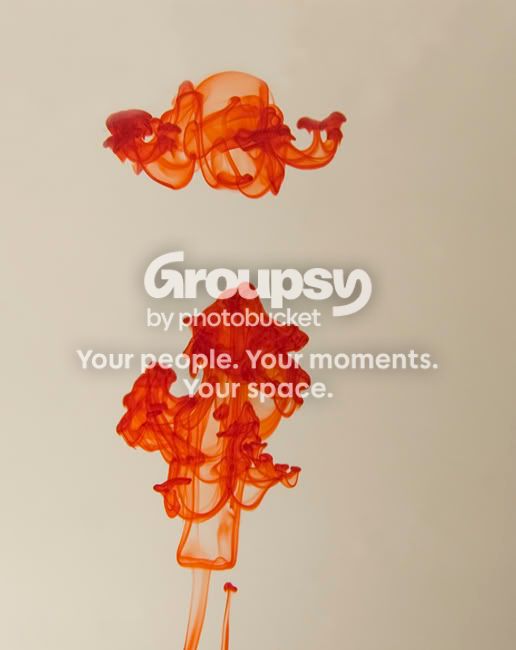
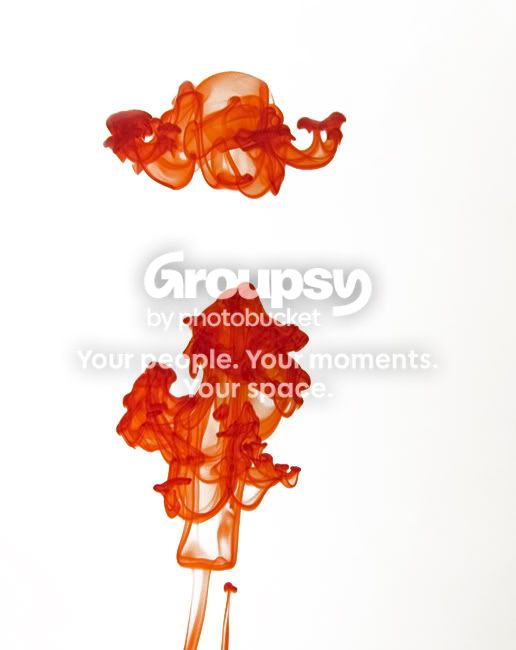
I'll let this mini tutorial that i just made explain, the same black, grey and white droplets can be found in the level adjustments aswell if you prefer that over curves, although it performs exactly the same function.






![[No title]](/data/xfmg/thumbnail/30/30987-a33ca8e90b5d786c21e59d37945b9cc6.jpg?1734159043)
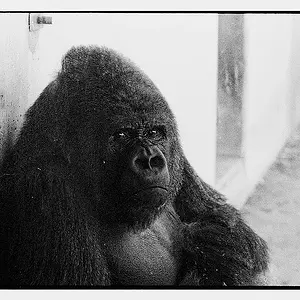


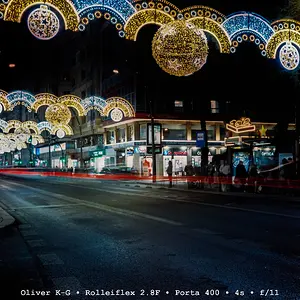
![[No title]](/data/xfmg/thumbnail/31/31037-35b917d9eb4d044981e83ac234757e09.jpg?1734159136)
![[No title]](/data/xfmg/thumbnail/30/30986-0fbf9af8f70b46ce37aeb237ba68b573.jpg?1734159039)
![[No title]](/data/xfmg/thumbnail/30/30879-16ad830465e571dee0a784c7fa122909.jpg?1734158876)
![[No title]](/data/xfmg/thumbnail/30/30877-ef8d8a8cf110d5566382bb4e8a76fd3f.jpg?1734158872)