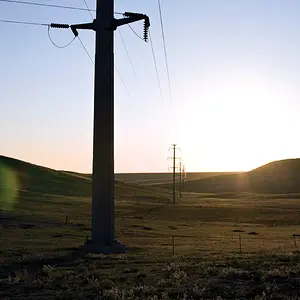
The snow is pretty gray.
That's usually an indication all the white in the scene caused the light meter to indicate an accurate exposure with the meter at zero when the scene was in fact under exposed.
Your camera likely offers a histogram display on the rear LCD, and the histogram is used to check the exposure.
Understanding Digital Camera Histograms: Tones and Contrast
Understanding Digital Camera Histograms: Luminosity and Color
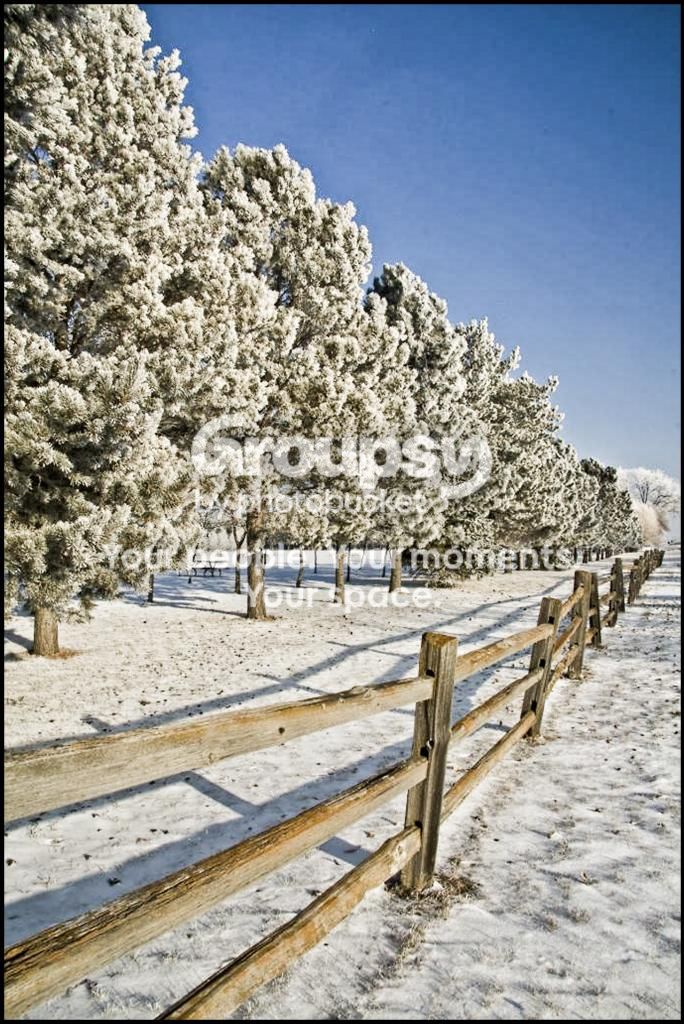
The meter is calibrated on the assumption an average scene has a brightness that is somewhere between 12% and 18% neutral gray. So when scenes that have a lot of white in them, like a snow covered landscape, or billowing floor length white wedding dresses, some + EV exposure compensation has to be dialed in to get a correct exposure.
Understanding Camera Metering and Exposure
I am guessing you had a CPL filter on the lens which caused the strong gradient in the sky. The angle of the Sun to the lens axis is a critical factor when using a CPL filter. In this shot the angle is more than 90° which can contribute to uneven saturation of the sky like the gradient seen in your photo.
As far as composition you have some strong leading lines that are on a diagonal. The diagonal aspect gives a nice dynamic sense of movement, but they lead the viewers eye to - nothing - and actually take the viewers eye out of the image in the right middle of the frame.
I have added 0.7 EV of exposure, increased the mid-tone contrast in lieu of sharpening, and added a thin black border. Being a very small (less than 2 inches) 8-bit depth image the edit produces a bit of banding in the sky, and you have some dust bunnies on your image sensor which are also visible in the sky as soft dark dots..










![[No title]](/data/xfmg/thumbnail/35/35262-02f8eba4a2a92dbae0b55547bba80b4f.jpg?1734166920)
![[No title]](/data/xfmg/thumbnail/35/35263-86f580cf5d28d23109a45984030a79ad.jpg?1734166920)