What's new

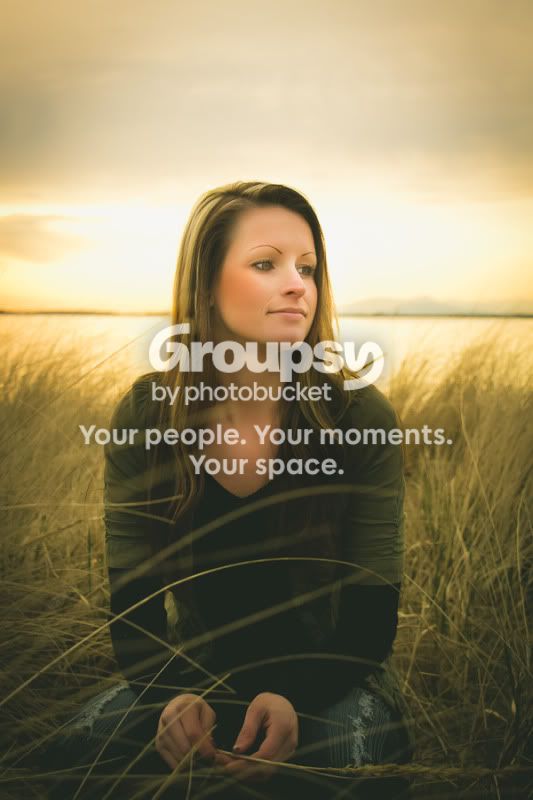
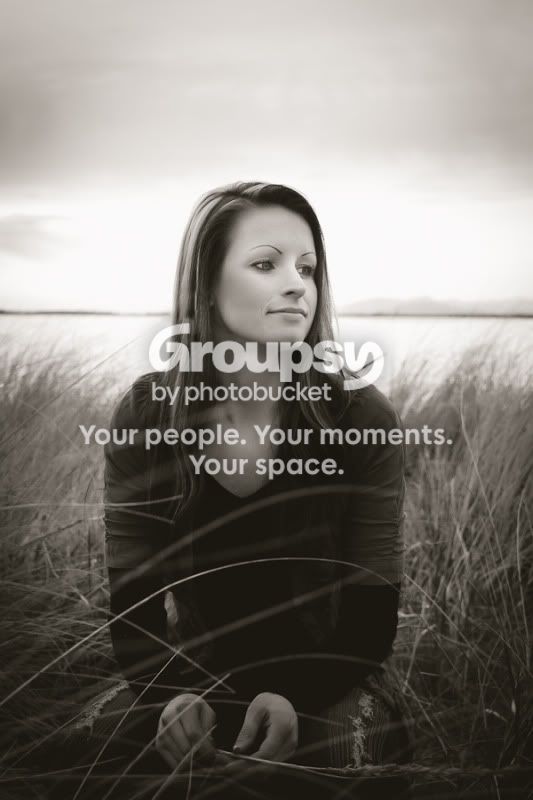
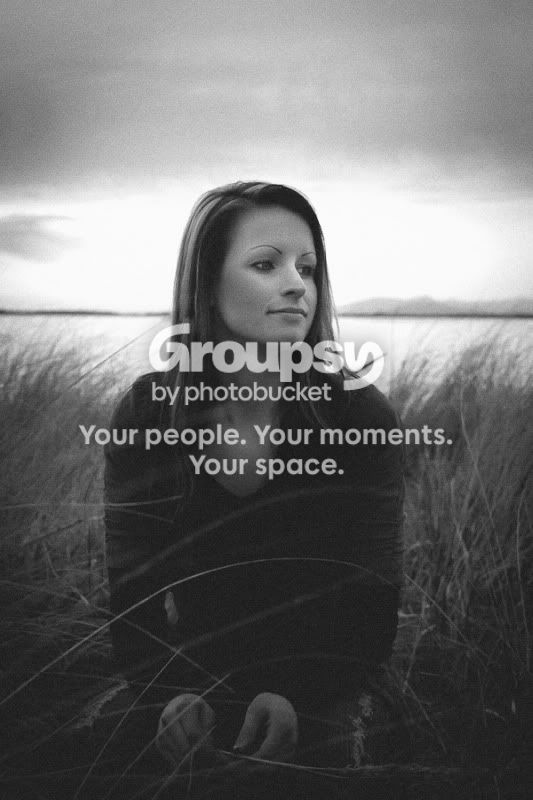
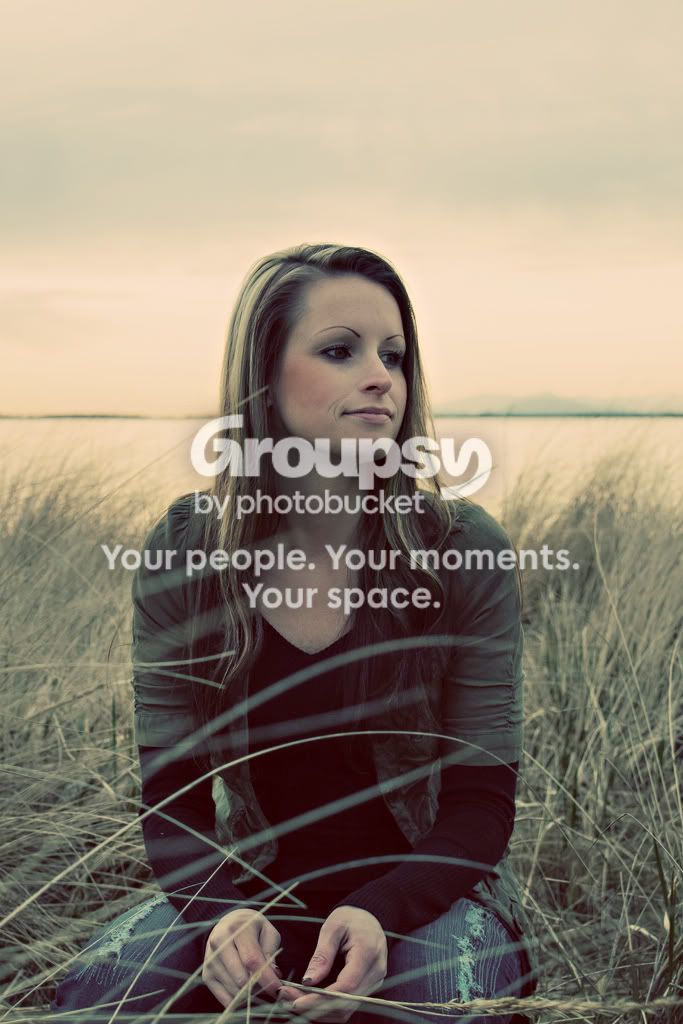
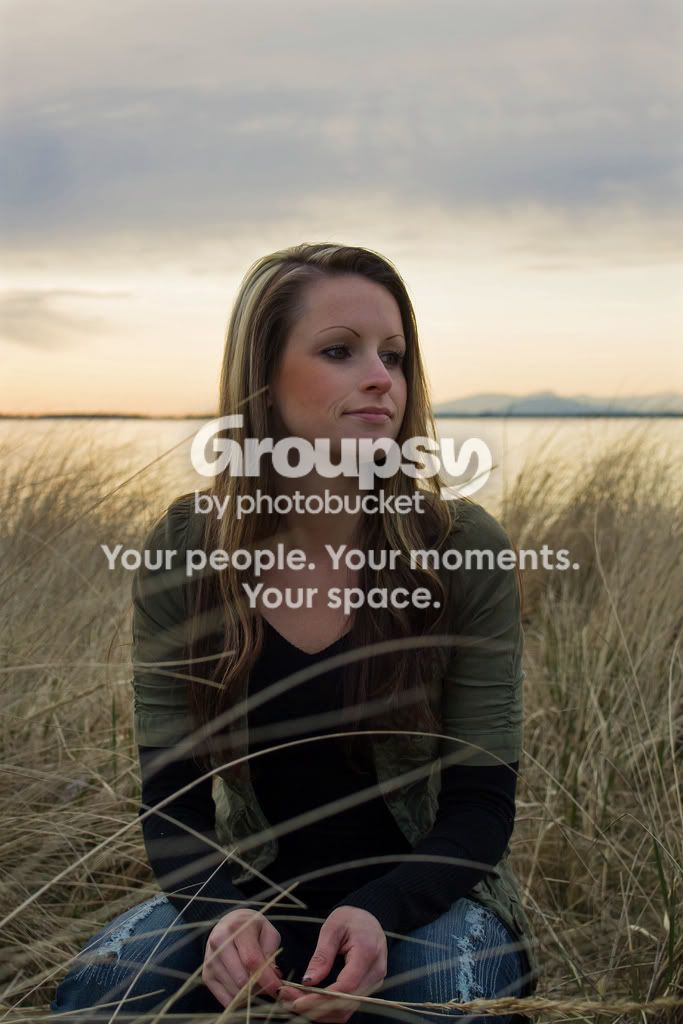
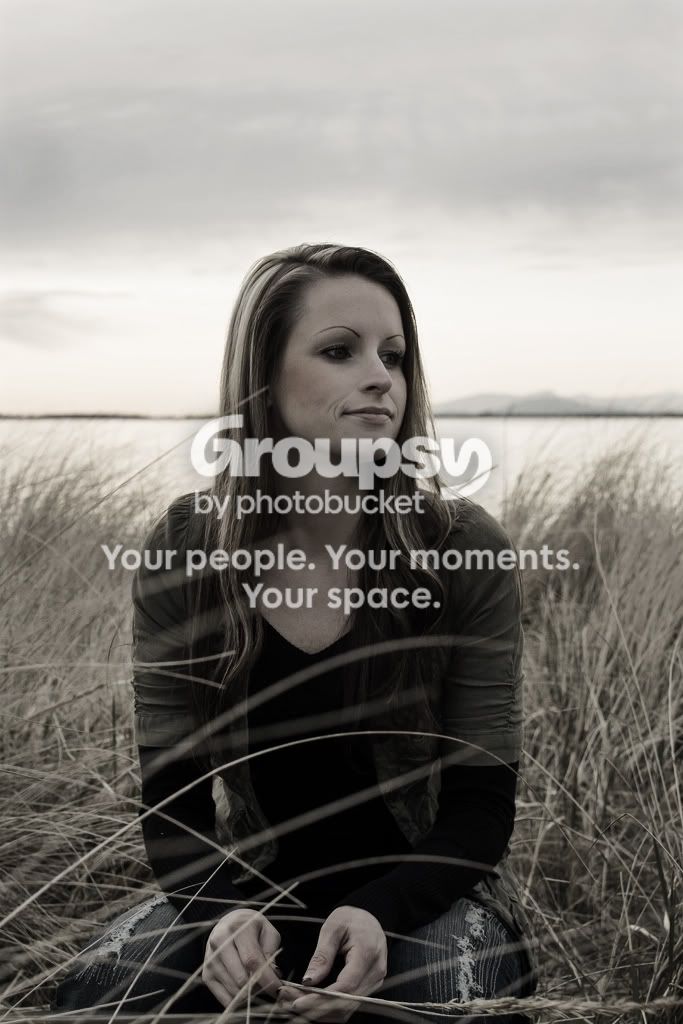
Trying to learn pp!!!!! How would you edit this photo?

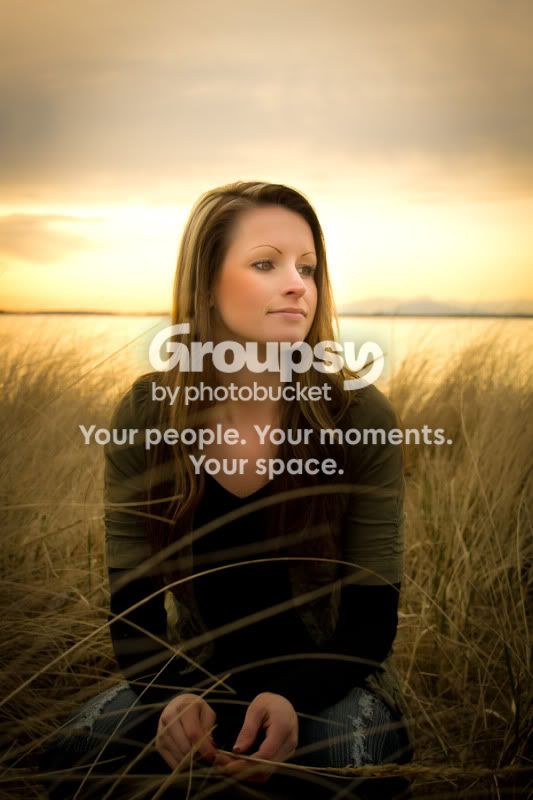
In Lightroom: increased exposure, warmed the white balance, increased contrast, increased saturation (slightly), adjusted tonal curve (darkened shadows, lightened darks, and darkened highlights), and desaturated orange a bit because her cheeks were too orange with the increased saturation.

In Photoshop: cropped to move her face off-center, leaving some breathing room on the side where she's gazing (other empty space detracts from the image, IMO).

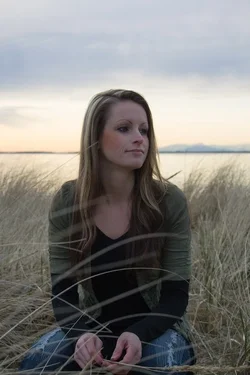
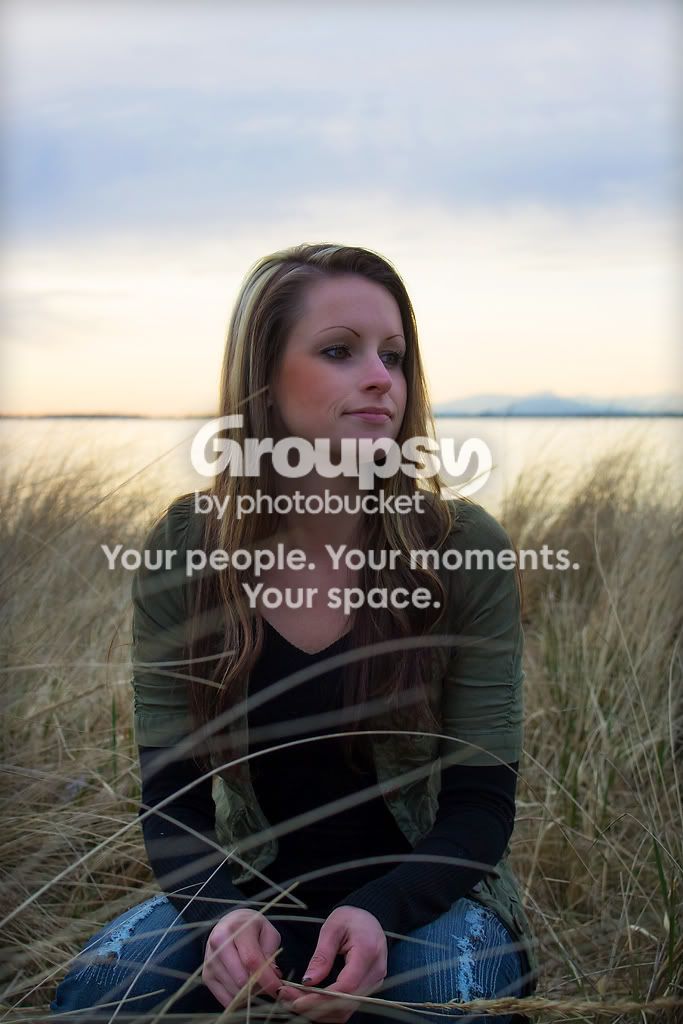
Original:
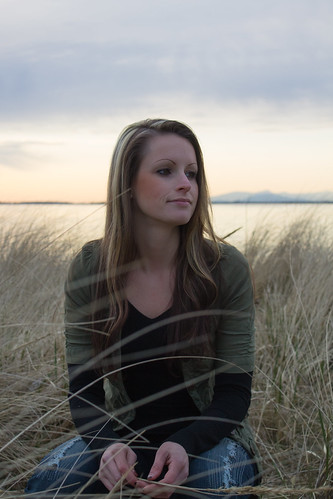
IMG_3049 by ashleymg, on Flickr

Edit:
293kj6q.jpg

 
Last edited:
No This is not me its one of my best friends being a good sport she was watching her son playing on the beach... Was on of the few nice days we got in Vancouver, BC nice break from the rain and wind!!
 
Well I'm at work on an uncalibrated laptop so dear lord knows what this will look like when I get home and I may have to edit it. Anyway I'm bored here at work so here goes:

Blending modes and layer masks in Phogtoshop.

Joe

7027893103_115d2fa043_b.jpg
 
LR4 is more than enough for photo-editing. Don't get caught up in the "I need photoshop" web. It's a great program but you can do everything you need with what you have now.
The first thing I would do to edit that photo is make an accurate, precise selection of the girl, using the 'Refine Edge' feature of the selection tools, and Lightroom can't do any of that. I would then be able to use that selection inversed so I could edit the background separately from the subject. I would also likely have multiple layers. There is a 3rd party application now for Lightroom that can do layers.

The girl in the original is badly underexposed. she is in effect backlit and strobed light was needed for fill. A reflector likely would not have provided enough light. The wrong camera metering mode was used.

When under exposure is corrected post process, image noise and JPEG artifacts start becoming visible.

Nice edit Ysarex. :thumbup: Notice, the blending modes Ysarex used is again something just Lightroom does not have.
 
Last edited:
I agree with you that Ysarex has done the best edit so far!!!! Love it!!! Would I be able to do that with Photoshop Elements???? Cause there is no way I can afford photoshop cs5 right now... I want a flash and a lens first :)
 
Ok here's what I did with this.....I found that it's very easy to go overboard and get something that is way too processed and unnatural looking. But then, I tend to go with a "less is more" philosophy for portraits than I do with more fringe stuff.

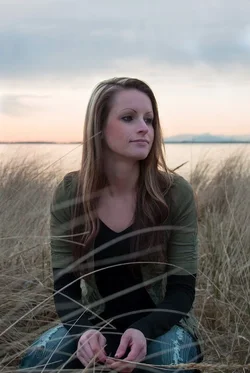
The original and my edited:
$7027716959_0ee652fc87_b.webp$7027716959_0ee652fc87_b_1.webp
 
Last edited:
70277169590ee652fc87b.jpg


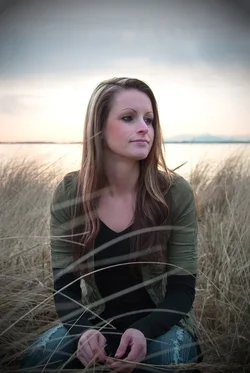
Heres my go at it:
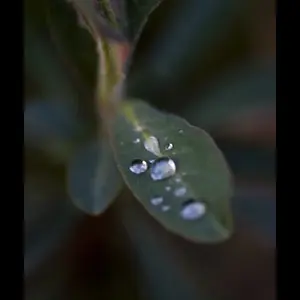
I tried to draw the light towards center frame, so I made a very very gradual vignette, and boosted the eposure overall.

I increased vibrance, and saturation ever so slightly, and finally brought the detail down a few ticks
 
Heres my go at it:

I tried to draw the light towards center frame, so I made a very very gradual vignette, and boosted the eposure overall.

I increased vibrance, and saturation ever so slightly, and finally brought the detail down a few ticks

Wow ....I really like what you did there! Maintaining the subtle approach, I took that spotlight and broadened and softened it and came up with this.

$7027716959_0ee652fc87_b_2.webp
 
I agree with you that Ysarex has done the best edit so far!!!! Love it!!! Would I be able to do that with Photoshop Elements???? Cause there is no way I can afford photoshop cs5 right now... I want a flash and a lens first :)

Thanks -- now that I'm home on a calibrated monitor I'm a little embarrassed, I would have reduced the overall density a little. Elements can indeed do everything that I did, LR, as Keith noted, can not. Elements supports layers, blending modes and layer masks. I have Elements at work but not at home and I personally don't do much with Elements. I'm not sure to what extent Elements can handle manipulating the masks.

BUT! Back up to Keith's comment; "The girl in the original is badly underexposed. she is in effect backlit and strobed light was needed for fill." The editing that I did and that others here have done must be properly described as extreme efforts to repair a mistake that should have been avoided. Don't make the mistake in the first place!!! That's the real edit that this photo needs.

Joe
 
Thank you everyone!!!!
You guys have given me a lot of ideas to work with I really appreciate it!!!!
 

Create an account or login to comment

You must be a member in order to leave a comment

Create account

Create an account on our community. It's easy!

Log in

Already have an account? Log in here.

Back
Top Bottom