

- Joined
- Apr 9, 2009
- Messages
- 41,401
- Reaction score
- 5,706
- Location
- Iowa
- Can others edit my Photos
- Photos OK to edit
It had to be square format.
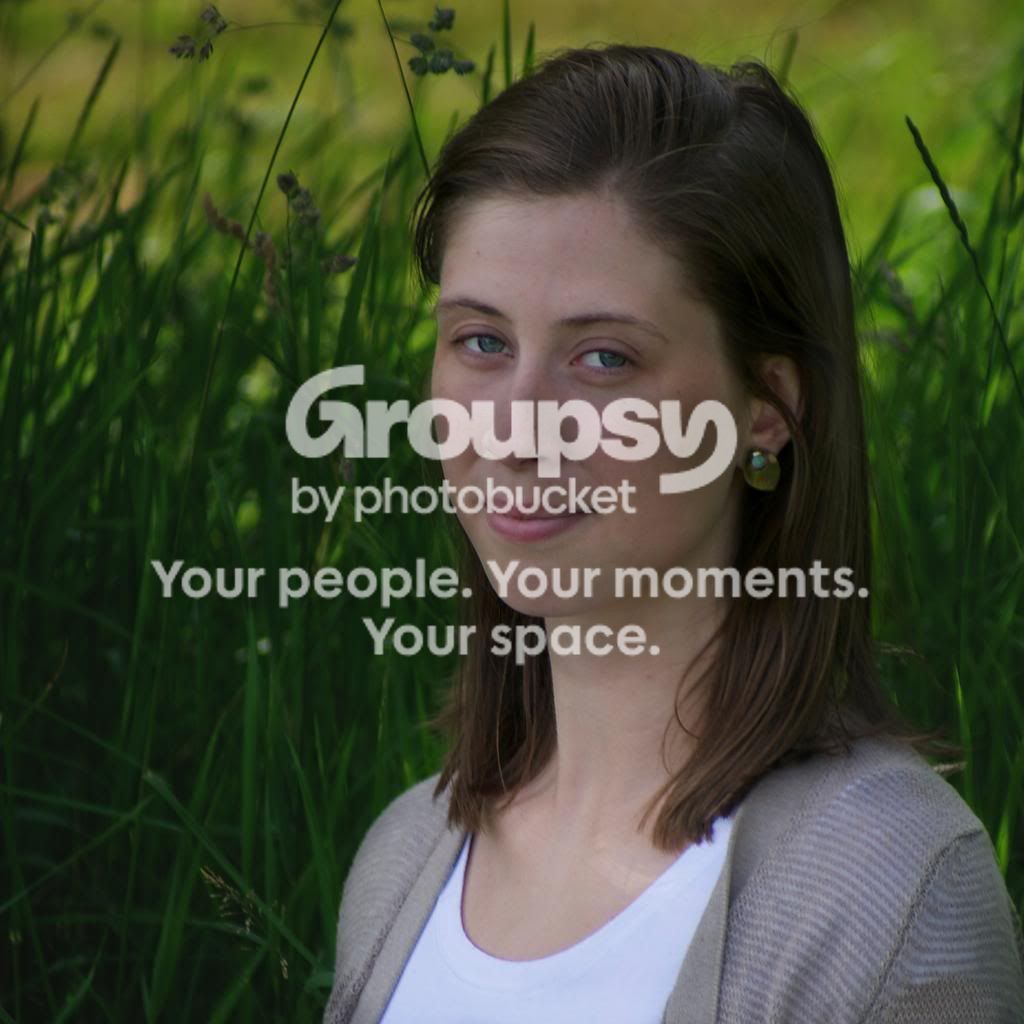
It is fully 2 stops under exposed based on checking the exposure using Ps CC Camera Raw.
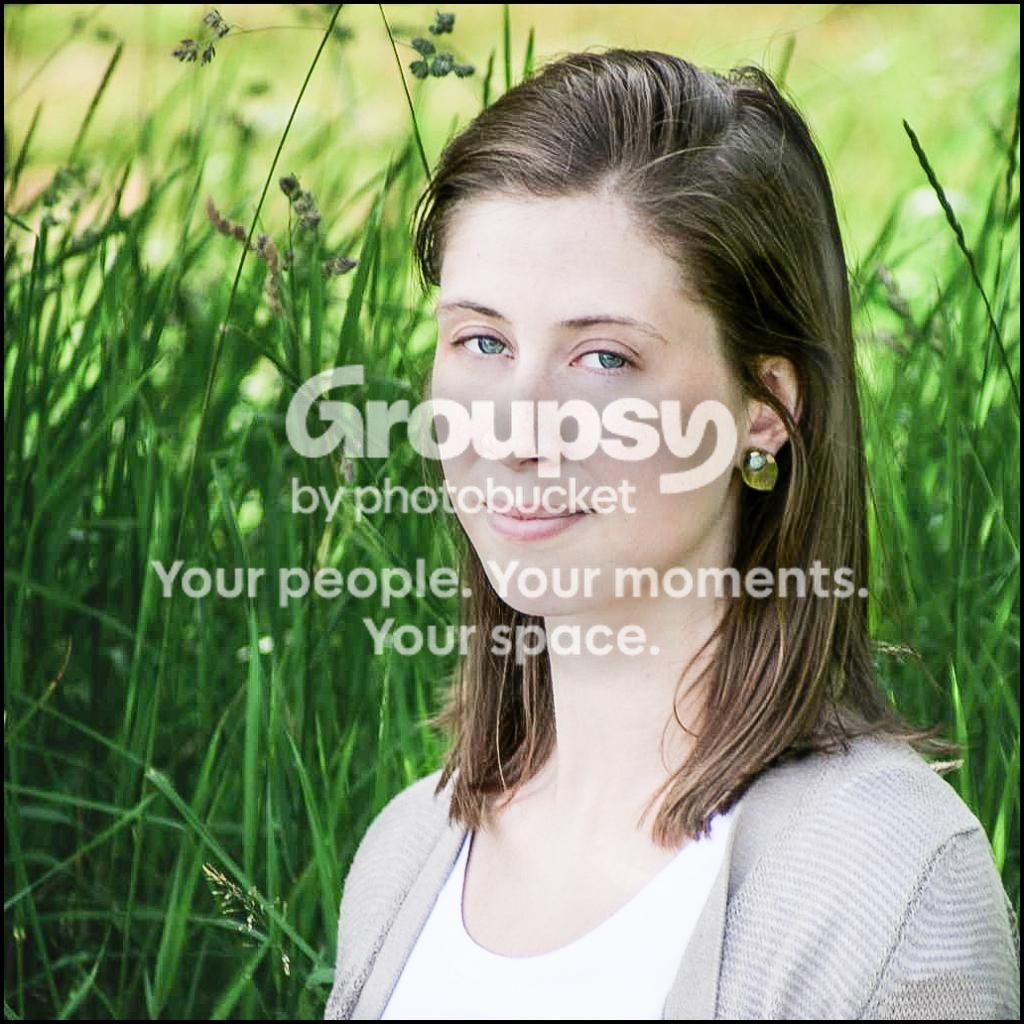
I added +2 EV to get the facial highlights to 238 in the red channel. Note: 235 to 240 in the Red channel is an editing exposure standard for Caucasian skin highlights.
After adding the 2 EV her white shirt is R-247, G-249, B-254 - no clipping (blown out) but the Blue channel is close.
By using Camera Raw's RGB channel numbers you can check exposure, and your display calibration.
I then made the following Camera Raw adjustments: Clarity +40, Vibrance -10, Tone Curve - Medium Contrast. Sharpen - Amount +50, Radius 1.0, Detail 25, Masking 0.
Using PS CC and the Healing Brush tool I removed some skin blemishes on her left cheek and touched up the bags under her eyes.
I would have had her a bit more to camera left, and as mentioned further from the background to aid selective focus.


![[No title]](/data/xfmg/thumbnail/36/36665-7c494bf98537fba5ac87ac5ad6bda658.jpg?1734169172)
![[No title]](/data/xfmg/thumbnail/35/35268-34a315519597f60516d59124092e9bc2.jpg?1734166930)
![[No title]](/data/xfmg/thumbnail/35/35265-c9ea3efd2c618a57ea136e63ad106880.jpg?1734166927)
![[No title]](/data/xfmg/thumbnail/39/39509-3c2c5856429b4b8ff3cf44cd3b2afa8c.jpg?1734173650)