What's new

What is the common workflow of good HDR photographs?

tigidig4x

TPF Noob!
Joined
May 18, 2013
Messages
57
Reaction score
1
Location
Davao City, Philippines
Can others edit my Photos
Photos OK to edit
Hi guys, im trying to indulge myself into HDR photography. (i dont have a tripod but i try to find a way to sit my body in place) What i want to know is what is the most common workflow of hdr photography? As what i am doing, i shoot 3-5 different exposures of an image, then combine them to nik effects HDR or photomatix pro, and then make some adjustments in lightroom... But still, i can't find the perfect image of a very clear clouds in a sunset, and a very sharp and detailed foreground... I have been constantly trying but i keep getting failed.. Or, i am just shooting at the wrong time? I mean, i cant spot the right time of the day to shoot awesome HDR's.. Can you help me? Thank you .:(
 
My workflow starts with setting up the camera to take enough bracketed shots to capture the dynamic range of the scene. If the scene is 9 stops, I take at least 9 frames (11 if there's time).
 
I recommend getting a tripod, first and foremost... it gets really challenging to try and align images that are handheld. Keep your aperture constant, and bracket images using you shutter speed. I only currently use HDR's for architectural interiors, and with a D700 I find I only need to bracket 3-5 images to get all the dynamic range I need (D700 has ~12 EV of dynamic range, add 2-4 stops on either side of that and it will cover about anything).

As for the actual compositing of the images, I use a Lightroom plugin called LRenfuse which is very inexpensive (donation ware). It does a really nice and realistic job of creating HDR images without the super, over the top tonemapped look you get from most HDR software (that can be seen as amateurish). It also works entirely within Lightroom, which I prefer... it makes the composite from a bracket of RAWs you choose, and then reimports the image as whatever file type you choose. It also supports batching, which is convenient if you have numerous brackets. It will also do focus stacking, but I haven't gotten the settings down perfect for nice results.

My current HDR workflow is this: meter a scene> bracket two stops under all the way to two stops over (more if it's really contrasty)> import RAWs into LR>Render HDR's from my brackets using LRenfuse as TIFFs>Apply normal editing techniques to finish the image and export or print.

I am thinking I may start doing my color correction prior to the batching though, as I don't like the way TIFFs handle color in Lightroom.
 
. Or, i am just shooting at the wrong time? I mean, i cant spot the right time of the day to shoot awesome HDR's.. Can you help me? Thank you .:(
The entire reason for HDR is so you can make images any time of day, for any scene that has a dynamic range that exceeds the dynamic range your camera can record.

What version of Lightroom do you use 1, 2, 3 , 4, or 5?

In my experience LR lacks the precision selection tools I wanted to use to edit HDR images I made. That has improved somewhat with LR 5.
I used Photomatix Pro and usually moved the image back and forth from Photomatix to Photoshop several times before I wound up with a finished image.
HDR takes a lot of post process work.

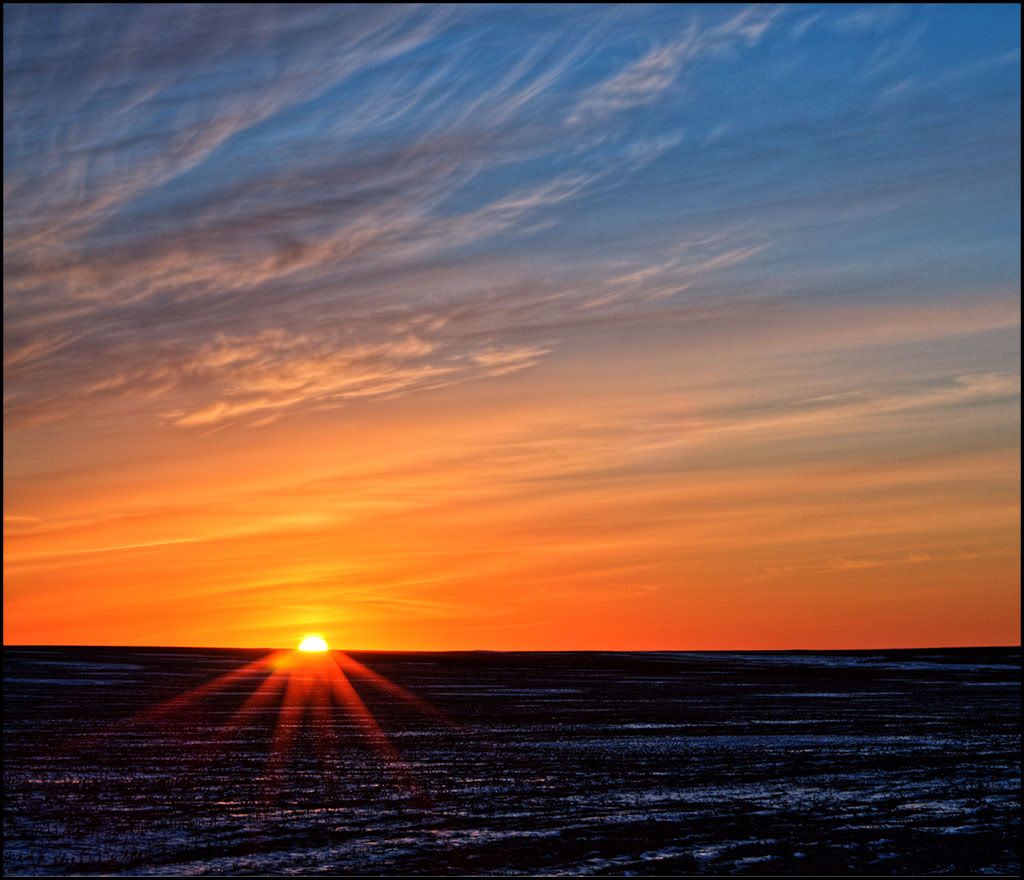
OnlineHDRSunset.jpg
 
In my experience LR lacks the precision selection tools I wanted to use to edit HDR images I made. That has improved somewhat with LR 5.

Which tools do you find lacking? I try and keep most of my non-retouch/artistic type editing within LR, and I feel the last two updates of LR have really helped it become a standalone product. If you add a few plugins, you can basically be rid of Photoshop altogether for all but the most intensive retouches (i.e. the HDR plugin I mentioned, adding support for layers, etc.)
 
In my experience LR lacks the precision selection tools I wanted to use to edit HDR images I made. That has improved somewhat with LR 5.

Which tools do you find lacking?
The tools that allow selecting irregular shapes, and the tool options that allow refining and manipulating the selections.

Often I will make several different selections in the same image and can save each one for later retrieval to use it again, or to modify the selection further.
Masking and masking options is another area where LR comes up short.

I have LR 2, 3, 4, and 5.
 
That makes sense. I am hoping they will bring layers and layer masks to LR with LR6. I think they didn't do it previously so that it wouldn't cannibalize sales of Photoshop, which may not be an issue anymore with Creative Cloud. It's pretty much the one thing that could entirely remove Photoshop from my photography workflow, which would be nice.
 

Create an account or login to comment

You must be a member in order to leave a comment

Create account

Create an account on our community. It's easy!

Log in

Already have an account? Log in here.

Back
Top Bottom