What's new

colour-bw

jenny6165

TPF Noob!
Joined
Jan 13, 2005
Messages
18
Reaction score
0
Location
surrey, uk
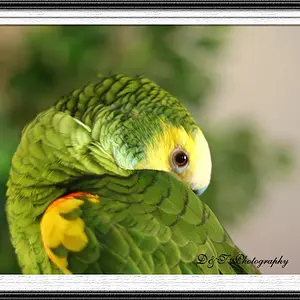
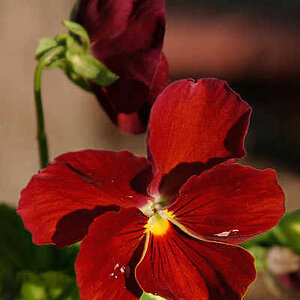
can anyone explain how u can make the background of a color photograph black and white whilst keeping the main subject in colour?
im usng psp7
 
In Photoshop, you'd use the lasso or magic wand tool to grab hold of things and then change the colour mode. I suspect PSP has a very similar tool.

example #1

example #2

Rob
 
there is a lasso tool on psp, but im not sure how to get a very clean selection. Ive always struggled trying to take a figure out of a picture for example and putting a new background to it. The lasso tool doesnt offer a very accurate cut out unless u of course have a very steady hand.

any suggestions?
 
There should be some kind of automatic selection tool to do the job I would hope. Of course if the subject and background colours are similar it's going to be a nightmare. If you zoom right in and select using lasso, then perhaps you can use a smudge or blur tool to soften the edges, otherwise I'm not sure. Perhaps someone else knows a better way? If you post the picture, I'll have a go in PS for you and let you know how difficult it is and how I did it (if I can!).

 
Feathering in PS usually works pretty well if you have an unsteady selection hand... i'm not sure if psp has a similar tool, it's been a while since I have used it.
 
I like to use the saturate or desaturate sponge you can use it like a pen and go around what you want to desaturate and adjust the presure and how much it desaturates. Its on the tool bar with the dodge and burn tool.
 

Create an account or login to comment

You must be a member in order to leave a comment

Create account

Create an account on our community. It's easy!

Log in

Already have an account? Log in here.

Back
Top Bottom