What's new

First few shots of my photography endeavor - C&C please

iCareMuch

TPF Noob!
Joined
Mar 3, 2011
Messages
44
Reaction score
1
Location
Miami
Can others edit my Photos
Photos OK to edit
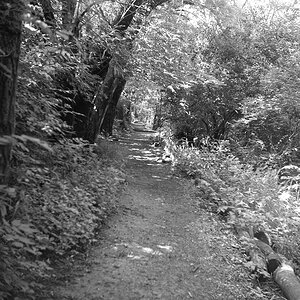
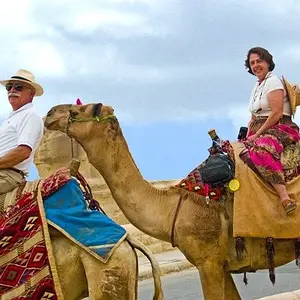
Hey everyone. I just recently started getting into the whole photography scene. I feel confident enough to post now. As you will see I've been trying a lot of different type of shots. Everything I've learned so far has been from this website, mostly reading different people's critiques and guides that have been linked.

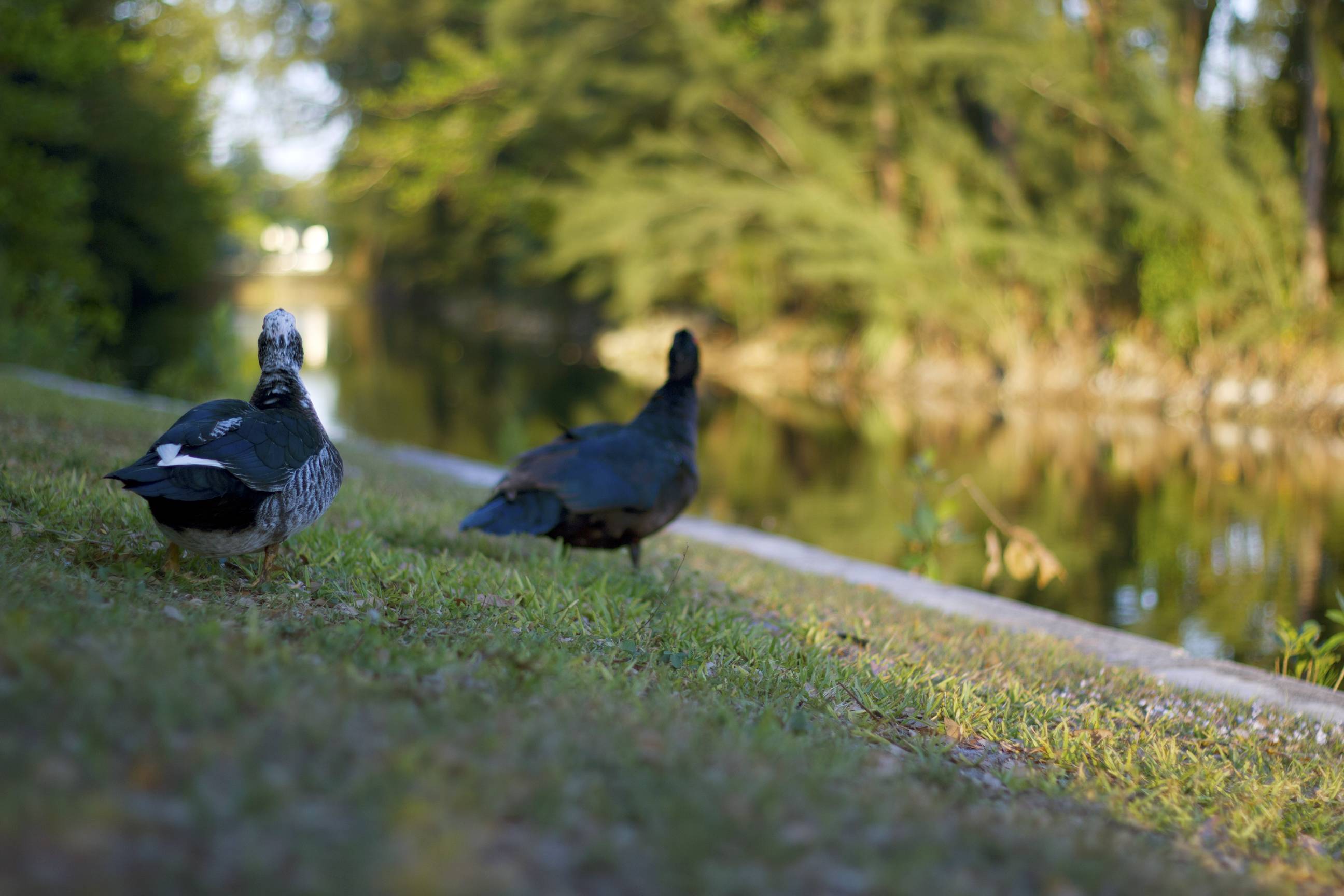
1)
jSIM8.jpg


I learned how boring ducks are to photograph, so I kept it to only one photo :)
(I sort of wish I had the fstop a little higher so that both of them were in focus)

2)
t44Bc.jpg


3)
bzpoh.jpg


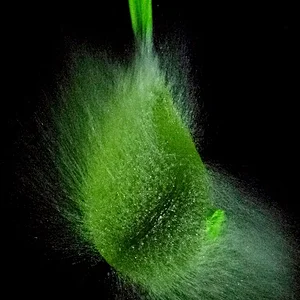
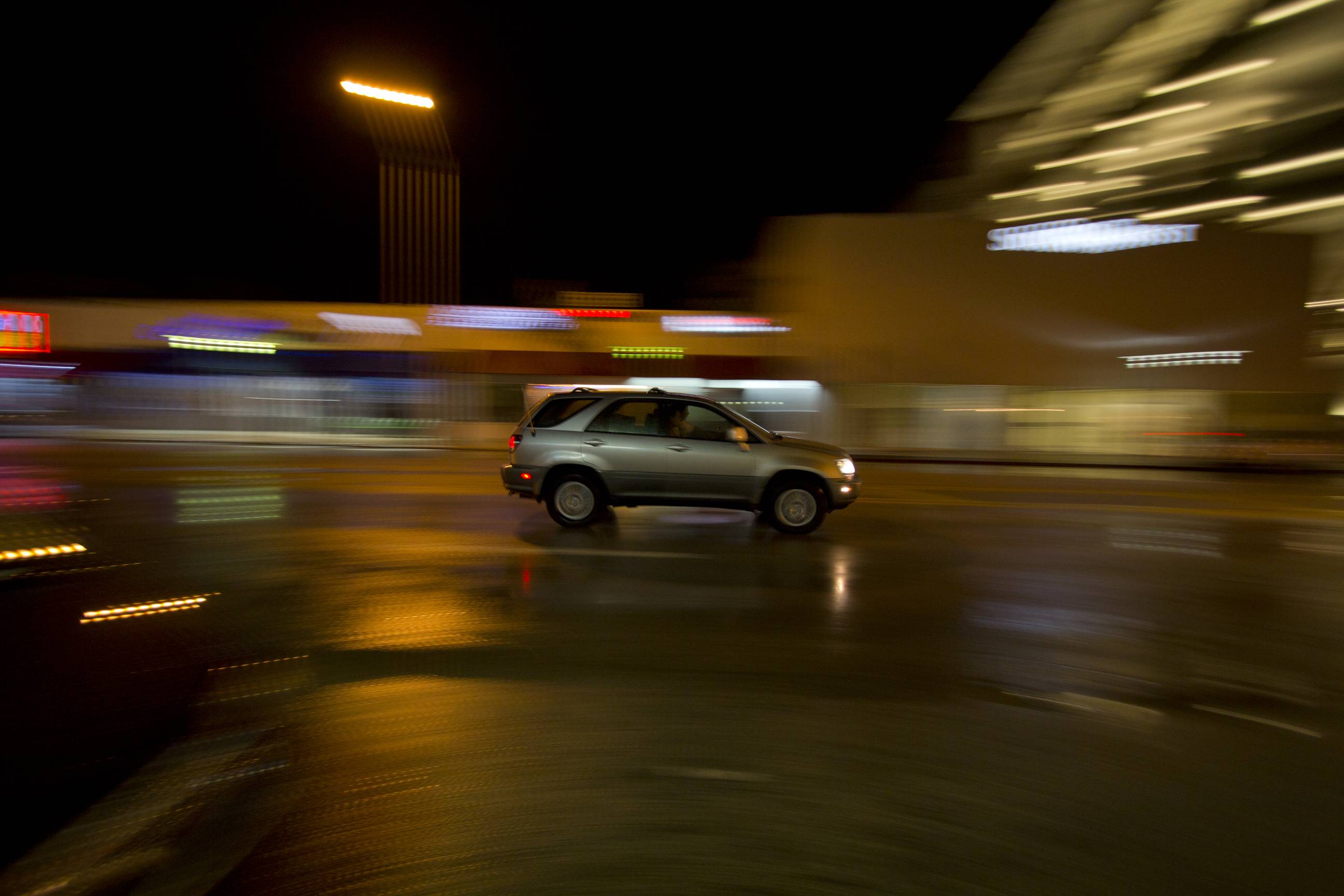
These shots are right after getting my flash (480ex ii) and learning how to use it
4)
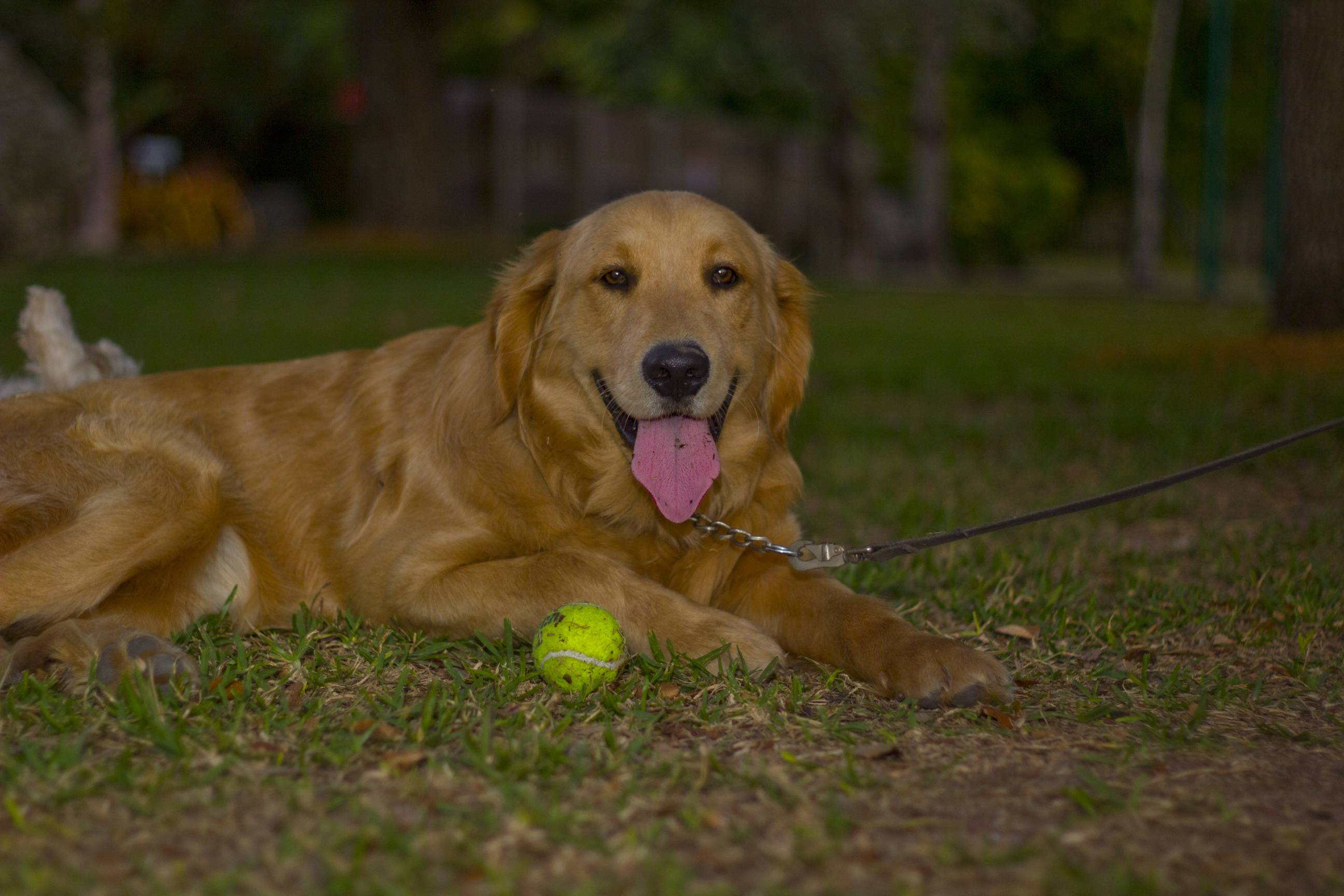
7VC4k.jpg


5)
2m8yF.jpg


6)
8188q.jpg


I want you guys to rip these picture up with criticism. I want to improve as much as I can.

Thanks TPF:thumbup:
 
Last edited:
1, 5 and 6 are keepers.

The ducks didn't cooperate because you didn't feed 'em.

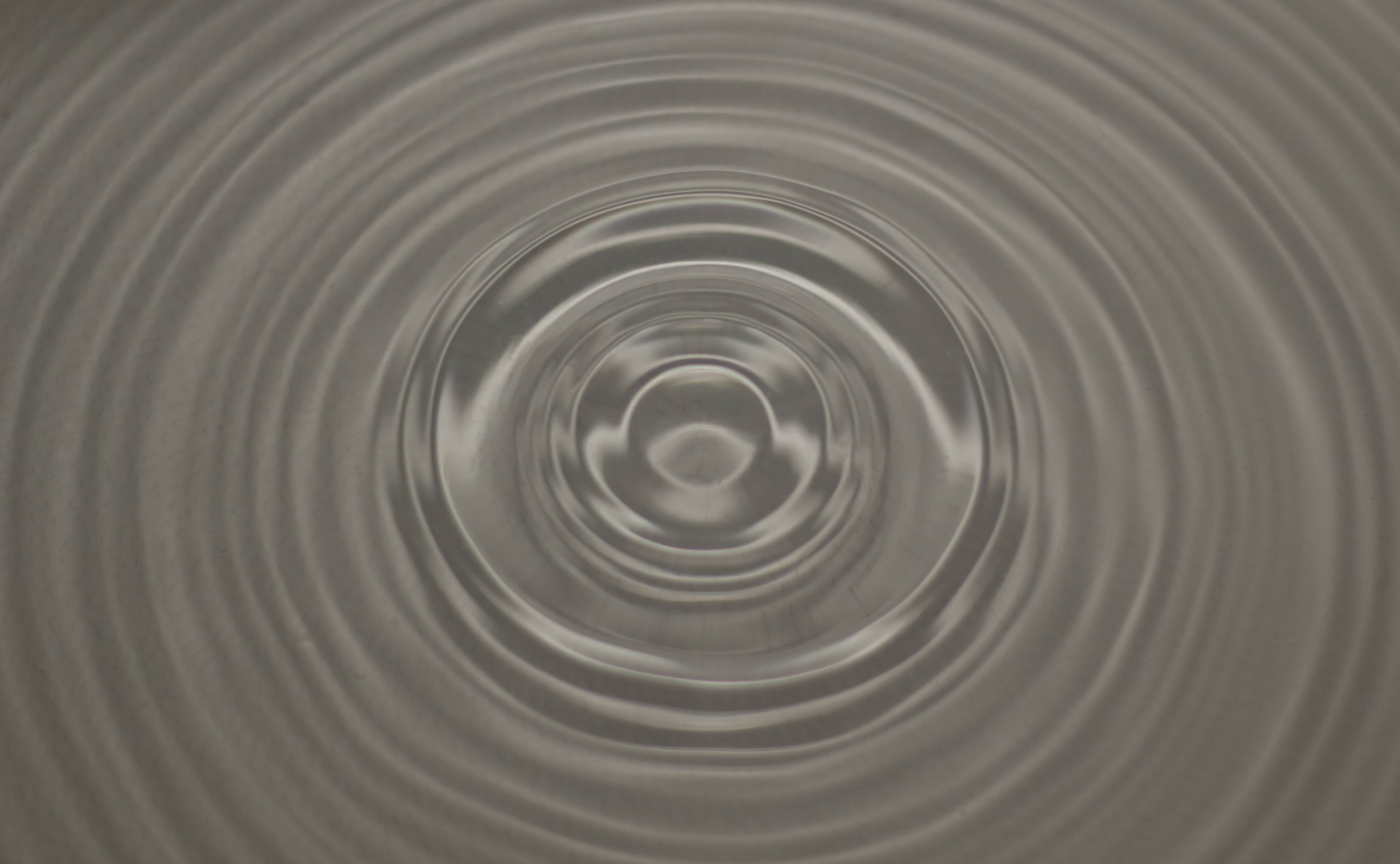
3 lacks any appeal to me. Just a 'test shot' using a WA.

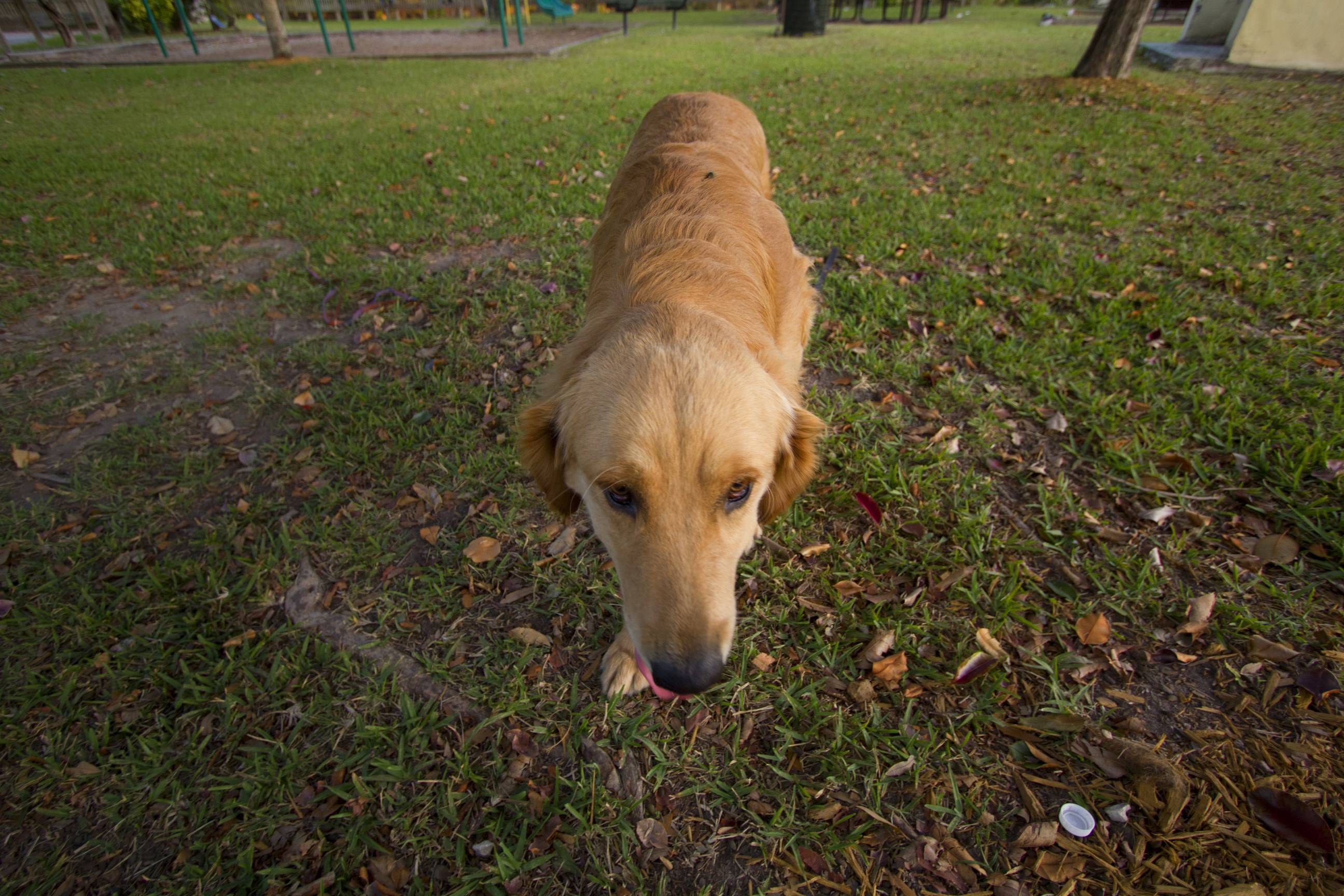
4 could do without the leash or the ball.
 
1, 5 and 6 are keepers.

The ducks didn't cooperate because you didn't feed 'em.

3 lacks any appeal to me. Just a 'test shot' using a WA.

4 could do without the leash or the ball.

Thanks for the comments. Are there any pictures that you would post process differently?
 
Agree w others.

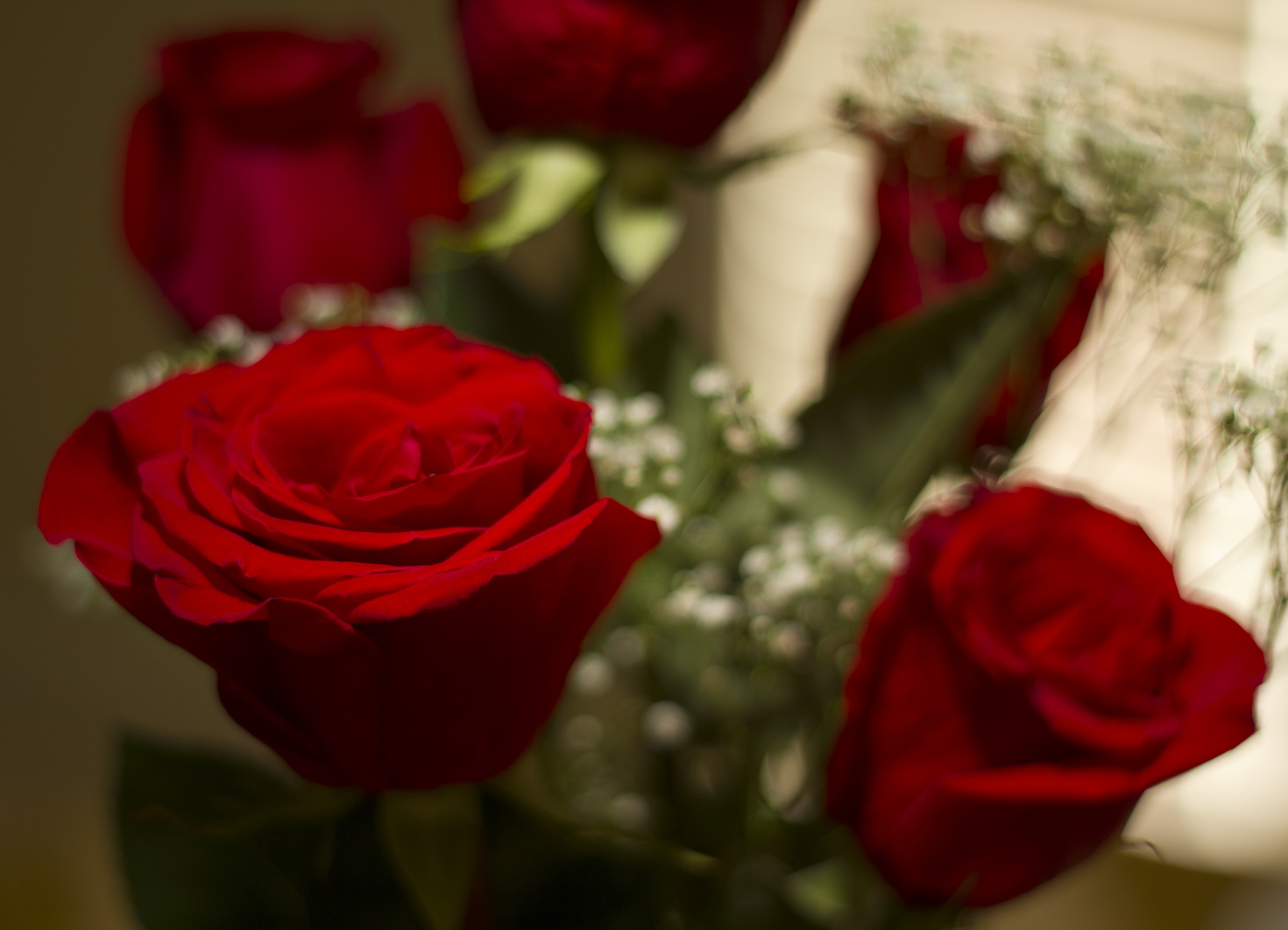
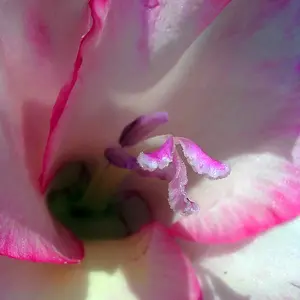
For #6, the left flower seems soft and the right flower doesn't look right....fringe effect on the top. I would have have tried to capture them both in focus and leave the others in background OOF.

My $0.02.
 
IMO, I didnt care for number 5...the ball leash, and whatever is behind the dog on the left side took away from the actual dog. I like the rose shot!
 
I think when you look back 1 and 5 will be the only one's you will keep. Good start though:) the wb seems to be off (in the roses for sure) and the dog is underexposed in the second pic.
 
I think when you look back 1 and 5 will be the only one's you will keep. Good start though:) the wb seems to be off (in the roses for sure) and the dog is underexposed in the second pic.

Thanks, I was looking for comments on my white balance because I'm not entirely sure what to do with it.
Here's a higher res. of the flower, what steps would you take to fix it?

http://i.imgur.com/uE2Nc.jpg
 
You should have resized the photos before you posted them. TPF notes in their sticky they need to be no larger than 800 px on the long side.
http://www.thephotoforum.com/forum/...forum-functions-pictoral-guide-using-tpf.html

All the photos are generally under exposed. Here are some guidelines on good composition: http://photoinf.com/General/KODAK/guidelines_for_better_photographic_composition.html


A pano crop, exposure and mid-tone contrast adjustment:

jSIM8.jpg


These shots are right after getting my flash (480ex ii) and learning how to use it
4)
7VC4k.jpg

I got rid of the leash and the ball, exposure and mid-tone contrast adjustment, some burn:

7VC4k.jpg


Cropped more to rule of thirds, exposure and mid-tone contrast adjustment, added some color:

2m8yF.jpg


I added some light under and to the rose and on the top of the rose used an Un-sharp mask technique to add local contrast, and did some burn:


8188q.jpg
 
Last edited:
^ Amazing reply, thank you so much for the effort.

I read the entire guide and learned quite a lot about composition.

-The pano crop makes the photo so much better
-Love what was done to the dog
-The water is definitely more interesting with color

And I never thought about adding light around parts of the photo that need it. Amazing discovery and I'm definitely going to start using it :)

I noticed you added a thin border to the first, third, and fouth pictures. Is there a visual reasoning for that?

Thanks KmH!
 
I would have put the ball back but gotten rid of the leash .. :) .. Tennis Ball - leash = happy dog!
 
I noticed you added a thin border to the first, third, and fouth pictures. Is there a visual reasoning for that?
The border helps image presentation online. All the edits were quick and dirty and I just forgot to put the border on #3.

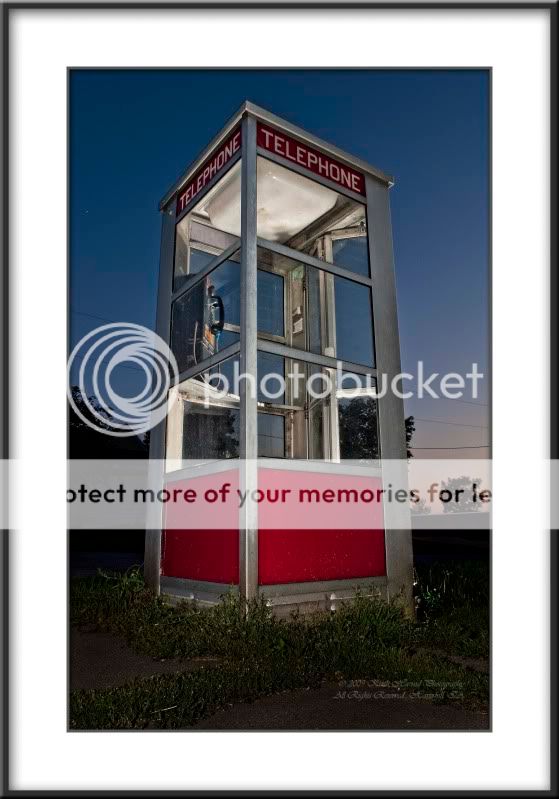
When I frame prints I always put a mat between the image and the frame:

BoothIID907-28-9_020.jpg


AndroidD300b12-7-10Smoke3_0023copy.jpg
 
Last edited:

Create an account or login to comment

You must be a member in order to leave a comment

Create account

Create an account on our community. It's easy!

Log in

Already have an account? Log in here.

Back
Top Bottom