tambrico
TPF Noob!
- Joined
- Jan 19, 2011
- Messages
- 30
- Reaction score
- 3
- Location
- New York
- Can others edit my Photos
- Photos OK to edit
Hi everyone. These are the first few photos I've taken with my first DSLR and lens (Nikon D7000 with Sigma 50mm f/1.4). I am completely new to photography and I'd just like to see some opinions of the first few photos I've taken. I will also be providing my own self-criticisms and I'm interested to see if you guys agree with me. Also, if you notice any stuck pixels in the images, I am aware of this problem. My camera is currently at the Nikon repair center getting repaired.
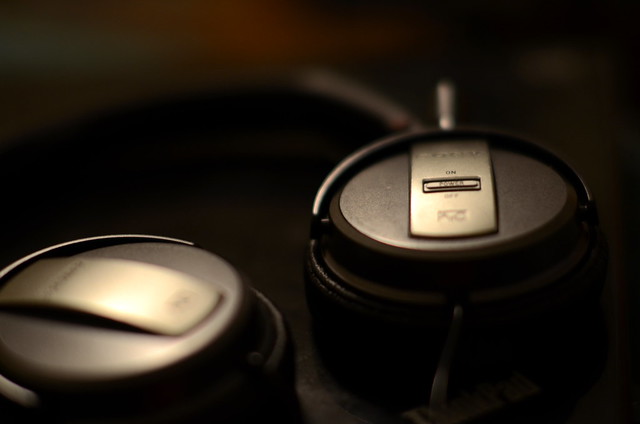
1. These are my headphones sitting on my laptop. This was the first image I took that I actually thought looked nice. One thing I really don't like about this photo is how the wire that is coming out of the speaker that is in focus is completely out of focus. It almost looks like it's moving.
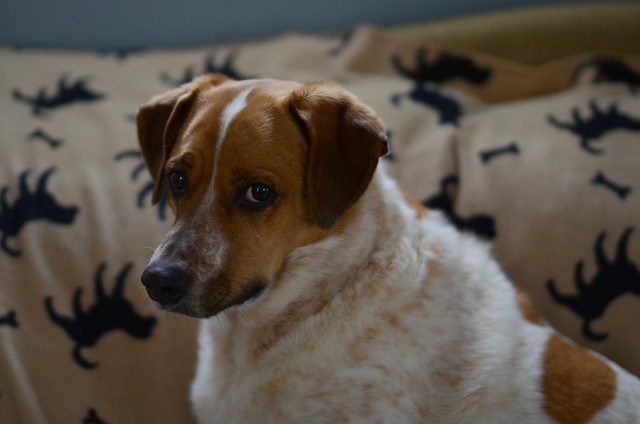
2. This is my dog Keba. While I find this photo interesting, I could understand why others wouldn't. There really isn't anything that grabs your attention.
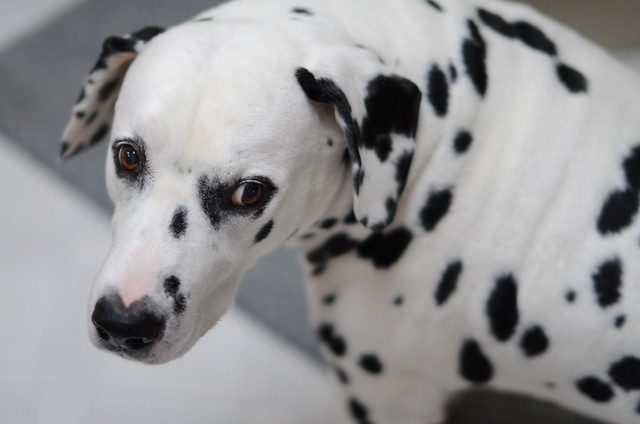
3. This is my dog Lucky. I found him as a stray in the middle of a snowstorm and possibly saved his life. I like how his white fur contrasts with the white of the floor. Maybe this photo could do without the rug in the background?
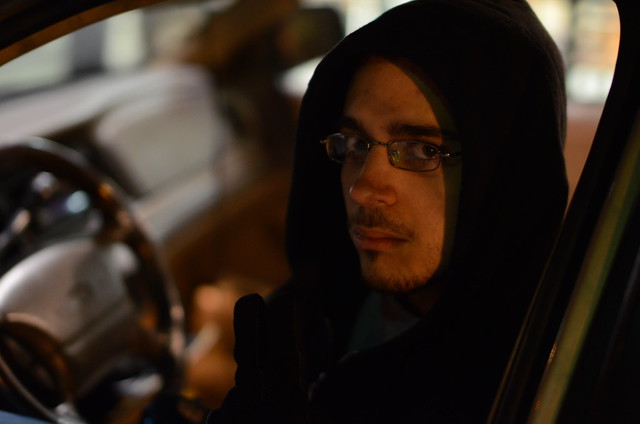
4. This is my friend Dan. I think this photo could benefit from not having the shadow from his hood on his face. I'm not sure how I could have eliminated that.
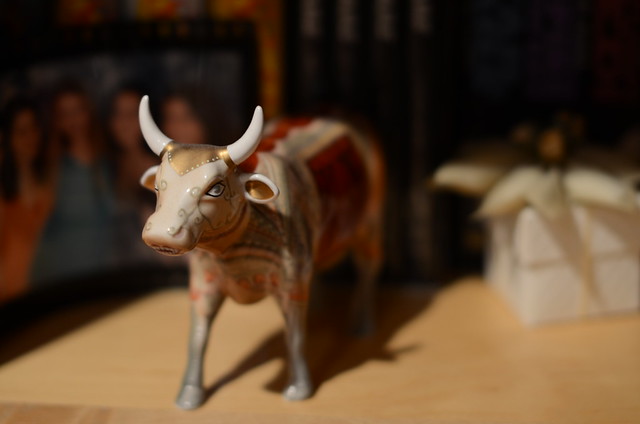
5. This is a porcelain bull in my friend's house. Maybe this could be better with a slightly less shallow DOF, but there's not that much wrong with it IMO
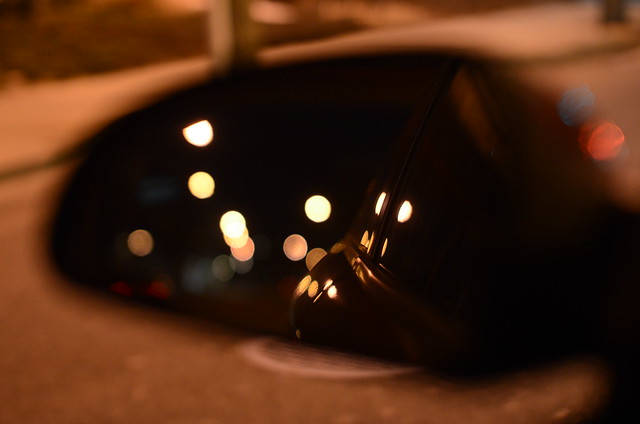
6. I took this of my side view mirror while I was stopped at a red light. I love the bokeh. However, it could have be much much better with a deeper DOF. While the reflection is in focus, the whole mirror and its housing is not. I could have used a smaller aperture and maybe a slightly longer shutter speed if I needed to compensate. But as I was said, I was at a red light so I didn't have much time to adjust. That said, I do really like it
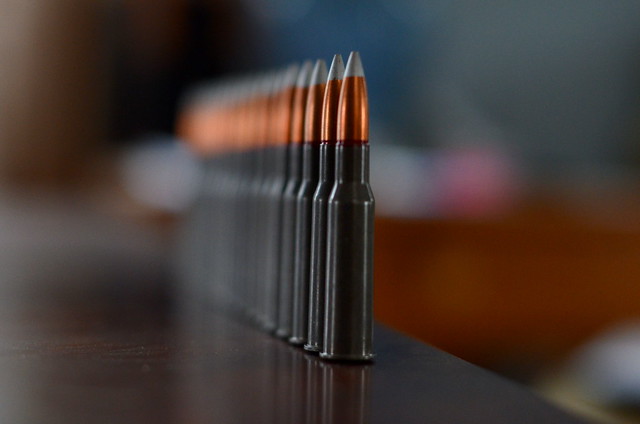
7. This is 7.62x54R ammo for my Mosin Nagant rifle. I set this up to play around with DOF and different combinations of shutter speed, aperture, and ISO. I got off one shot before one of my dogs knocked it over.
1. These are my headphones sitting on my laptop. This was the first image I took that I actually thought looked nice. One thing I really don't like about this photo is how the wire that is coming out of the speaker that is in focus is completely out of focus. It almost looks like it's moving.
2. This is my dog Keba. While I find this photo interesting, I could understand why others wouldn't. There really isn't anything that grabs your attention.
3. This is my dog Lucky. I found him as a stray in the middle of a snowstorm and possibly saved his life. I like how his white fur contrasts with the white of the floor. Maybe this photo could do without the rug in the background?
4. This is my friend Dan. I think this photo could benefit from not having the shadow from his hood on his face. I'm not sure how I could have eliminated that.
5. This is a porcelain bull in my friend's house. Maybe this could be better with a slightly less shallow DOF, but there's not that much wrong with it IMO
6. I took this of my side view mirror while I was stopped at a red light. I love the bokeh. However, it could have be much much better with a deeper DOF. While the reflection is in focus, the whole mirror and its housing is not. I could have used a smaller aperture and maybe a slightly longer shutter speed if I needed to compensate. But as I was said, I was at a red light so I didn't have much time to adjust. That said, I do really like it
7. This is 7.62x54R ammo for my Mosin Nagant rifle. I set this up to play around with DOF and different combinations of shutter speed, aperture, and ISO. I got off one shot before one of my dogs knocked it over.




![[No title]](/data/xfmg/thumbnail/38/38262-10a9668da9a2b36a92cddde57caf87bc.jpg?1734172150)