

kaylahunsader
TPF Noob!
- Joined
- Mar 26, 2011
- Messages
- 40
- Reaction score
- 0
- Location
- Hendersonville
- Can others edit my Photos
- Photos OK to edit
Someone of the forum took the first photo and made it have a vintage look, they sharpened, cropped, contrast, and stuff also which I know how to do. I cannot, however get the vintage look to look the same. Anyone care to take a stab, or try to tell me how to do it?. I want to get this look on the photo where all three girls eyes are open.
1.
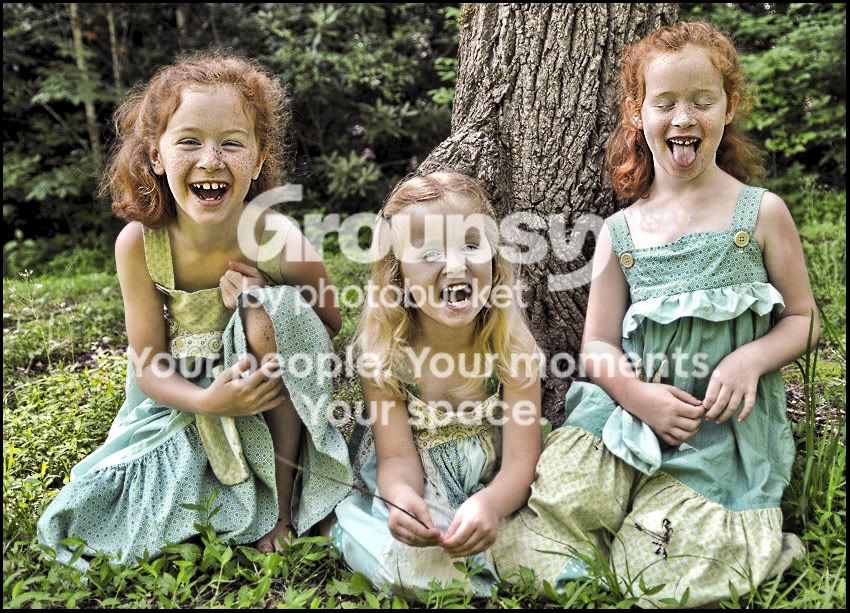
2. This is the photo I want the look to be done to.
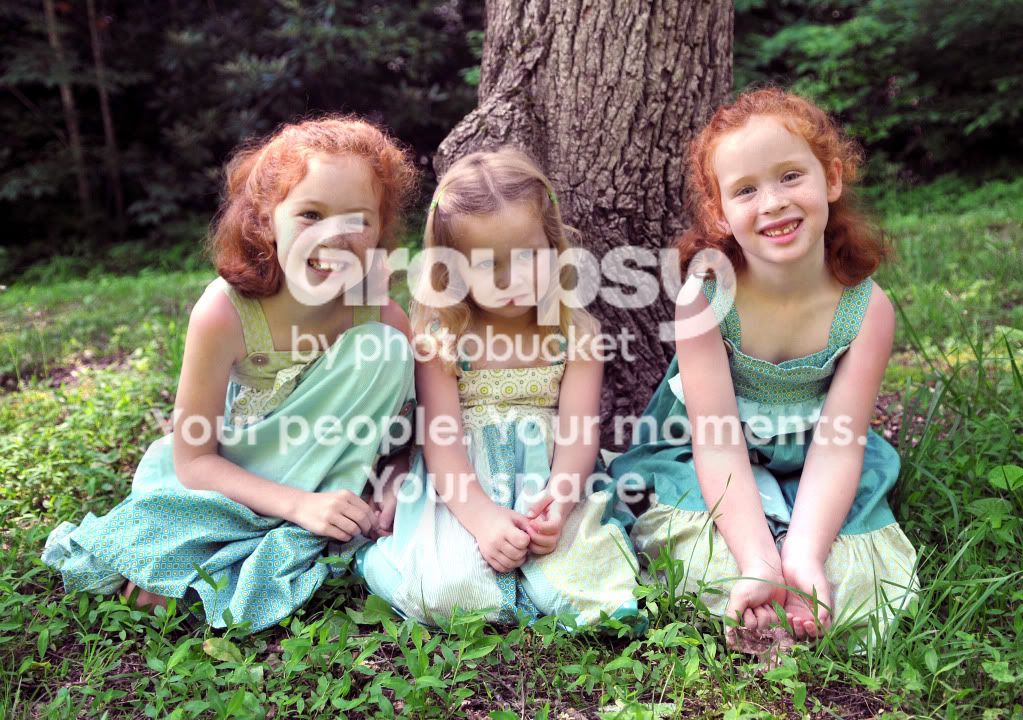
1.
2. This is the photo I want the look to be done to.


![[No title]](/data/xfmg/thumbnail/31/31749-6cf0f99d6bdedf47f7387c5b943fb717.jpg?1734160468)
![[No title]](/data/xfmg/thumbnail/37/37103-871e5d39d6f585e3019a4e25eb2ee935.jpg?1734169829)

![[No title]](/data/xfmg/thumbnail/31/31747-2e2e2bda16938a6a1d5fd6120c558293.jpg?1734160461)
![[No title]](/data/xfmg/thumbnail/37/37540-73002ccb910b97978bc38658622a34d3.jpg?1734170695)
![[No title]](/data/xfmg/thumbnail/42/42268-15c1c02cec1d71208987fc7c7ec7784c.jpg?1734176663)