What's new

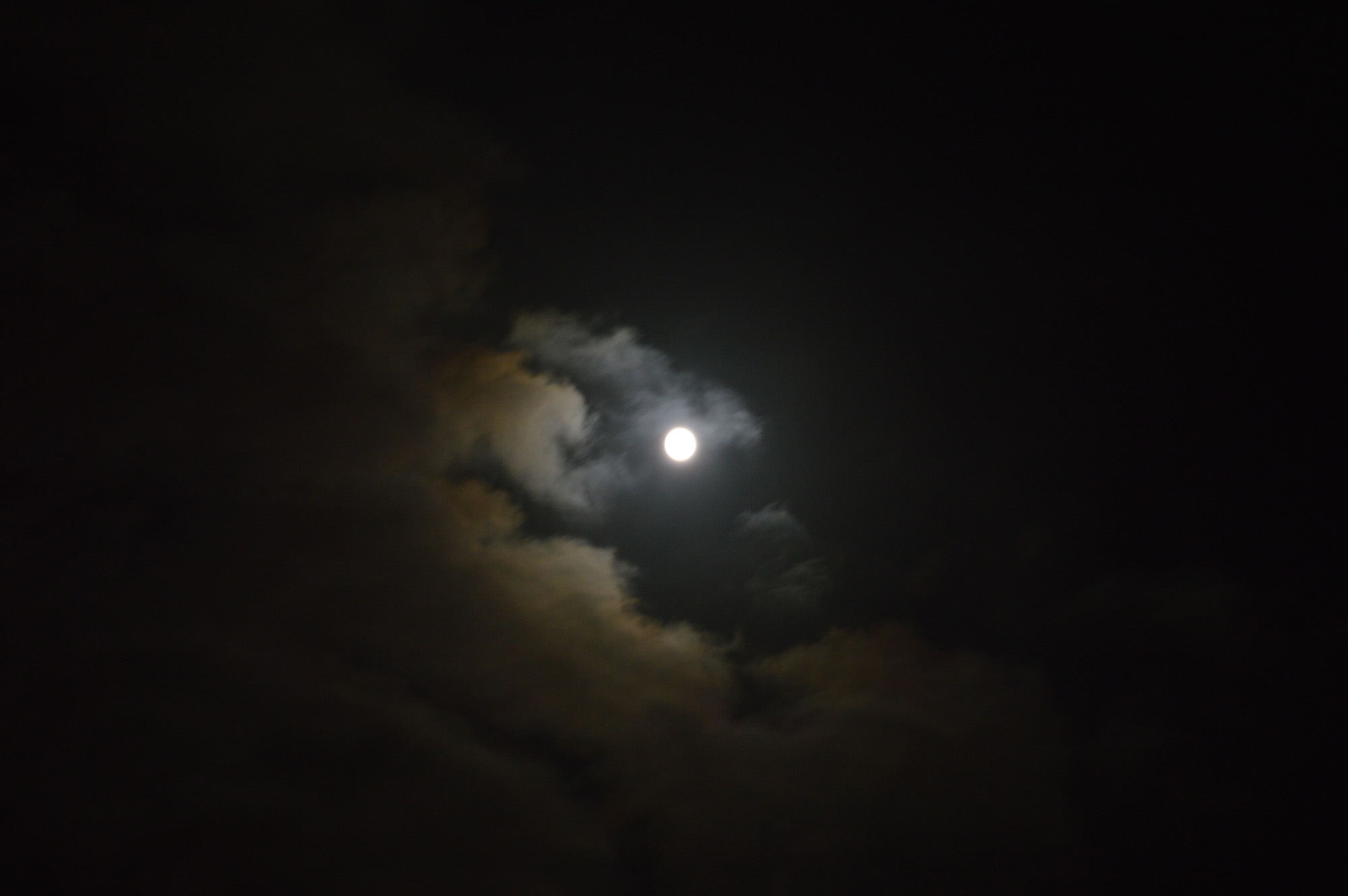
My long exposure picture is too bright

i set on the S symbol. The camera decides all the other settings
What can i do to make this picture less bright?
Don't let your camera decide. Let yourself decide. Get your camera out of auto and learn to shoot in manual mode then you'll be able to measure the light with your built-in meter and adjust speed, aperture and/or iso for the results you want.
 
by the way,
here's another perspective on Macro work
How to Shoot Macro

Thats exactly the type of macro i want. On amazon for instance, you can even see examples of portrait photos taken with the macro lens next to pictures of bugs upclose. Even the watch picture in this link is a distance that would fit exactly what i need.
 
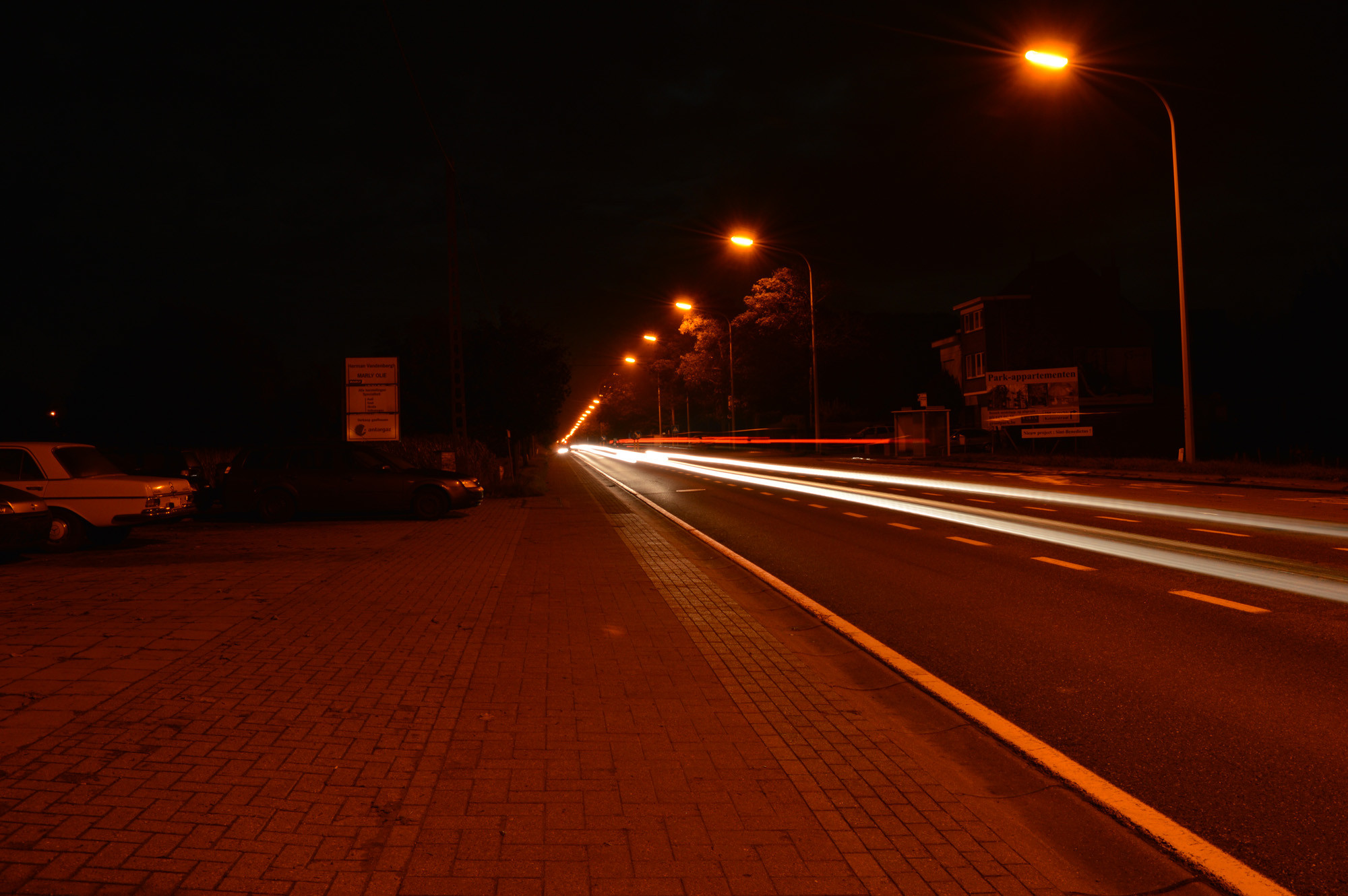
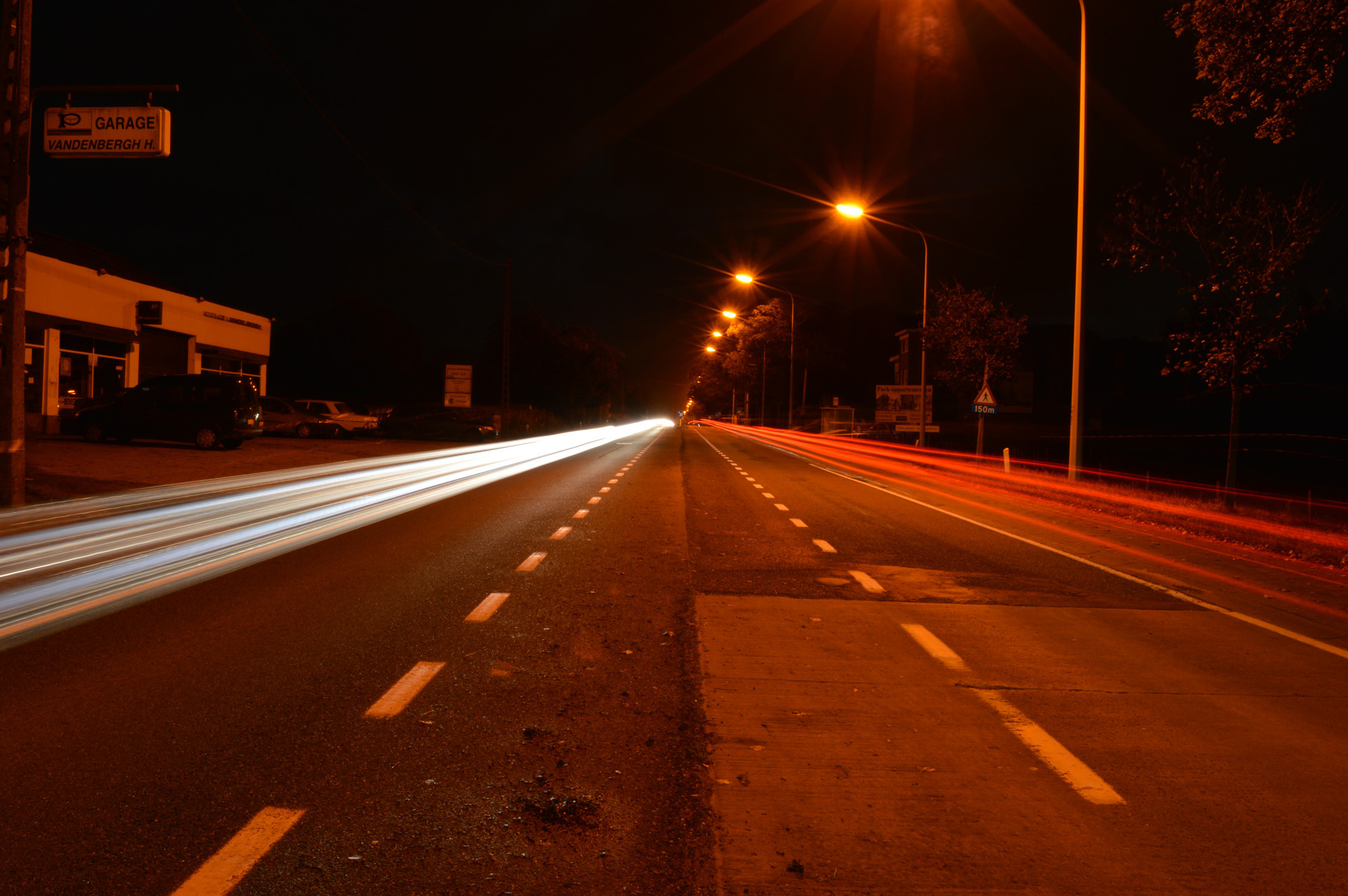
Taken with no ND filter in very dark night. Still it is the best long exposure i've taken so far.

LWesLeA.jpg

ejCUsJe.jpg


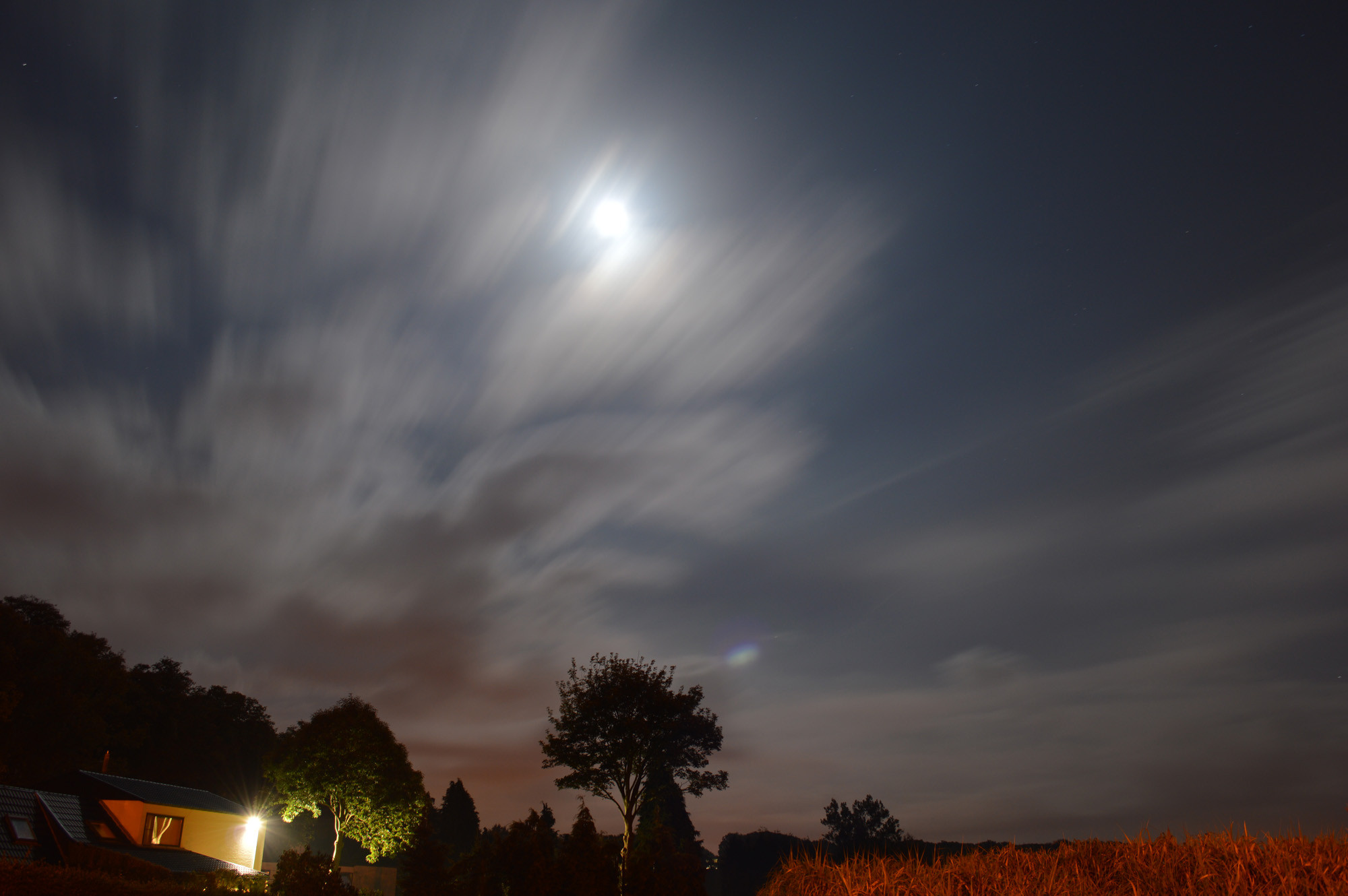
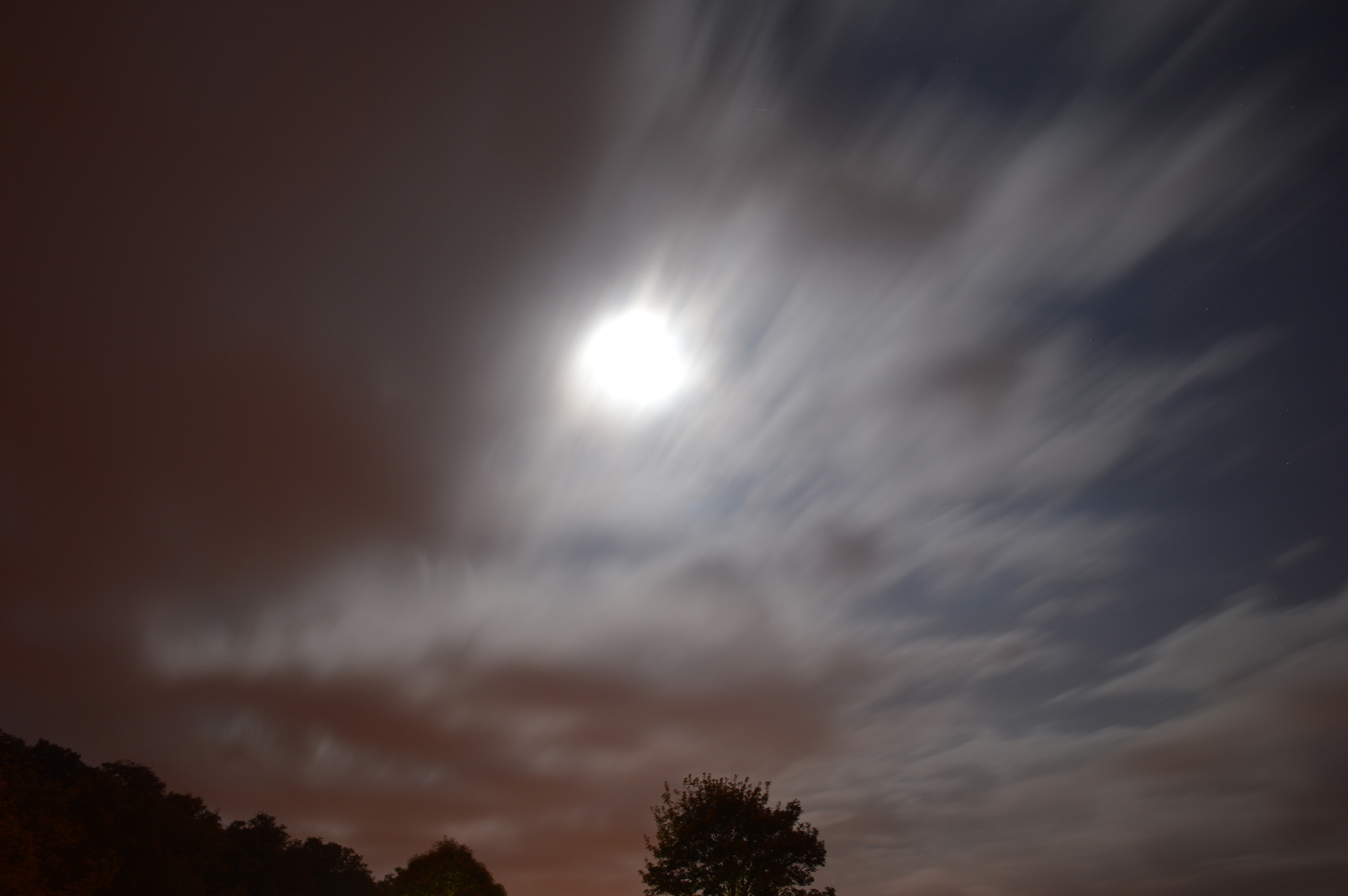
Got some more of the moon in long exposure.
 
Two of the moon here in a very dark night sky. My exposure was set at 30 seconds.

Jgc2ylr.jpg

C5m2iYK.jpg
 
This is how dark it was

gbqQAoY.jpg
 
Aren't cameras FUN :)

Nice night shots for your first time.

Thank you. I wanted to take a picture of a misty field in the night, but the camera kept saying that my shot is too dark. It wouldn't let me take that picture unless at least a small light source was available. How can i override the camera and take the picture anyway?
 
Thank you. I wanted to take a picture of a misty field in the night, but the camera kept saying that my shot is too dark. It wouldn't let me take that picture unless at least a small light source was available. How can i override the camera and take the picture anyway?

Yes. Use the Bulb setting.
 
Bulb wouldn't work either.
 
I tried again with auto aim off. Now i can even take pictures with the lens cover on. It seems that auto focus was the culprit here, damn shame i didn't figure it out when i was out on the field. I could have had some nice shots.
 
I tried again with auto aim off. Now i can even take pictures with the lens cover on. It seems that auto focus was the culprit here, damn shame i didn't figure it out when i was out on the field. I could have had some nice shots.
What? This post is confusing. AF is great.
 
Um, AF is great when there's enough light for the sensors to work. Doesn't work as well when it's dark. As in doesn't work at all. That's why the cameras come with AF-assist lights, which kinda work.

Hamlet, what function are you talking about when you say "auto-aim"? I seem to be missing that feature.
 
One trick is to bring a flashlight with you. Something powerful enough to at least get your focus set and turn it off before you press your shutter button. First, set your focus, THEN figure out your settings.
 
It looks like you've seen some massive improvement here. The most recent photos are just miles ahead of the white blur from page 1. Good job.
 
Um, AF is great when there's enough light for the sensors to work. Doesn't work as well when it's dark. As in doesn't work at all. That's why the cameras come with AF-assist lights, which kinda work.

Hamlet, what function are you talking about when you say "auto-aim"? I seem to be missing that feature.

On the side of the lens where you have the A/M switch, i switched that to M mode. Now i am able to take pictures virtually in any lighting.
 

Create an account or login to comment

You must be a member in order to leave a comment

Create account

Create an account on our community. It's easy!

Log in

Already have an account? Log in here.

New Topics

Back
Top Bottom