What's new

Newborn Session C&C

Kyna

TPF Noob!
Joined
Jan 7, 2011
Messages
175
Reaction score
5
Location
Shell Lake, WI
Can others edit my Photos
Photos OK to edit
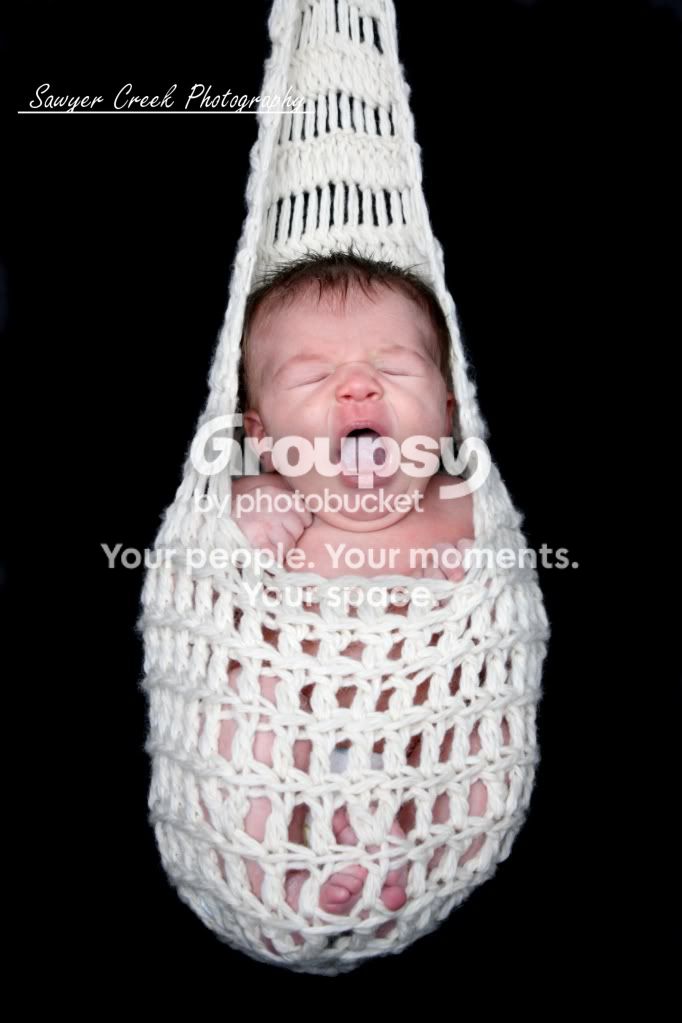
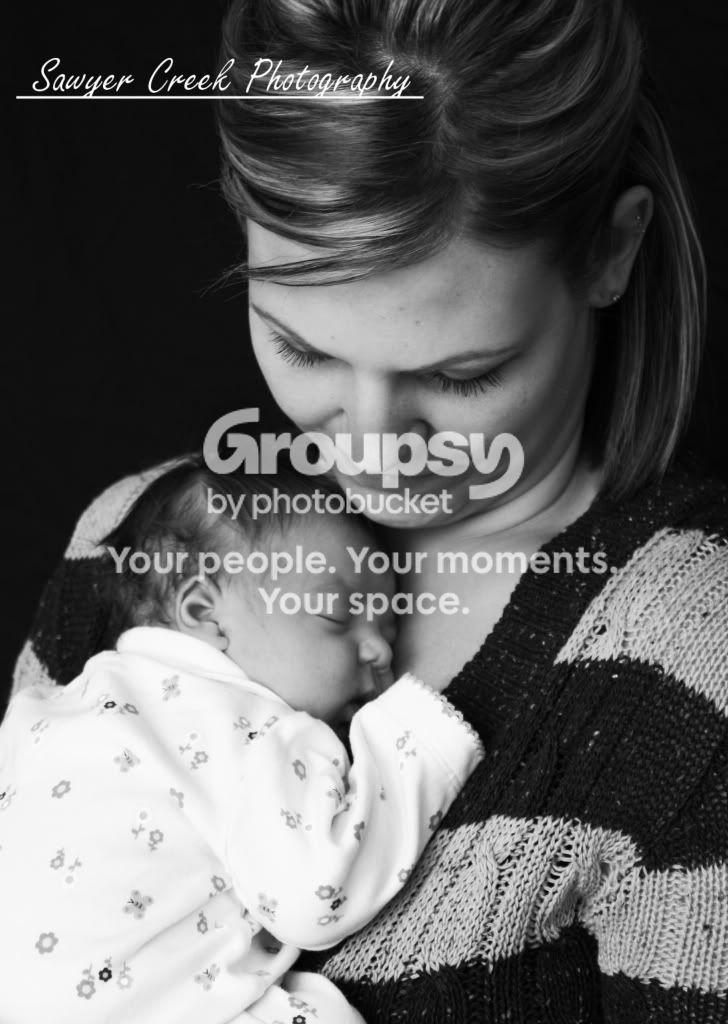
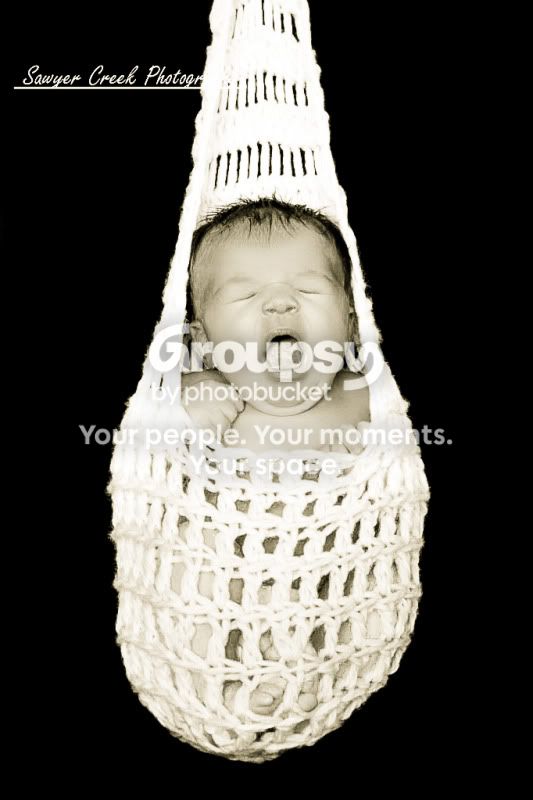
Hey, long time no "see". I was gone in NY for work and I have been busy, busy, busy since I have gotten home. I think my skills have improved quite a bit since my last posting. Let me know what you think!

1.
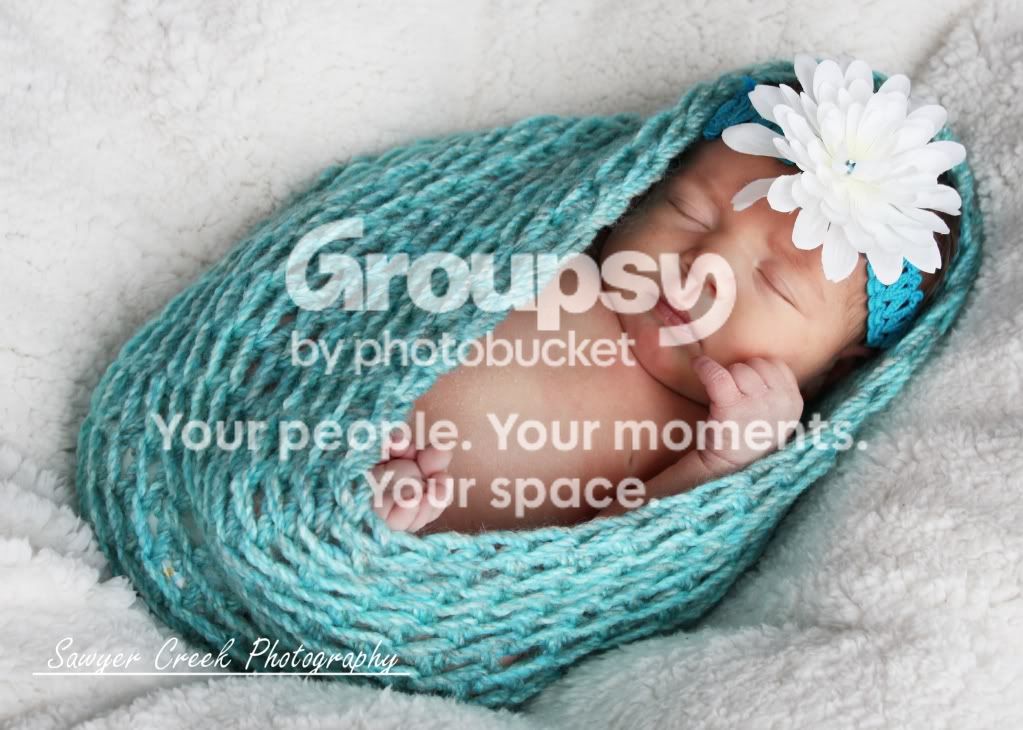
Avery5logo.jpg


2.
Avery13logo.jpg


3.
Avery6logo.jpg


4.
Avery14logo.jpg


5.
Avery12logo.jpg


6.
Avery11logo.jpg


7.
Avery7logo.jpg


One question I have is on making the black sheet look pure black with no wrinkles. In some pictures if they are far enough away I can just up the contrast and that works. In some cases though it doesn't work and I just airbrush black over the entire area. Is there a better, faster way of doing that?

Thanks!
 
I love #7, though the baby's clothes are a bit on the bright side. I'm not going to comment on the others because I really don't "get" newborn photography like this. :-P

As far as making the black sheet look black - what kind of lighting are you using? It looks like you're using on-camera flash for some of those, especially 5 and 6. Getting the flash off-camera would help because you could make the flash hotter but keep it from hitting the backdrop, which would of course make it blacker. You could also get the background farther back and using a brighter flash and compensating with a smaller aperture, which would allow the light to fall off before it hit the background.

However, I'm not sure if those are good rules for newborn photography, because aren't you supposed to avoid flash with newborns?
 
Newborns arent affected by flash but I didn't use ANY flash. This is all light from my bay window.
 
I don't see any major issues, but like Orion, this is NOT my area. Have you considered a large diffuser?
 
I eventually plan to invest in a lighting set up but right now I'm taking these pictures in my living room. I am investing in backdrops and time and eventually I will work on lighting :)
 
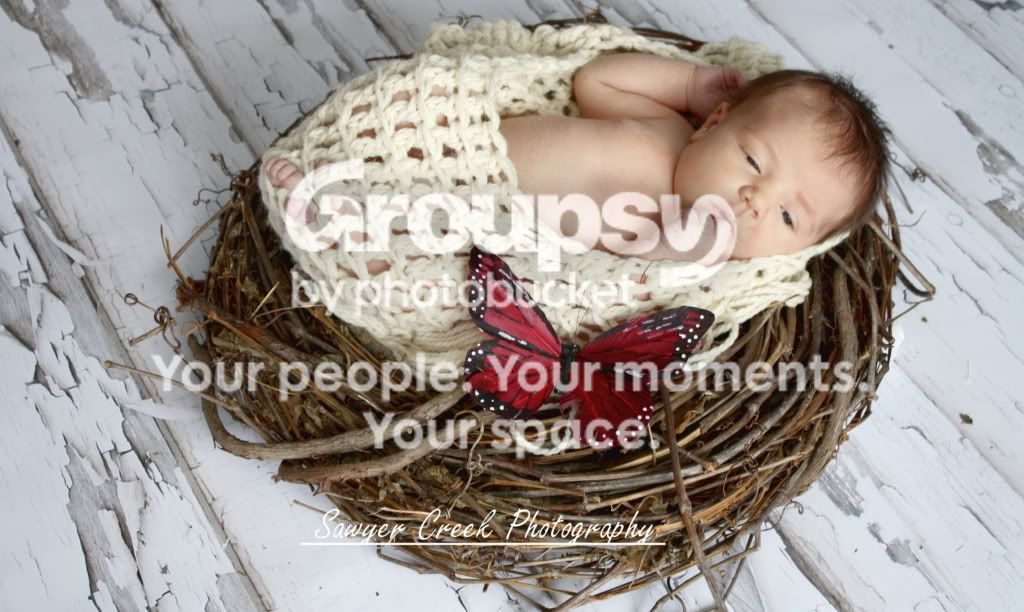
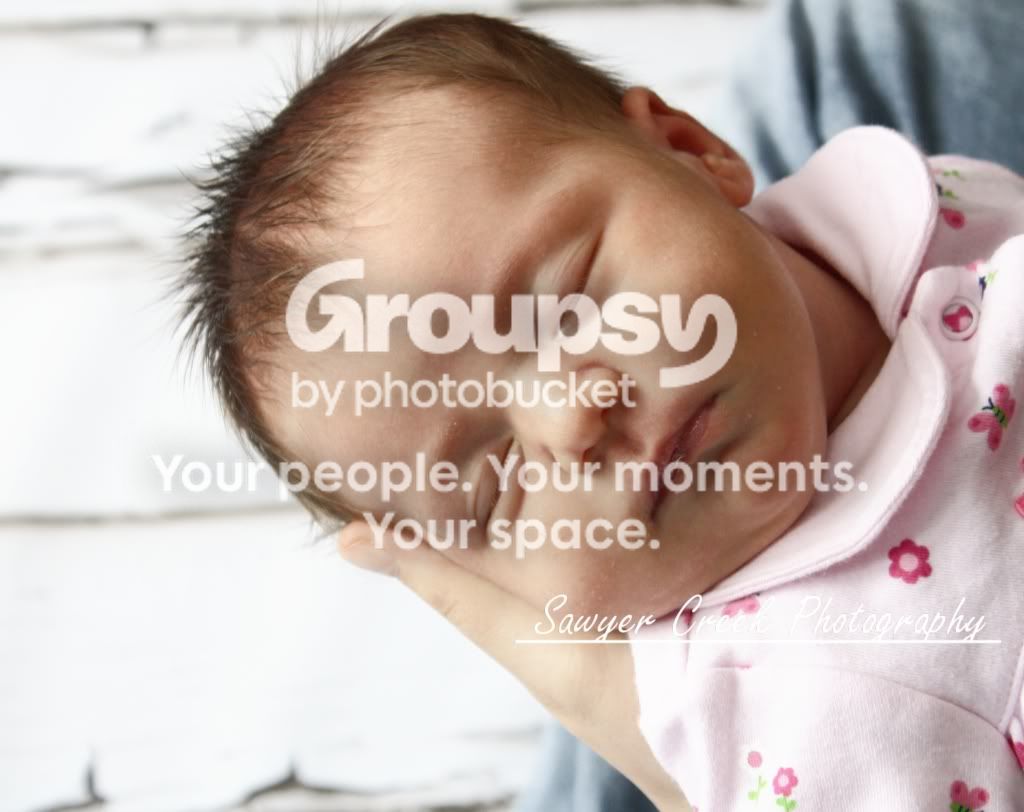
What happened to #2 and #3? The rest are all very good, but in these two you dropped the ball. #2 is just an awfully odd angle, and #3 looks like a snapshot.

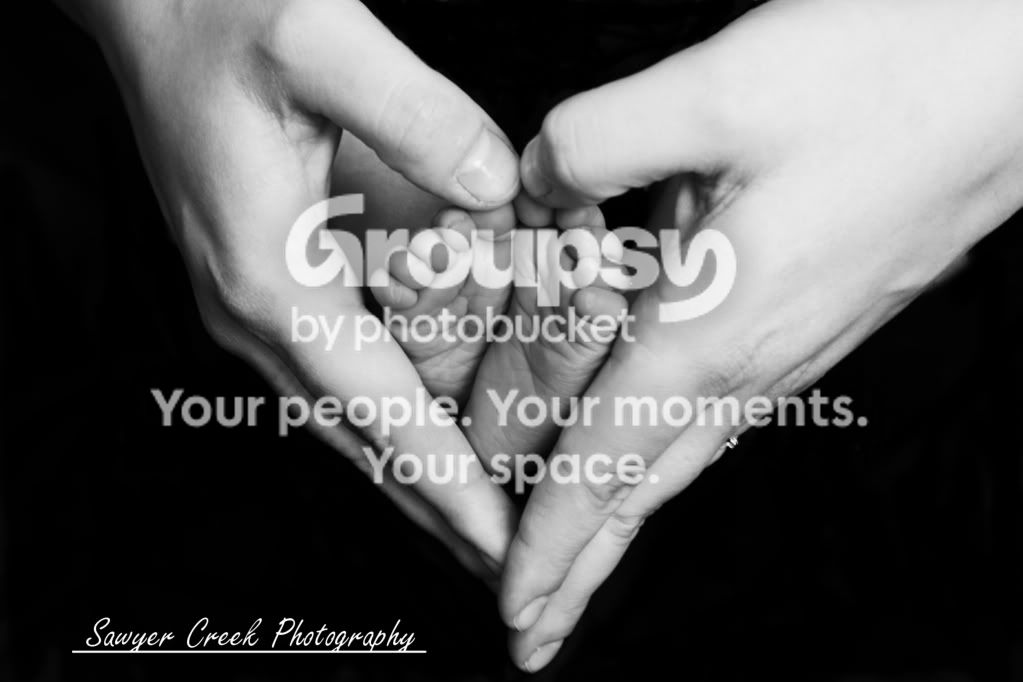
That being said. I absolutely LOVE #1 - nice lighting, nice color contrast, cute pose! #4 is also a very nice photo, total wall portrait.

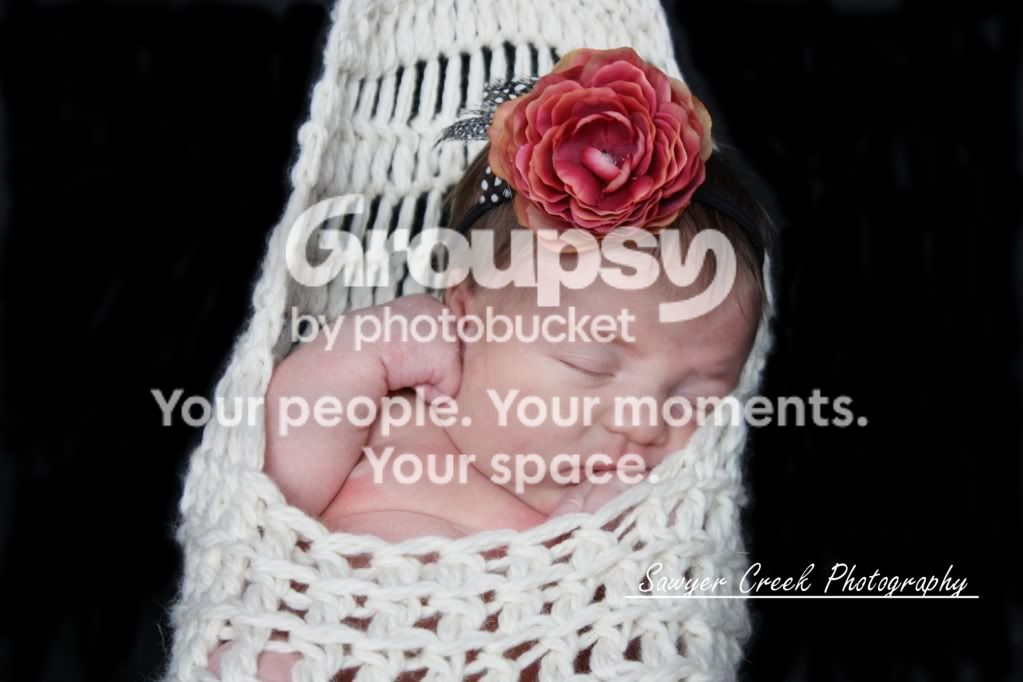
#6 is great as well, but it looks just a tad soft.
 
You still need to work on your post processing for sure. Here is my little edit. It looks like the white is blown on my edit but I didnt have the RAW.

Avery11logo-2.jpg
 
What happened to #2 and #3? The rest are all very good, but in these two you dropped the ball. #2 is just an awfully odd angle, and #3 looks like a snapshot.

That being said. I absolutely LOVE #1 - nice lighting, nice color contrast, cute pose! #4 is also a very nice photo, total wall portrait.

#6 is great as well, but it looks just a tad soft.

Hmmm everyone that has seen #2 has LOVED it. #3 I admit is a little snap shot ish but it was a sweet moment so I included it in her portfolio.........I guess I shouldn't have uploaded it here :)

Schwetty..........what did you do? I have only been using Gimp for less then a month so I am a TOTAL NEWBY at that. I like my edit AND your edit it gives two very different feelings.
 
Hmmm everyone that has seen #2 has LOVED it. #3 I admit is a little snap shot ish but it was a sweet moment so I included it in her portfolio.........I guess I shouldn't have uploaded it here :)


Its just that in comparison to all the others, #3 is lacking, thats all.

And my only issue with #2 is the angle that it is shot. Is the basket on the floor, is it hanging from a wall, is it sliding down the wall. If the lines in the floor were at a normal angle it would probably work a little better for me. But then again, thats just my own personal opinion. Otherwise it too is a good photo.
 
Oh I see the angle of the backdrop. Yeah you're right. I should have turned the nest more. It is supposed to be a nest on the floor boards :) Thanks for the C&C everyone.
 
Any info on your editing Schwetty?
 
White is blown on your edit Schwetty and I think you pushed the contrast just a bit tooo much. But thats just me maybe.
 
#4 is the one i like the most, it is a nice serie and #1 please me a lot too.
Good work.
 
Any info on your editing Schwetty?
Just some lightroom presets with tweaking. Cant really tell you the steps.

White is blown on your edit Schwetty and I think you pushed the contrast just a bit tooo much. But thats just me maybe.
I know dee, thats what I said on my post.
 
the skin tones are all over the place. some are cool, some are red. maybe it's because they are small here, but they all look OOF/soft in the face. did you sharpen then at all?? are you shooting in RAW??
 

Create an account or login to comment

You must be a member in order to leave a comment

Create account

Create an account on our community. It's easy!

Log in

Already have an account? Log in here.

Back
Top Bottom