What's new

People photos - what can I do better?

Jacki

TPF Noob!
Joined
Nov 20, 2009
Messages
235
Reaction score
0
Location
Northeastern Michigan
Can others edit my Photos
Photos OK to edit
I'm learning every day, but it's definitely helpful to get opinions here. What can I do better?


5115427894_db4801f7d1_b.jpg


5115418696_1bdacc6798_b.jpg


5114818287_914df8d99d_b.jpg


5115417830_68030cecdc_b.jpg


5114816919_9acdab1c68_b.jpg
 
Last edited:
I'm bumping these, because I can't learn if no one says anything! Even if you don't like them at all, tell me why, and what (if anything) you do like about them, so I can get a well rounded perspective. Thanks!
 
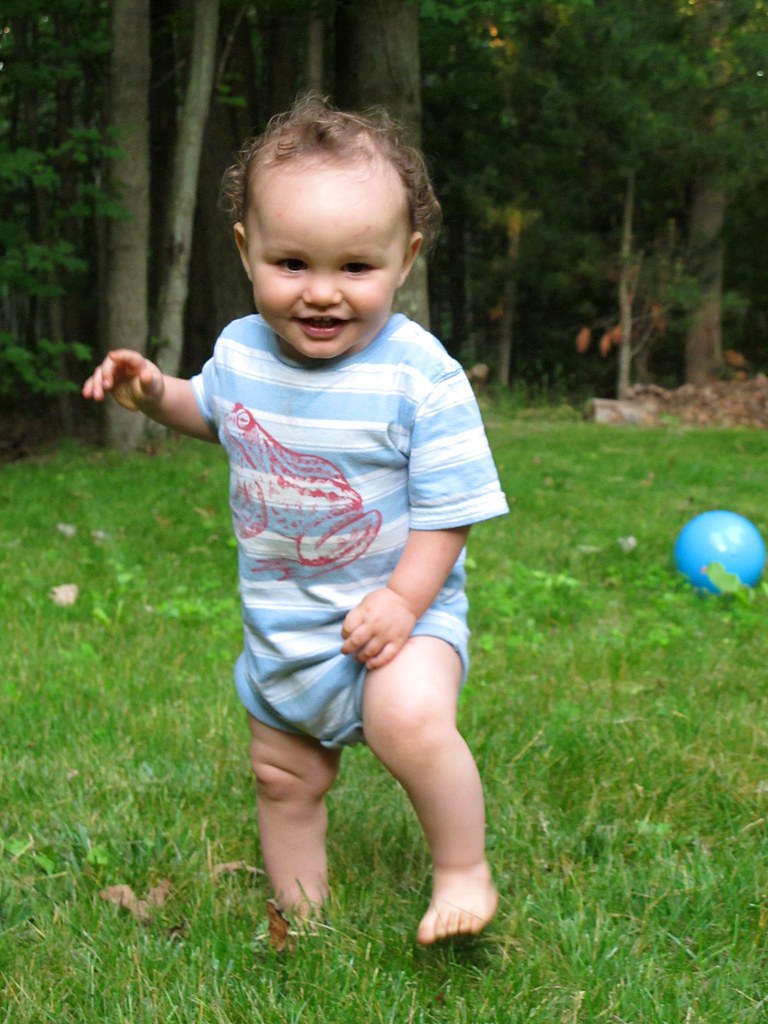
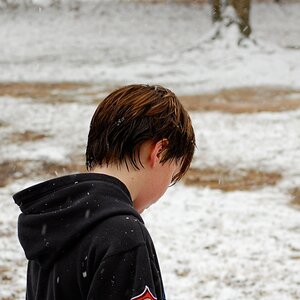
2 looks like the shutter speed was too slow.

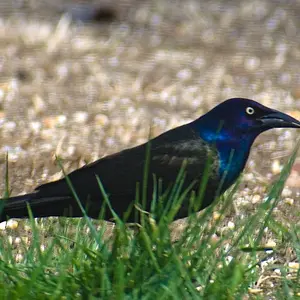
I think they all look like snapshots, rather than great photos, but the one with the owl is kind cool.
 
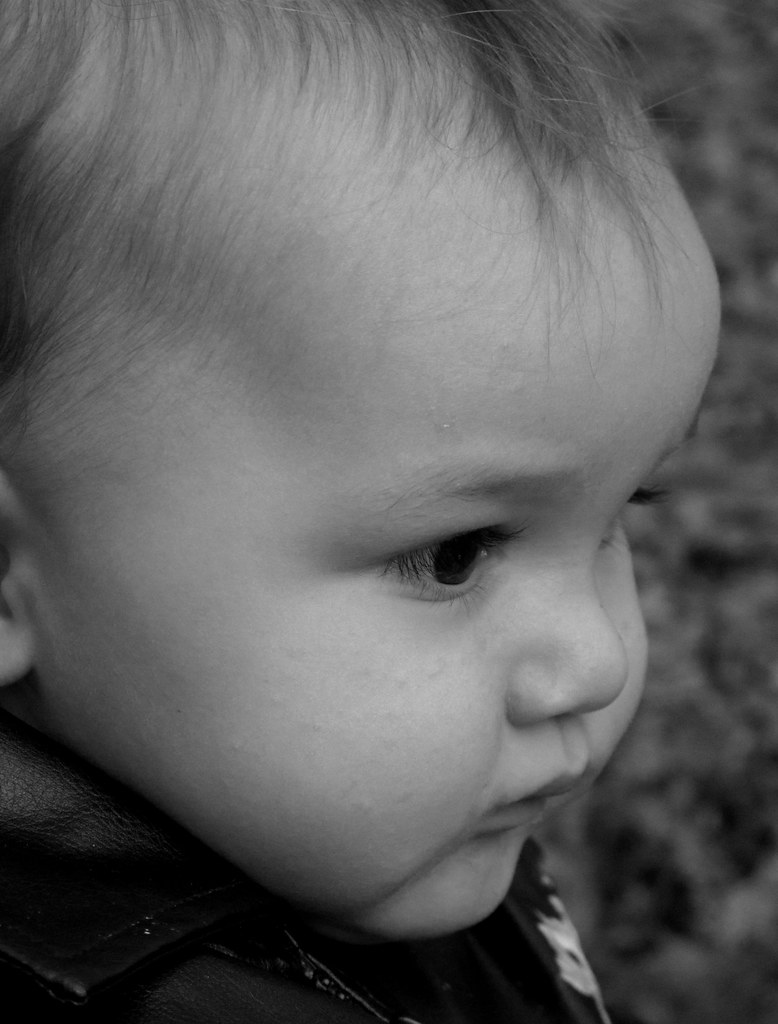
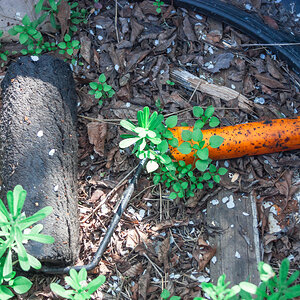
1. A little too close IMO. Additionally the image is at least 1 2/3 stops under-exposed, and with no catch lights.

2. Two main issues here are missed focus and a messy, distracting background.

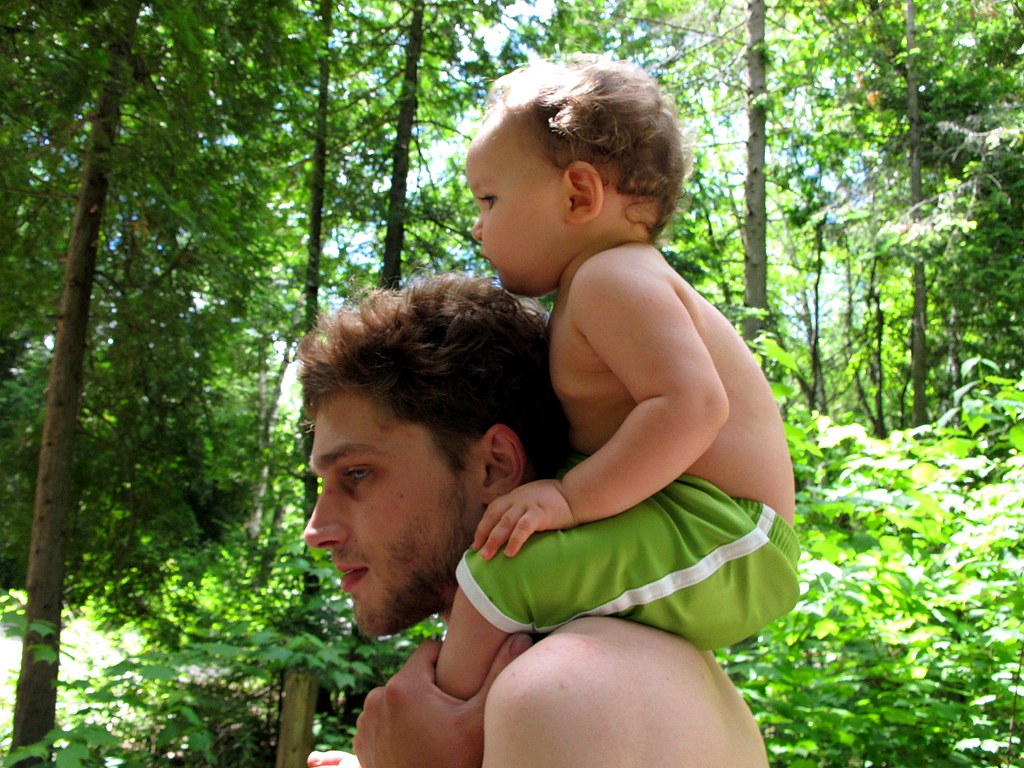
3. per #2

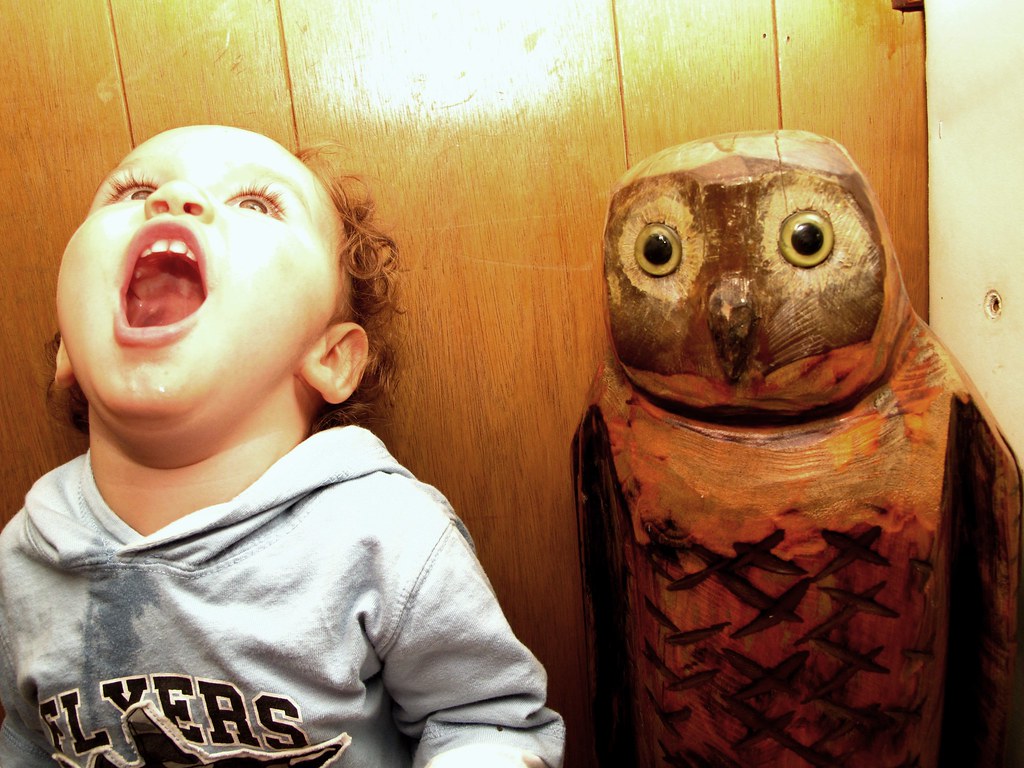
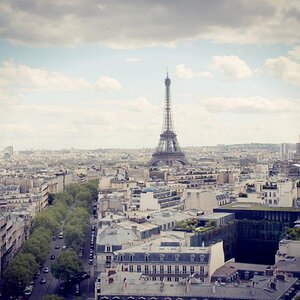
4. Image is not level, and is grossly over-exposed on the child's skin. Bouncing your flash off of the ceiling here would have been the way to go.

5. Interesting...

The number one thing that I believe you need to do to improve your images is take more time. Right now you have snapshots - to take them to 'photographs' first find a nice, even background which is preferably monotone and non-distracting in nature. Pay attention to your point of focus; with people, always, always, always make sure the eyes are in sharp focus. Try and use sufficient DoF to have the whole person focused, but the background soft and non-distracting. Also, practice your exposure and metering as well as flash work.

Just my $00.02 worth - your mileage may vary.

~John

 
1. I am a fan of black and white pictures so this one i like a lot.

2. To me, this looks like it was taken with a p&s, it doesn't call my attention. Something you'd find a a family album if you know what i mean.

3. Again i'm not finding anything interesting about this. It may mean something to you, but to people that don't know you it wont mean much.

4. This photo has a good idea but the flash is kinda distracting, well to me at least. My eyes go straight to the light bouncing off the wall.

5. This one is my favorite. I like the idea of it.

- I'm a noob to photography so this post might not mean much, just stuff i notice.
 
In the first two, I think they would be a lot better if the focus was better, and I'm especially bummed about #2, because I personally really like the composition in it. Thanks for the input!
 
If the shutter speed was a little better on the 2nd I think it would have been a lot better. try to lock focus on the eyes. Are these straight out the camera?
 
If the shutter speed was a little better on the 2nd I think it would have been a lot better. try to lock focus on the eyes. Are these straight out the camera?


No, but I didn't really spend time editing them beyond levels, besides number 1 and 4.
 
reznap, I like your edit. What did you do, if you don't mind me asking?
 
reznap, I like your edit. What did you do, if you don't mind me asking?

Black and white w/ red filter layer, to darken greens and brighten skin tones. Reduced opacity to 50%. Liked the muted colors but went to the 'color balance' tool under adjustments and slightly adjusted the sliders (I can't remember exactly what I did with them but small adjustments go a long way). Try messing with the color balance sliders, sometimes you can effectively 'split tone' an image with them - meaning you can tint the shadows one color (I like doing purple) and tint the highlights another (I like a warm orange/yellow).
 
reznap, I like your edit. What did you do, if you don't mind me asking?

Black and white w/ red filter layer, to darken greens and brighten skin tones. Reduced opacity to 50%. Liked the muted colors but went to the 'color balance' tool under adjustments and slightly adjusted the sliders (I can't remember exactly what I did with them but small adjustments go a long way). Try messing with the color balance sliders, sometimes you can effectively 'split tone' an image with them - meaning you can tint the shadows one color (I like doing purple) and tint the highlights another (I like a warm orange/yellow).

I am still using GIMP, but am getting photoshop soon-ish. But, I think I still have quite a bit of control, though there is no adjustments tab on GIMP...at least the one I have.
 

Create an account or login to comment

You must be a member in order to leave a comment

Create account

Create an account on our community. It's easy!

Log in

Already have an account? Log in here.

New Topics

Back
Top Bottom