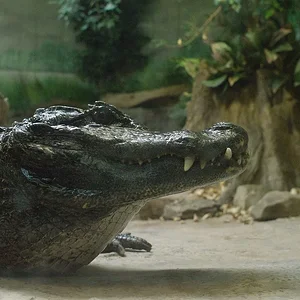
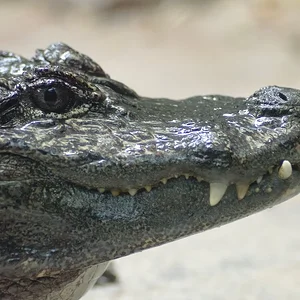
Since the image matching side of the thread seems at a dead end (people don't see the point in my taste in matches, and will wait until Apple/Google provides the functionality before trying it in some form themselves), I'll just paste a description of the AI side of it from the About page, since that is the app that I'm actually interested in. Then if people want to criticize something, it will be what I'm actually working on, rather than fantasy apps for photographers that I would be going out of my way to develop. It isn't targeted as a workbench for photographers (there are hidden options on my site for exploring the results from the free matching software tho). Note that in this interface, there is a pure random option so you can compare with the other selection methods. When I built my prototype of the site eons ago, it just did random (15 minutes of work), and I burned out after a month of using it. I've put a year into making it so that browsing the 8K pics in there now still keeps me entertained as a bunch of techniques are brought to bear. (Your mileage might vary

Welcome to XXX, a brain teaser slide show that challenges you to connect the photos in your mind, like a picture crossword, or like a therapist analyzing the dreams of a dog scratching an electronic itch.
Each photo is like a brain cell, connected to many other photos by keywords they have in common. The keywords are refined and discussed like characters in Sesame Street, merging points of view to create a hybrid 'brain' that you explore when you use the + option. We hope you will find it entertaining!
The task is to carefully see what jumps out at you in the picture, then use the + option, and see if the next photo has any of the features you have noticed. (The features could be people, things, colors, shapes, textures: whatever we think would make interesting connections as you hold both pictures in your mind.) Don't worry if you don't see any similarities at first — it's not perfect — but if you keep at it, you will start to see themes that last over a few pictures, then more of the others will start making sense — it's like learning a language you find you already know. You can use another option to change the subject when you get tired of a theme, then return to + if you see something you want to pursue.
The - option is for different, | for random, or you can click on the picture itself for mystery selections, choosing from among five different image matching algorithms based on whether you click in a center area or the different corners. The - option tends to go back and forth between lighter and darker photos that don't have any descriptive words in common. The | option is completely random (except that all options are restricted to a set of about 600 favorites for the first 100 pictures).
...
The dog's eyes: My goal is to make the site smart enough so that it seems alive, like the feeling you get when looking into a dog's eyes. The fading image when you enter the slideshow is a gesture toward that goal. More concretely, a live molecular dynamics simulation is used as a sort of heart, which is affected by clicks on the slideshow page, and in turn affects the next picture you see, and which also gives a continuing life to the site.
What I really need, aside from a good dose of reality, is the $1M I keep hinting at to hire someone to help me with deep learning, or a job at a place like Google to learn the tech slowly. Meanwhile I figure I need to get more people's photos into it, if it's going to speak any kind of universal language, because my own tastes are so narrowly esthetic.



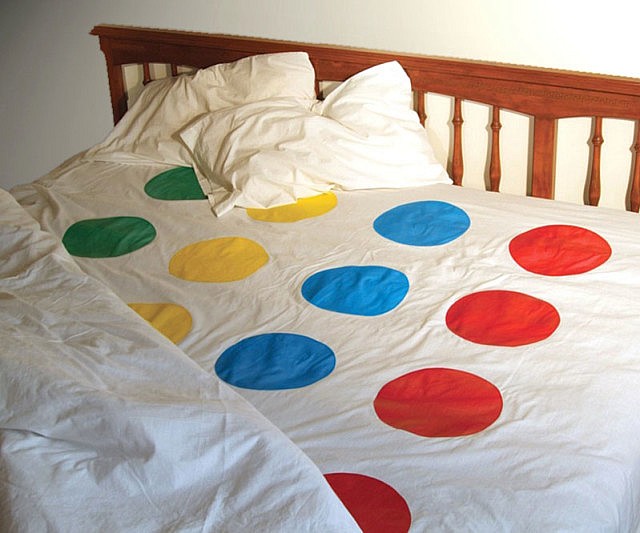


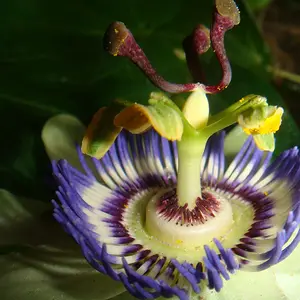
![[No title]](/data/xfmg/thumbnail/31/31978-02cde49248ebdf1b82fba5c899e08378.jpg?1734160755)
![[No title]](/data/xfmg/thumbnail/31/31979-ea92aca54ae865842d998c9cec534991.jpg?1734160756)
![[No title]](/data/xfmg/thumbnail/34/34039-a3bf38301d5ee5f8b658c43a86558500.jpg?1734164445)

![[No title]](/data/xfmg/thumbnail/32/32158-8de1a90710a58144b47a0cee83a6c820.jpg?1734161046)