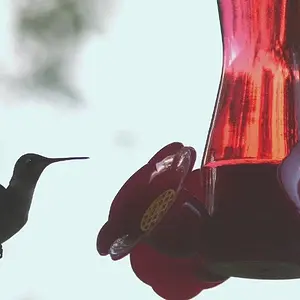
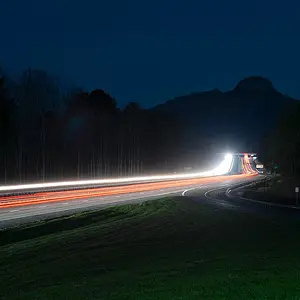
My gues is that your camera's White Balance in Manual mode might be accidentally set to Tungsten/Incandescent Lamp setting, usually represented by a strange light-bulb-like icon. When the White Balance is set to Tungsten or Incandescent, it will create blue-toned images in daylight lighting. A very common issue. I have done this myself over the years on accident, or when having set the WB for indoor, artifical lighting, and then having forgotten to re-set the White Balance when heading outdoors the following day after an indoor event like a party.
MANY cameras separate AUTO-mode operation from Manual mode operation, allowing the user to custom-configure the camera's setting in manual mode, but in AUTO modes, allow the camera to automatically make White Balance and other adjustments.




![[No title]](/data/xfmg/thumbnail/37/37636-e02c7efccb426a8951ed97a37c0f9307.jpg?1734170758)
![[No title]](/data/xfmg/thumbnail/37/37634-504722605a418b398f3cd1dbabf936e5.jpg?1734170757)