What's new

Which of these 3 roads are better? C&C please

Tight Knot

No longer a newbie, moving up!
Joined
Nov 30, 2010
Messages
1,398
Reaction score
159
Location
Boca Raton, FL
Can others edit my Photos
Photos OK to edit
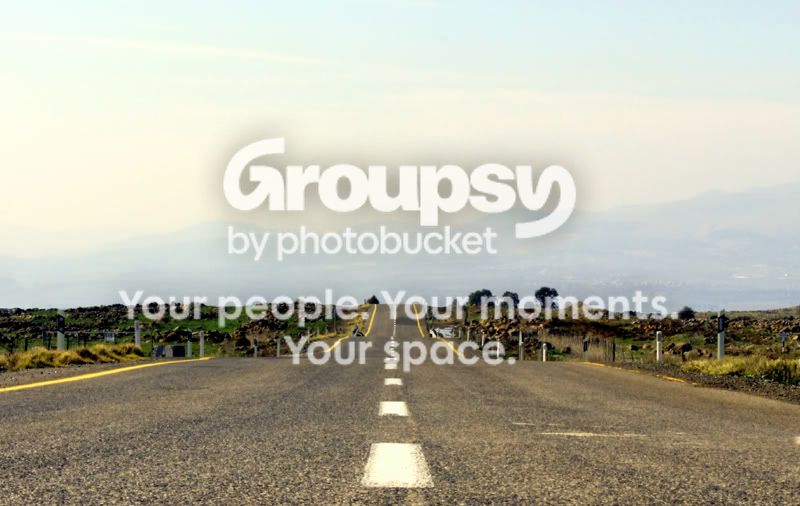
1. Landscape, more sky
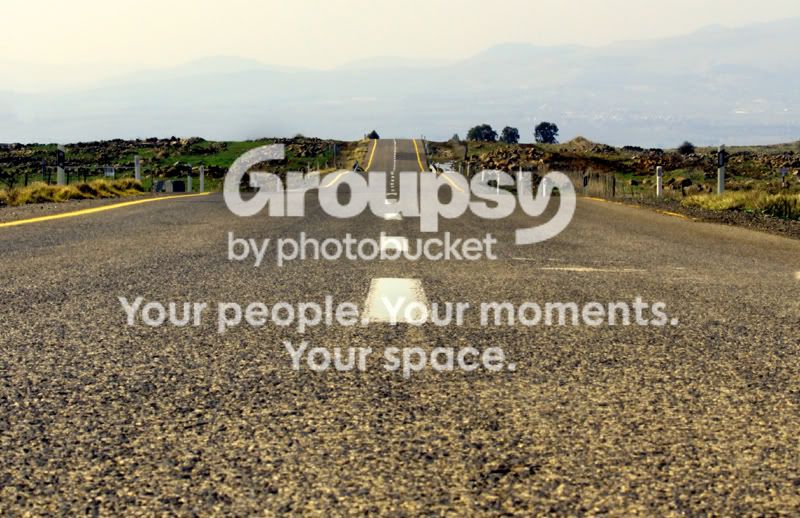
roadtosomewhere-small-moreroad.jpg


2. Landscape, more road
roadtosomewhere-small-moresky.jpg


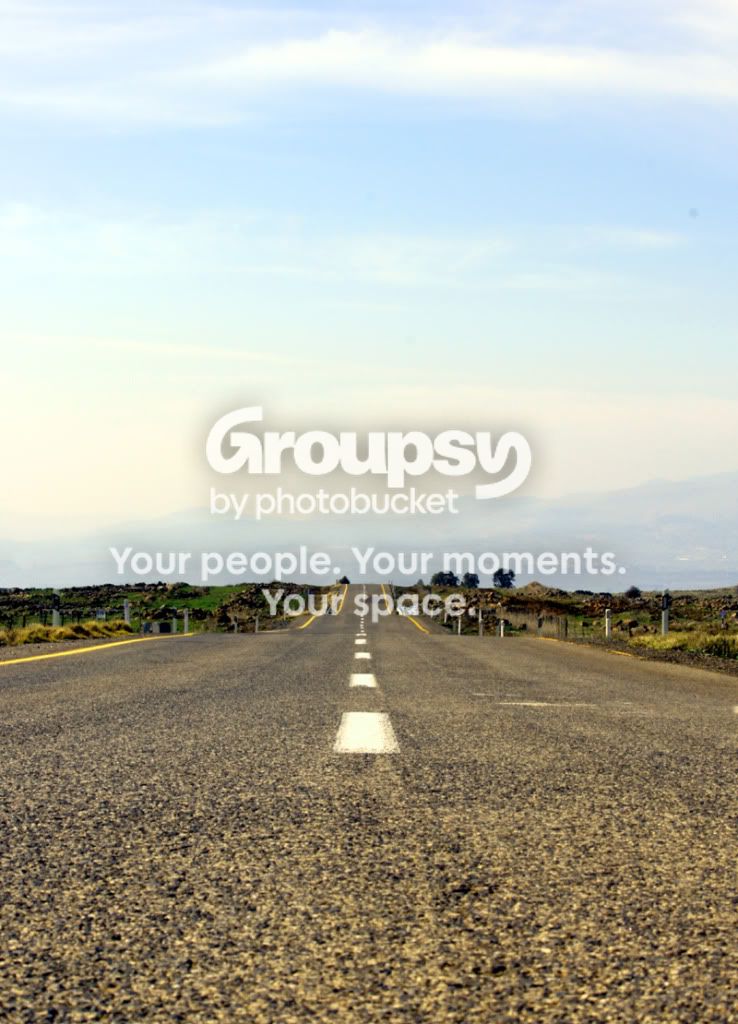
3. Portrait
roadtosomewhere-small.jpg
 
For me it has to be number 1. It really draws the eye along the main point of focus along the road. From the close up foreground road all the way through to the hills / mountains in the background.

For me no2 and no3 both have too much empty space. If the sky was more dramatic and had something like a a grad filter to bring out the detail it may sway my opinion.

Oh and on no3 there is what looks like a dust blob in the top right :-)


No1 is a Lovely pic imho !
 
For me it has to be number 1. It really draws the eye along the main point of focus along the road. From the close up foreground road all the way through to the hills / mountains in the background.

For me no2 and no3 both have too much empty space. If the sky was more dramatic and had something like a a grad filter to bring out the detail it may sway my opinion.

Oh and on no3 there is what looks like a dust blob in the top right :-)


No1 is a Lovely pic imho !

Thanks for the input MJL. I did not notice that blob, I'll have to look to see if it is something on my lens or dust on my sensor.
 
1 for sure, if 2 had a little more definition in the mountains you could get away with it too, but they are so hard to distinguish. Did you have a UV filter on?
 
1 for sure. You might want to put it in lightroom and try to bring out the mountains in the background a little more.
 
1 for sure, if 2 had a little more definition in the mountains you could get away with it too, but they are so hard to distinguish. Did you have a UV filter on?

Thanks for the feedback. No UV filter. From what I've heard, on DSLR's there's no need for UV filters, true?
 
1 for sure. You might want to put it in lightroom and try to bring out the mountains in the background a little more.

Stupid question, how? I have lightroom 3 and have NO idea how it works:blushing:.
 
to protect the lens you may not need it....well thats a heated argument. I still think it makes a difference on haze in digital. Not like a film camrra does though.
 
Last edited:
roadtosomewhere-small-moreroad.jpg


Just mess with the exposure and fill lights to bring it out...I really am not an expert but it helps to play around with it. This was only messing with it for less than a minute.
 
to protect the lens....well thats a heated argument. But when shooting landscapes and you want to reduce the bluish haze...yes.
Yup, been through the "protect the lens...." debate afew times:lol::lmao:, I'll try one the next time I shoot landscapes. Can you pp that?
 
1 easily imo
Thanks MWG.

Well all, it looks like 1 has it. I also thought so (thats why I put it up first), but couldn't figure out why. Now I understand (well, at least understand better :D).
Thanks everyone for your input.
 
Definately number one.

Regards,
Jake
 

Create an account or login to comment

You must be a member in order to leave a comment

Create account

Create an account on our community. It's easy!

Log in

Already have an account? Log in here.

Back
Top Bottom