What's new

Yellowstone Pics

TexasAggie07

TPF Noob!
Joined
Jun 28, 2011
Messages
65
Reaction score
3
Location
Cotulla, TX
Can others edit my Photos
Photos OK to edit
Howdy guys,

New to photography so any and all comments and critiques are appreciated! Bought my camera for this trip about a month before I left and am now addicted. Taking lots of pictures and very much learning on the fly but its a blast (just learned what ISO does today <--- Noob). Here are a few of some of the better shots from my trip, the osprey is a little out of focus I know but if it would have caught that fish it would be on my wall anyways!

Thanks and Gig em!

Brian

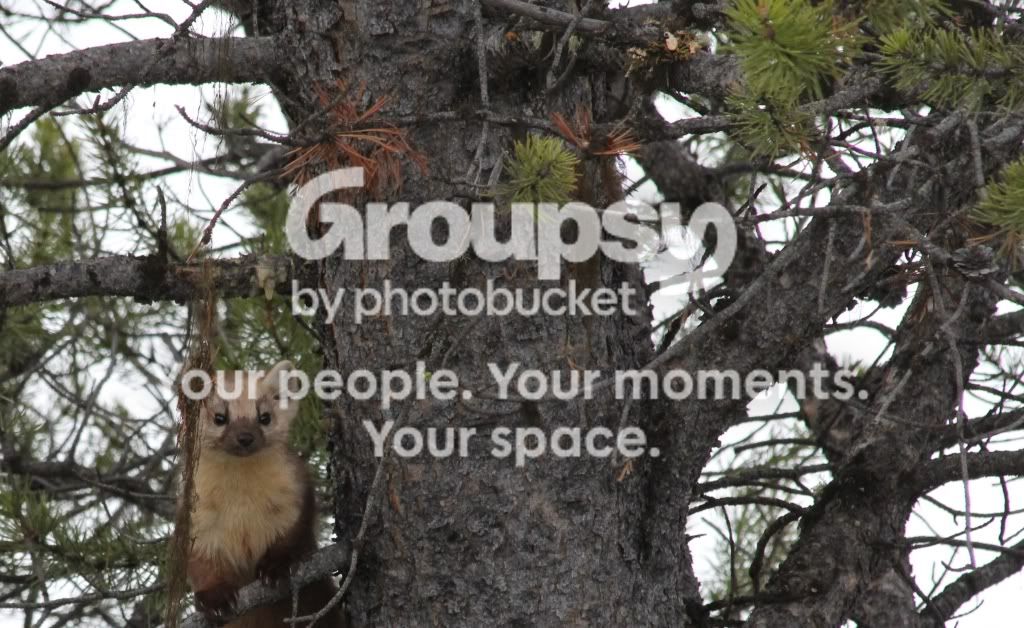
1.Weasel
Weasel.jpg
[/IMG]

2. Trumpeter Swan
trumpeterswan.jpg
[/IMG]

3. Squirrel
Squirrel.jpg
[/IMG]

4. Osprey
Ospreymiss.jpg
[/IMG]

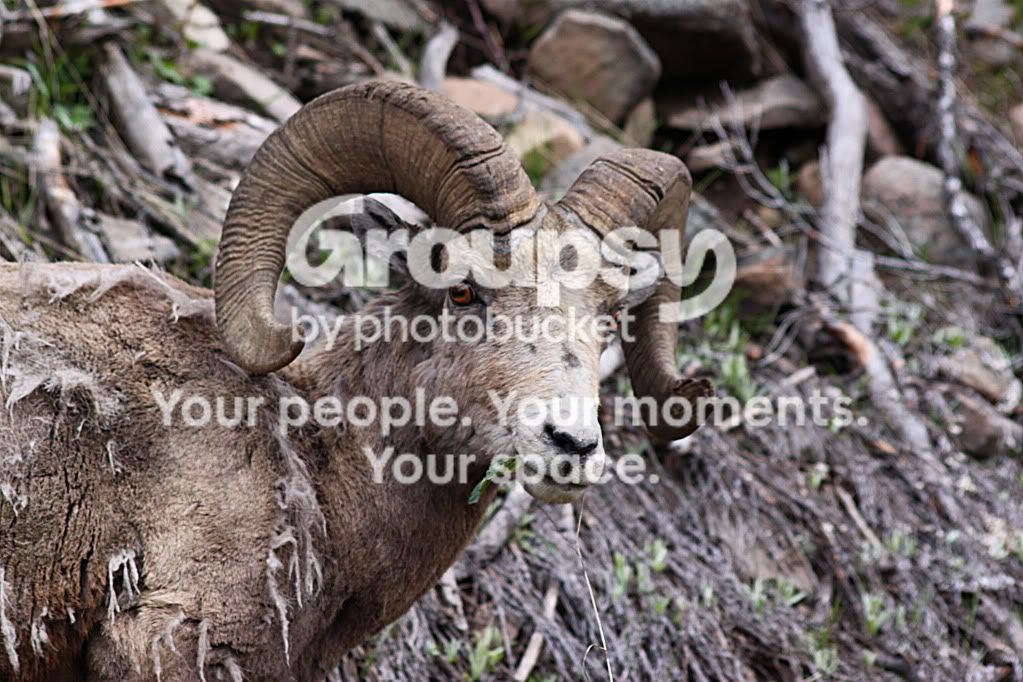
5. Bighorn Ram
Bighorn.jpg
[/IMG]
 
Most of your photos are centered. Photos with centered subjects often look like snapshots, sometimes good snapshots, but snapshots all the same. There are some basic rules of photography that will help with composition, one if the Rule of Thirds.

Keep shooting.
 
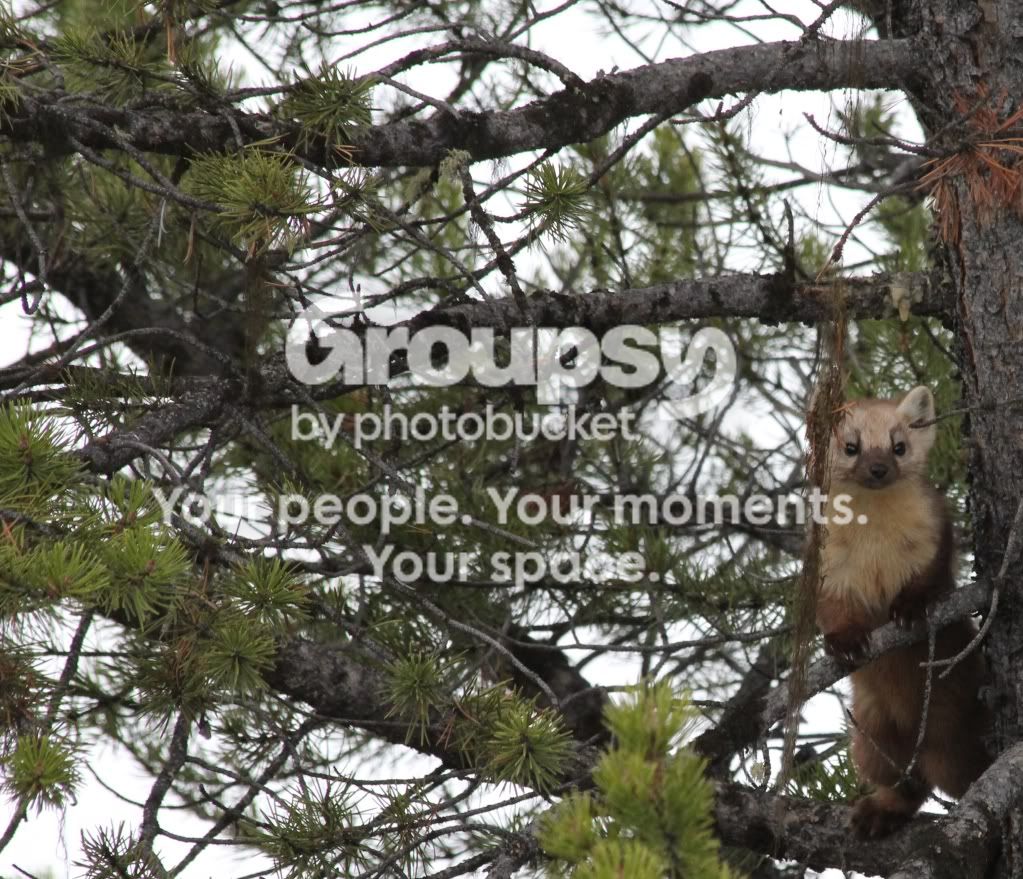
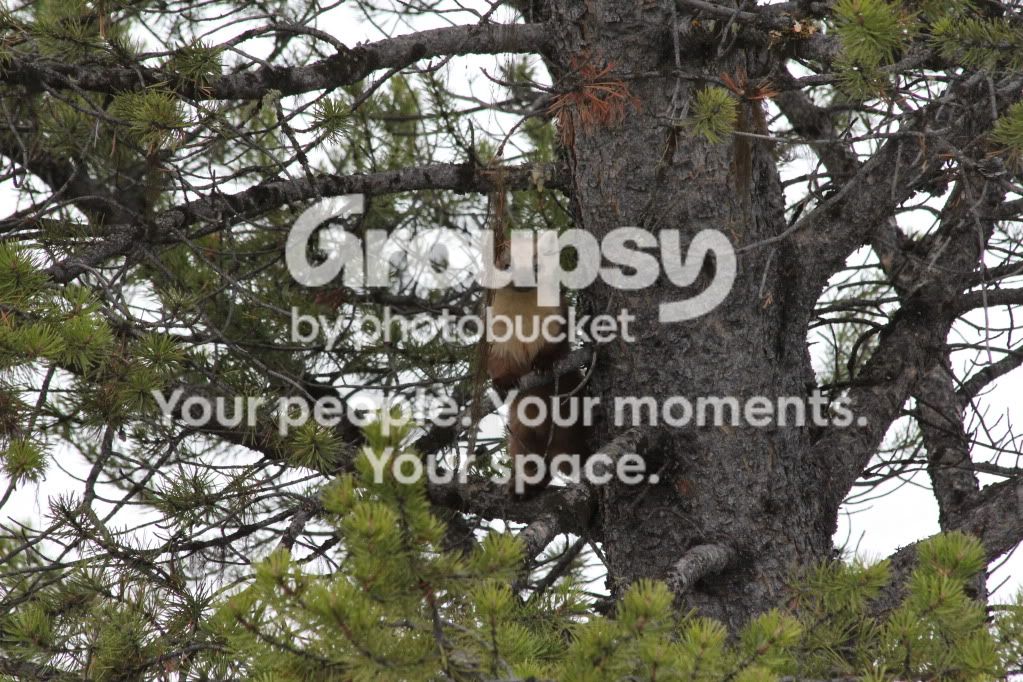
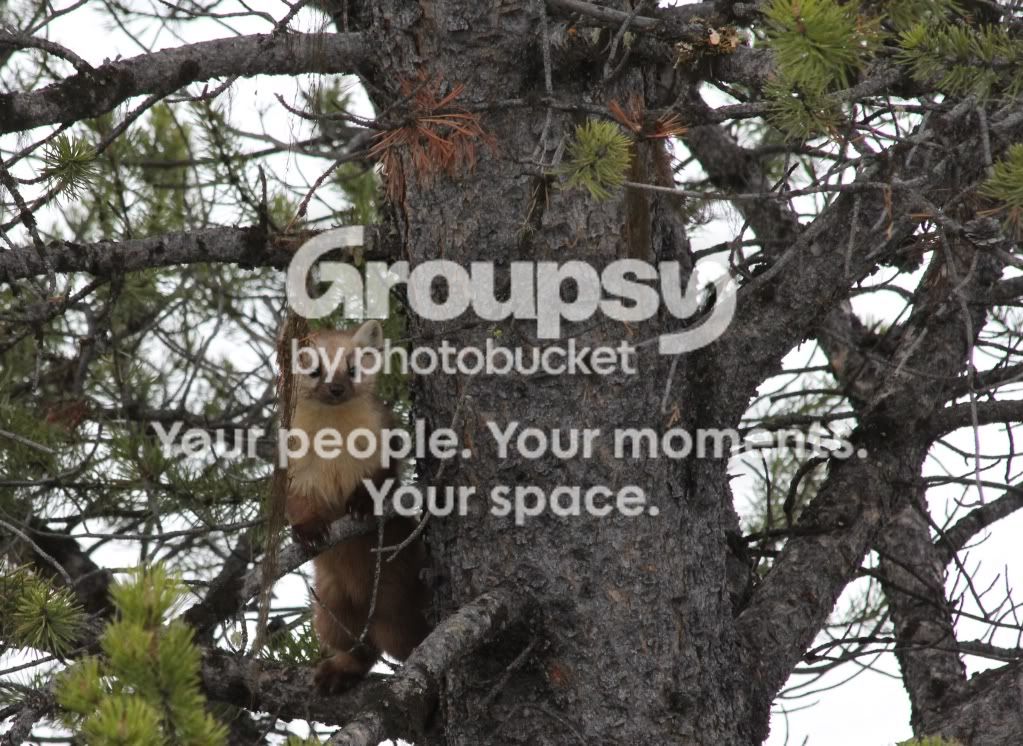
Thanks, yeah at that time I really didn't know anything exept the bare bones. I still am not too much further adept but learning. I tried to recrop the originals to make them a little more original. I am pretty sure unsuccessfully, but I'll let you be the judge. The weasel is the only one I could really play with at all, the rest will have to remain snapshots. Thanks for tip!

Weasel3.jpg


Weasel2.jpg
 
The pictures are generally uninteresting. However, the Osprey shot is more interesting but not sharp.
As for them being centered, I second the use of the rule of thirds for framing.
 
They are still not really within the rule of thirds. Let's work on that first. Upload the original photo of the weasel and post a link.
 
Its coming, sorry just had it all here and hit reply instead of post reply
 
Origingal
IMG_3502.jpg


Another try at rule of thirds, just not sure where to position it vertically....
Weasel4.jpg
 
I think the sheep picture is awesome just the way it is. IMO the proper way to take a picture is the way it looks good and that sheep looks great right in the middle.

I was just there a couple weeks ago and all the sheep I seen were matted and losing there winter hair. Yours looks really good. I'm a little jealous.
IMG_5898-1-1.jpg
 
Last edited:
Your last edit is within one of the 3rds, but there is more tree than weasel. You want to fill more of the frame with your subject. This is a simple idea of following the rule of third and filling the frame more.

267933_220895344609736_100000678151100_699068_3943291_n.jpg


Again, this is just to help you comprehend the rule of thirds. The photo is not great because the background and foreground distract from your subject. Sometimes you can't help that, but there are times when you can use depth of field on your lens to blur the background. You also have moss or something hanging in front of the subject. These are things to watch out for, but you will learn more and more as you take more photos.
Also notice how I used the tree and the branches to frame the subject.
 
Another try at rule of thirds, just not sure where to position it vertically....

If you are using Photoshop, do this..

Open Adobe Photoshop, click "Edit", "Preferences", "Guides, Grids & Slices"
Under the Grid section.. Change "Gridline Every" to 100 percent. Change "Subdivisions" to 3 and press [Ok]

Now any time you have a photo loaded, just click "View", "Show", "Grid" to see the Rule of Thirds grid. You can turn it on and off as you wish.
 
I was there mid-late may. I am using Microsofts Picture Manager for my cropping. I think the camera came with some editing software I havn't played with it too much yet though. Thanks for the help!
 
Sadly I know nothing about the Microsoft Picture Manager. Sorry.
 
Hi TexasAggie. As a relative newbie myself I'd say that you've got an eye for a photo that just needs to be educated. Take into account also that you need to learn your equipment and that you do so by experimenting. You've been playing with your camera for a month? I'd say you're on the right road. Submitting your work for criticism on forums like this one is a great way to learn so long as you don't take comments personally, not all photographers are diplomats but most will give you their honest opinion.

It's a good idea to post camera and lens info and your Exif data along with each photo, you get that by right clicking on the photo (on your computer, not online), going to details and then copying down the ISO, F-stop, Exposure time, focal length etc. With that info the experts can help you more.

At a guess I'd say the photos could be improved in Photoshop and I'd advise you to consider buying it. It's the standard software and thus people will be able to guide you through the process of photo editing.

As for the moss in front of your weasel, next time you need to spot potential distractions before you click and ask the weasel to either move to the side or pull the moss down for you and cast it aside. :lmao: Seriously, you took what was offered and ran with it. It won't make National Geographic but it's still a rare shot you can be proud of.

Granddad
 

Create an account or login to comment

You must be a member in order to leave a comment

Create account

Create an account on our community. It's easy!

Log in

Already have an account? Log in here.

Back
Top Bottom