

LittleMan
TPF Noob!
- Joined
- Dec 14, 2004
- Messages
- 6,648
- Reaction score
- 145
- Location
- Texas
- Can others edit my Photos
- Photos OK to edit
I know that we have had one of these threads a long time ago but I figured we needed a new one considering the old one is full of broken links and everyone has probably changed it since then....
SO... take a screen shot of your normal desktop and post a smaller version here!
To take a screen shot just press the "Print Screen" button, it's next to F12.
Here is mine!
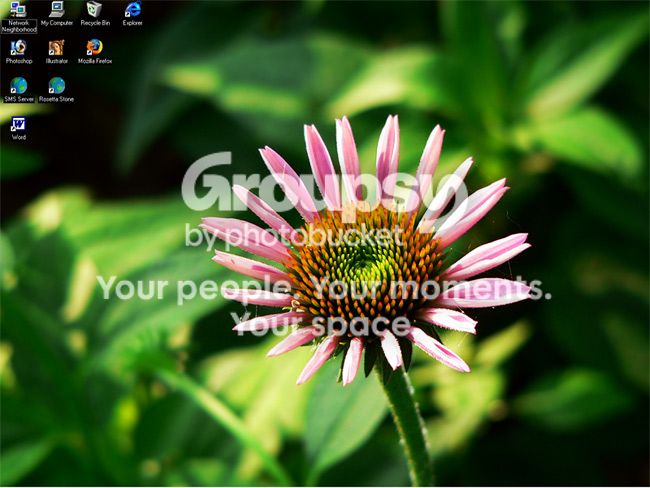
I keep my screen size at 1280 x 960

SO... take a screen shot of your normal desktop and post a smaller version here!
To take a screen shot just press the "Print Screen" button, it's next to F12.
Here is mine!
I keep my screen size at 1280 x 960




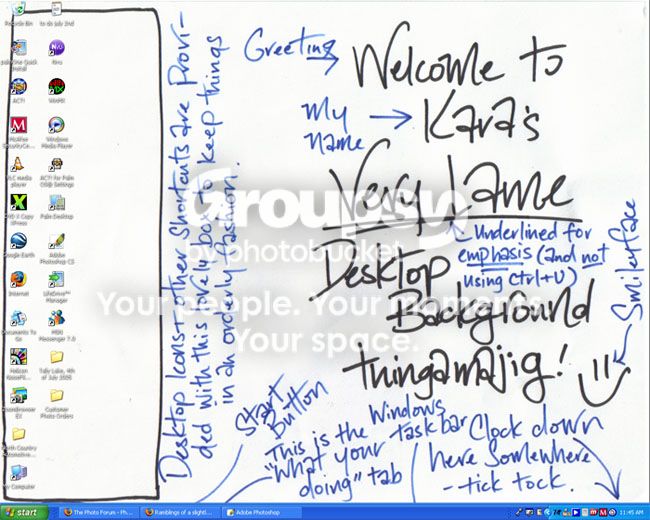


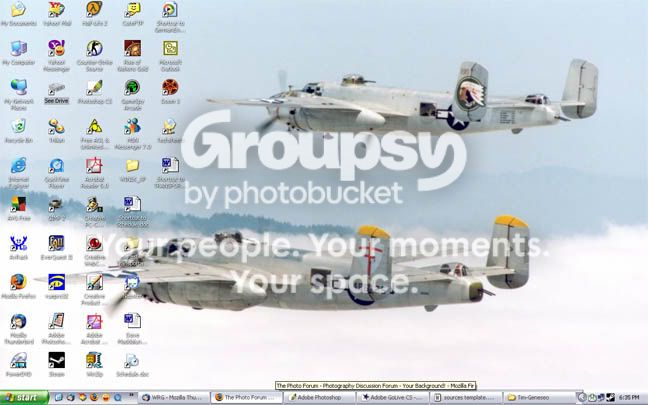



![[No title]](/data/xfmg/thumbnail/37/37103-871e5d39d6f585e3019a4e25eb2ee935.jpg?1734169829)



![[No title]](/data/xfmg/thumbnail/31/31746-12607d714ca2713b95250821c881aea9.jpg?1734160460)
![[No title]](/data/xfmg/thumbnail/42/42065-b846d670a79653fe9a60fc2ba4bc683f.jpg?1734176465)
![[No title]](/data/xfmg/thumbnail/37/37107-df85b207aa6d9b7f6b88f682e493a52e.jpg?1734169830)
![[No title]](/data/xfmg/thumbnail/39/39186-88f5235eacfd57deab14674ccf8e7f0a.jpg?1734173061)