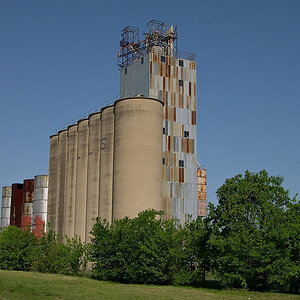
LOVE it Turbo! I'm from Illinois.....so, the barn and corn just hit home with me!
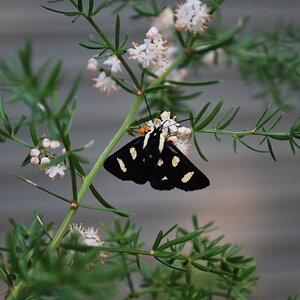
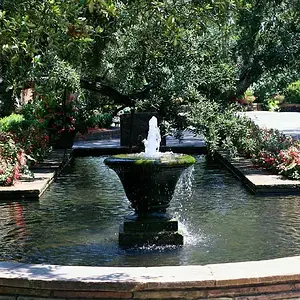
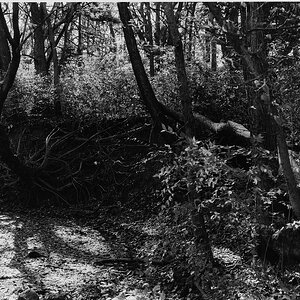
Okay....selective color using Photoshop Elements. I just learned Photoshop 3 months ago, so forgive me if there is a better or easier way of doing this...
Select Smart Brush tool
Select Reverse Effects - Black and White (this will create a layer)
I then switch to a regular brush and make the foreground color black. You can use the smart brush, but I think it's harder to control - (make sure you have the layer mask selected and not the original image) and where you paint on the image the original color comes back! If you make a mistake change the foreground to white and paint the areas you want to be black and white.
Make sense? Questions??