What's new

"I Have Me to Keep Me Company" series.

Matty-Bass

TPF Noob!
Joined
May 13, 2005
Messages
685
Reaction score
20
Location
Edmonton, AB
Can others edit my Photos
Photos NOT OK to edit
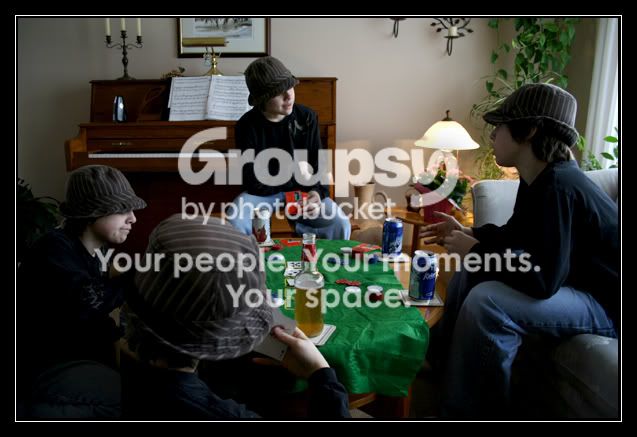
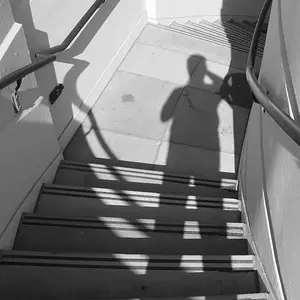
Learning the "Take your picture 2 times and merge in PS" technique, I set out to do a few different shots. I haven't seen this technique really before but it's getting quite popukar. I have another idea for one I will do sometime this week, if not today. Enjoy!

Conversation
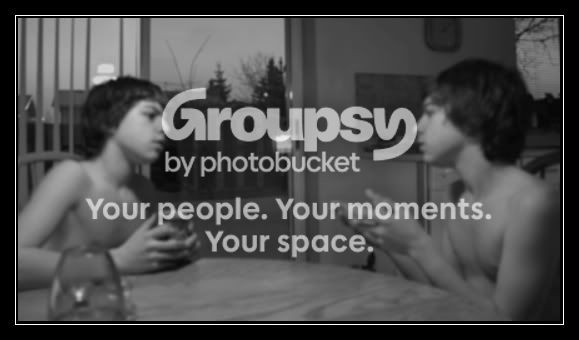
Conversation.jpg


Gamers
( The color is messed in this one, turned the TV blue screen on to simulate videogame in progess.)
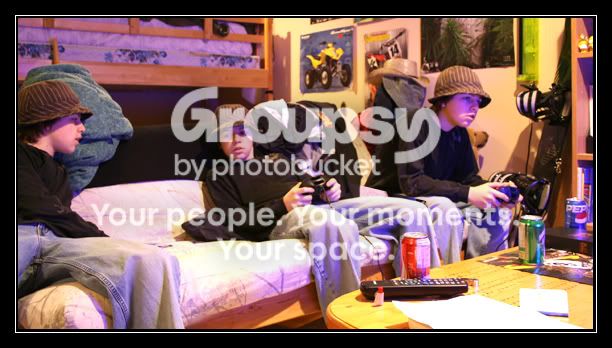
Gamers.jpg


Poker Pals Color

PokerPalsColor.jpg


And just for a varied opinion, Poker Pals in B+W
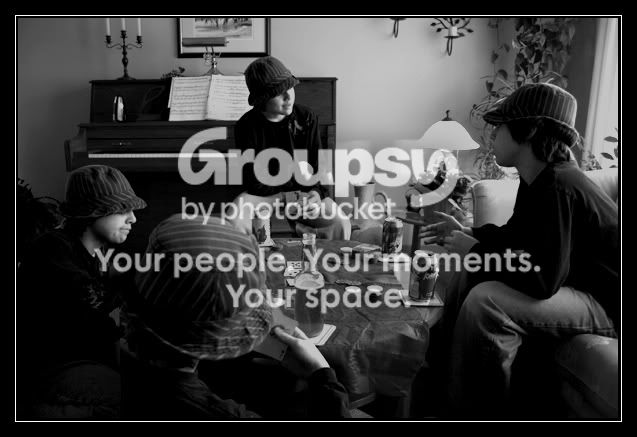
PokerPalsBW.jpg


well executed matty, the 2nd and 3rd are very well merged. good job :thumbup:
 
very cool!! my favs are "gamers" and the "b&w poker pals" :thumbup:
 
thanks for the comments guys! The first one was the first time I tried the merge technique, I plan to do a better one later on.
 
Cool series Matty, my fav is poker pals b&w, gamers is cool too, I like how you made everyone have a different drink.-Joe
 
awsome idea, never would have thought to do that, gives me alot of ideas.
 
Great series Matty! Really good job with the PS work there - one of these will be the first shot I take, when I finally get a digital camera!

Rob
 
thanks for the comments everyone! By the way, those aren't really beers. The Sleeman is shaken up Iced Tea and the cans are empty :lmao:
 
Matty-Bass said:
thanks for the comments everyone! By the way, those aren't really beers. The Sleeman is shaken up Iced Tea and the cans are empty :lmao:
*sigh* you have a lot to learn :cheers:

...Excellent shots!
btw, how do you do this? :D
 
I can't see anything here?

WTF!!?
 
This photos are very cool.
If you want to scare your parents change your clothes for each shoot and tell them you had a party.
 
Alexandra said:
right-cick and click "show picture" ;)

Thanks genious. I would if I could.

Unfortunatly NOTHING is showing up.

Not even the little square showing that a picture is supposed to be there. I've also tryed right clicking where there should be little square and nothing.

I'm gonna try using EI.
 

Create an account or login to comment

You must be a member in order to leave a comment

Create account

Create an account on our community. It's easy!

Log in

Already have an account? Log in here.

Back
Top Bottom