What's new

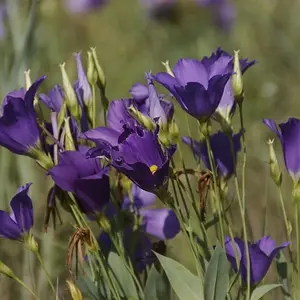
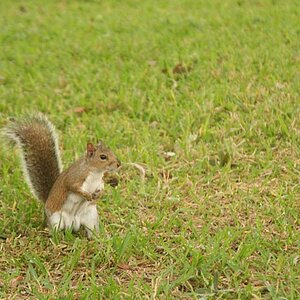
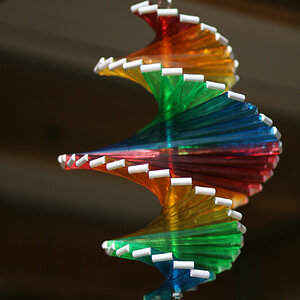
I think i am finally getting better with these settings.. what do you think

Photo Lady

Been spending a lot of time on here!
Joined
Dec 25, 2009
Messages
6,853
Reaction score
7,569
Location
ny
Can others edit my Photos
Photos OK to edit
because i cannot think of anything more to change..
cash test 006.webp
birds 123-001.webp
birds 134-001.webp
birds 046.webp
test 015.webp
 
Much better
 
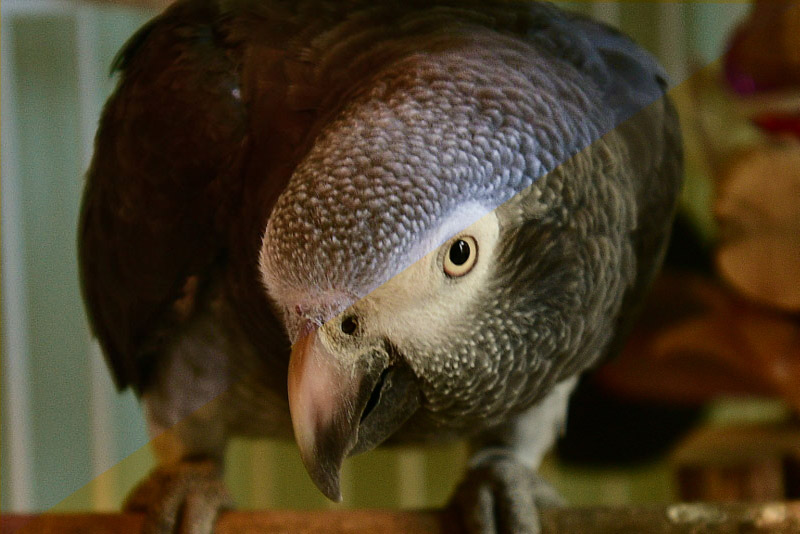
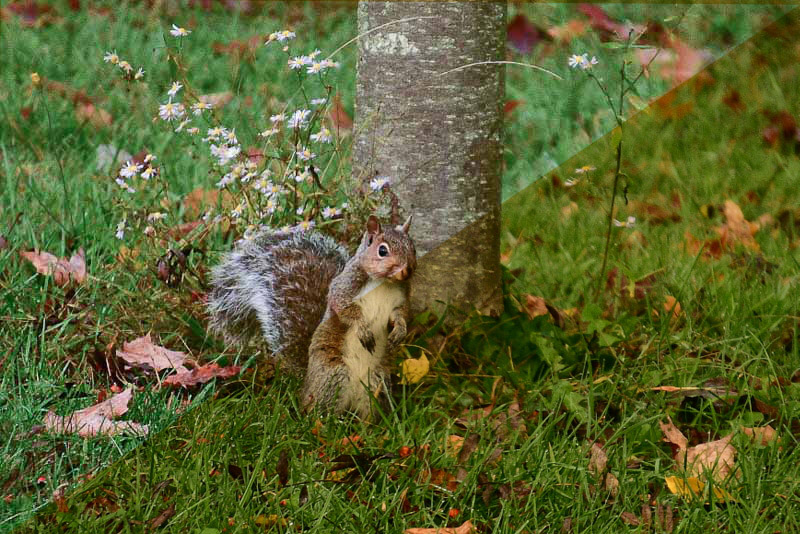
Definitely improving, but don't forget that the post-processing is part of creating the image; without it, the image is only half finished. Two examples appended below illustrate that your WB is still considerably warmer than might be ideal...

PL_A_G1.jpg

PL_SQRL1.jpg
 
Yes, over the last few I have seen a substantial Improvement in the quality of your photos. I do think however as John showed above, that your white balance tends too much to the warm side.
 
Definitely improving, but don't forget that the post-processing is part of creating the image; without it, the image is only half finished. Two examples appended below illustrate that your WB is still considerably warmer than might be ideal...
thank you.. i will work on this more today.. good to know..
 
Yes, over the last few I have seen a substantial Improvement in the quality of your photos. I do think however as John showed above, that your white balance tends too much to the warm side.
okay back to square one.. i appreciate everyones help... i am going to conquer this problem..
 
okay back to square one.. i appreciate everyones help... i am going to conquer this problem..
NO! No, no, NO!! NOT back to square one, just another step in the path of your progress. You don't learn every step all at once, You're getting the important steps, the in-camera steps sorted first which is the way to do it. The post-processing stuff, you can always go back and correct that later.
 
okay back to square one.. i appreciate everyones help... i am going to conquer this problem..
NO! No, no, NO!! NOT back to square one, just another step in the path of your progress. You don't learn every step all at once, You're getting the important steps, the in-camera steps sorted first which is the way to do it. The post-processing stuff, you can always go back and correct that later.
okay.. now i think i am on track.. just took this one ..how does the WB look.. i swear i will get this.. lol i really did not mean square one.. but i do have to go through the settings again.. something is still obviously off... these do look a bit better..
photos on the road 010.webp
photos on the road 011-001.webp
thank you
 
A few things that come to mind here:
  1. What is your camera white balance setting? Auto, or something else?
  2. Are you saving your images raw, then correcting WB post?
  3. What software are you using for post editing?
  4. Is your monitor calibrated?
  5. When you save an image after post processing what are you saving as??
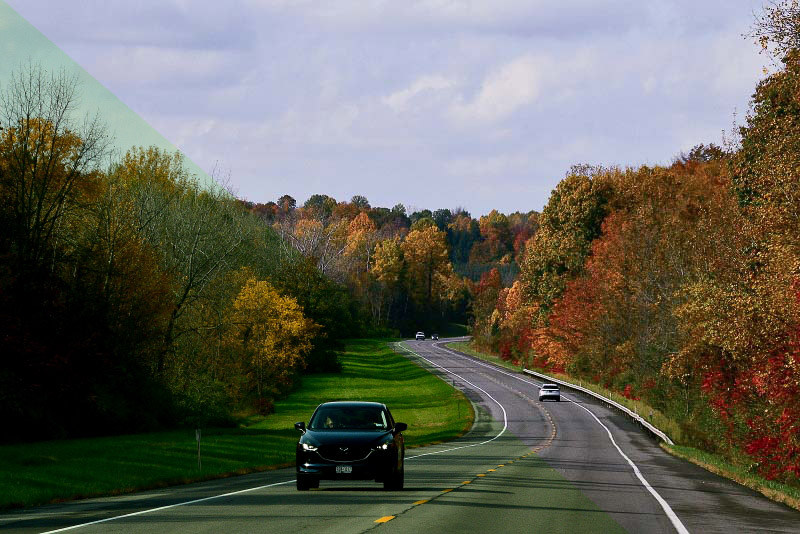
White balance can be confusing at first but unless there's something in the above questions throwing you off, it shouldn't be that difficult. Here is your last image on the left, with a WB corrected image on the right. Some clues for you to check yourself....look at the sky. Is the sky normally green or blue???? Look at the white line on the highway, should it be green or white?
1234.webp
 
A few things that come to mind here:
  1. What is your camera white balance setting? Auto, or something else?
  2. Are you saving your images raw, then correcting WB post?
  3. What software are you using for post editing?
  4. Is your monitor calibrated?
  5. When you save an image after post processing what are you saving as??
White balance can be confusing at first but unless there's something in the above questions throwing you off, it shouldn't be that difficult. Here is your last image on the left, with a WB corrected image on the right. Some clues for you to check yourself....look at the sky. Is the sky normally green or blue???? Look at the white line on the highway, should it be green or white?
View attachment 181450

omg what a difference............holly cow......... my camera is on auto white balance... not saving to raw.. i quess i should be... i use picasa no monitor is not calibrated.. do you mean my monitor for pc... i save in my photos..
 
A few things that come to mind here:
  1. What is your camera white balance setting? Auto, or something else?
  2. Are you saving your images raw, then correcting WB post?
  3. What software are you using for post editing?
  4. Is your monitor calibrated?
  5. When you save an image after post processing what are you saving as??
White balance can be confusing at first but unless there's something in the above questions throwing you off, it shouldn't be that difficult. Here is your last image on the left, with a WB corrected image on the right. Some clues for you to check yourself....look at the sky. Is the sky normally green or blue???? Look at the white line on the highway, should it be green or white?
View attachment 181450
i am starting to hate green..........
 

Create an account or login to comment

You must be a member in order to leave a comment

Create account

Create an account on our community. It's easy!

Log in

Already have an account? Log in here.

Back
Top Bottom