Gavjenks
TPF Noob!
- Joined
- May 9, 2013
- Messages
- 2,976
- Reaction score
- 588
- Location
- Iowa City, IA
- Can others edit my Photos
- Photos OK to edit
I picked numbers in unsharp mask that maintained roughly the same ratio of resize:sharp ratio, so that they should be equivalent, except for the order of those two steps
Assuming I understand what you mean here, you have performed this correctly. While you may not have thought through what the "correct amount" is, you arranged to arrive at the same place, by adjusting parameters.
If, on the other hand, you blindly applied unsharp mask with radius X, percentage Y, and threshold 0 to both the original and to a shrunk copy, the results should look different.
The point is that if you're sharpening to accomplish a particular goal, rather than simply as a Cargo Cult "I must always sharpen" ritual, then there is a proper amount to be sharpening for any particular output size/device. Your goal, whatever it is, cannot really be accomplished without reference to the final output size and device.
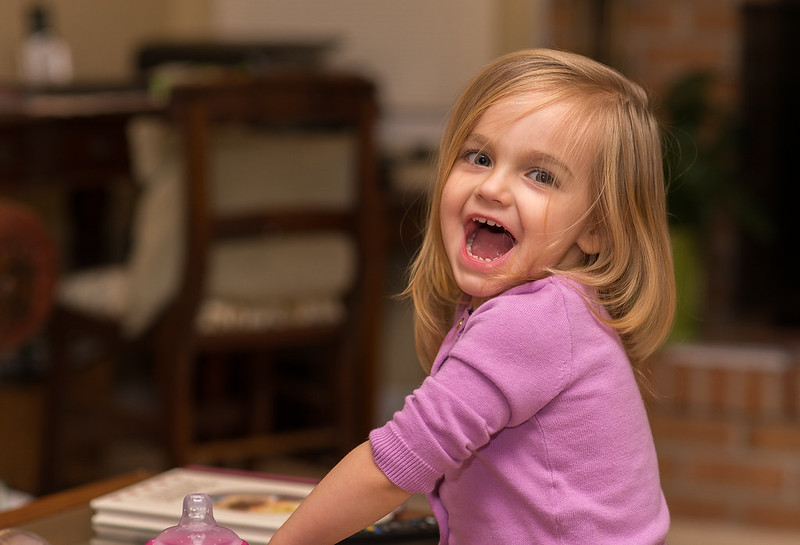
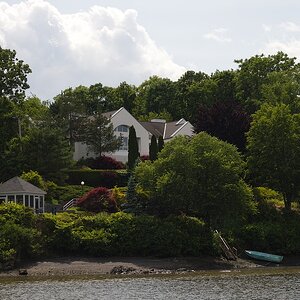
ETA: The thumbnails of your two pictures, interestingly, DO look different to my eye (although it's possible that it's some bizarro thing like part of my display being slightly dimmer), but I cannot see any difference in the full sized ones. I speculate that there's some non-visible differences that result in different results after resizing and recompressing or something.
You're contradicting yourself (possibly because I haven't been clear about what I was doing."
"You have performed this correctly" and "it cannot be accomplished without reference to the final output size" are incompatible statements, because I literally hadn't even decided what the final output size was going to be yet when I was doing the "sharpen first" image of these two. So there was absolutely no reference to the final output size while sharpening. Thus, you have to choose one: Either I was doing it wrong, or it CAN be acocmplished without reference to final size.
There is a middle ground between "Blindly applying an action" and "Taking into accoutn the final size." I am in that middle ground: I am very much taking into account the particular photo I am sharpening and its spatial frequencies. But I am doing so at whatever size it happens to be when I sharpen it. As long as you do that, you can then go ahead and downrez it to any size you want, and end up with pretty much the exact same output as if you had downrezzed and then sharpened according to its spatial frequency at that point. There's no reason why you have to have a specific downrezzed size in mind while sharpening before, though. It doesn't factor into any of the parameters.
Yes but this is equivalent to simply using a smaller radius after downrezzing, more or less. "Applying more and then throwing some of the data out" versus "applying less later"Hence downsampling necessarily removes significant amounts of sharpening.
What do I care? It's not like I'm doing the calculations by hand and just wasted 2 months of math or something.
I think you're right. The problem here is that a perfect experiment is almost impossible, since the limits on the increments you can choose on the slider are very difficult to match. At least it would be too difficult to bother with IMO.The B image has higher contrast (it is probably over sharpened).
In the "sharpen after resizing" situation, the radius that worked was on the order of 0.2-0.3 pixels, and the ideal match would have been about 0.25. I chose 0.3, which perhaps you are actually able to see. If I had chosen 0.2 though, it would have been undersharpened slightly...
Which actually leads me to a disadvantage of sharpening after resizing, simply due to software logistics: You can't fine tune it as well!






![[No title]](/data/xfmg/thumbnail/32/32707-3c49d54a87afb53e65c60391858400be.jpg?1734162298)