ronlane
What's next?
- Joined
- Aug 3, 2012
- Messages
- 10,224
- Reaction score
- 4,962
- Location
- Mustang Oklahoma
- Can others edit my Photos
- Photos OK to edit
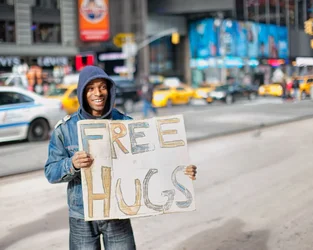
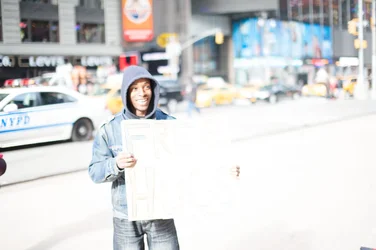
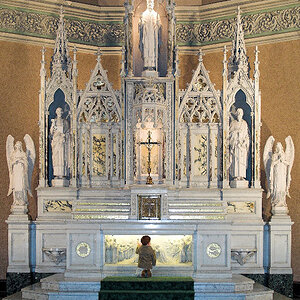
The second one still has a lot of detail hidden in it because she looks underexposed. Bump up the exposure a stop or two and see. If that blows out the sun reflection behind her, just use the darkening brush to bring that area down.
That being said, I'm not crazy about the posing in that second one. It gives her a hunched over look.
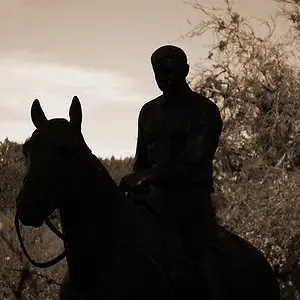
I agree with the others on #1.
That being said, I'm not crazy about the posing in that second one. It gives her a hunched over look.
I agree with the others on #1.



![[No title]](/data/xfmg/thumbnail/41/41756-e54235f9fba04c8380cd991845bb84b1.jpg?1734176055)